Preventing AD FS Token-Signing Outages and Retiring Federation for Entra Cloud Auth
Safeguarding expiring AD FS Token-Signing certificates while executing the final cutover from federated authentication to Entra ID Managed Cloud Authentication (PHS) via Microsoft Graph.
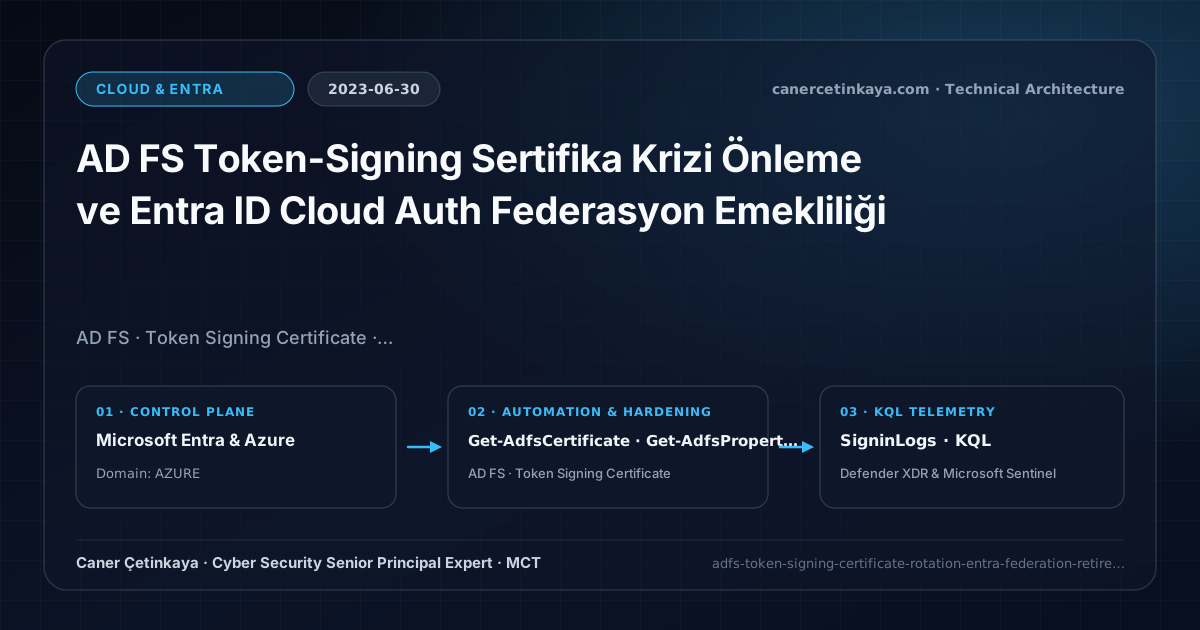
Executive Summary and Federation Threat Context
The most frequent P1 outage across AD FS environments isn’t ransomware—it is an expired or desynchronized Token-Signing certificate silently locking out every Microsoft 365 session overnight. Once applications migrate via AD FS App Migration and pilot users prove readiness via Staged Rollout, the cleanest operational fix is retiring domain federation altogether into Entra Cloud Authentication (PHS).
From an architectural evolution standpoint, this foundational design connects directly to modern platform controls. Accelerating federation retirements in 2023 eliminated AD FS single points of failure and certificate outages, establishing clean cloud-native Password Hash Sync resilience for modern hybrid identities.
Trust Boundaries and Federation Architecture Principles
- Continuously monitor primary/secondary certificate lifetimes (
Get-AdfsCertificate -CertificateType Token-Signing) until final federation decommission. - Transition domain authentication cleanly using Microsoft Graph (
Get-MgDomain/ domain federation configuration updates) rather than legacy retired MSOnline cmdlets. - Pre-verify
Password Hash Synchronizationand Seamless SSO / Entra Join workflows across 100% of domain users prior to flipping the domain authentication type. - Eliminates on-premises AD FS/WAP patch surface, enables full Entra Smart Lockout, and accelerates sign-in reliability during local WAN outages.
Prerequisites, RBAC Boundaries, and Migration Dependencies
- Licensing: Entra ID Free/P1/P2 (M365 E3/E5; P2 unlocks Identity Protection leak detection atop PHS).
- RBAC Role:
Domain Name AdministratororHybrid Identity Administratorfor domain auth cutover, plus AD FS Farm Admin permissions. - Custom MFA Check: Migrate on-premises AD FS third-party MFA adapters (smart cards, RADIUS) to Entra CBA or FIDO2 security keys before retiring federation.
Technical Verification, Identity Telemetry, and Controls
PowerShell Read-Only Audit and Pilot Validation
Auditing AD FS Token-Signing certificate expiry and checking Entra ID domain federation modes via Microsoft Graph:
- Execution Environment and Prerequisites: Requires Microsoft.Graph, ActiveDirectory / RSAT / AD Sync / AD FS management host.
- Least Privilege and Operation Separation: Run with scoped Least-privilege Graph `.Read.All` scopes (delegated admin role only for writes) privileges. All statements above are **read-only (
Get-*/Test-*/Search-*)** verification checks making no direct configuration edits; still validate module/network prerequisites in a test cohort first. - Security Control Mapped and Boundary Note: Verifies active policy state and guards against silent drift or mis-scoped rollouts without blind production changes.
# 1. Inspect AD FS Token-Signing certificate expiration dates and rollover state
Get-AdfsCertificate -CertificateType Token-Signing |
  Select-Object CertificateType, IsPrimary, NotAfter, Thumbprint
Get-AdfsProperties | Select-Object AutoCertificateRollover, CertificateDuration

# 2. Check Entra ID domain AuthenticationType (Federated vs Managed) via Microsoft Graph
Connect-MgGraph -Scopes "Domain.Read.All"
Get-MgDomain | Select-Object Id, AuthenticationType, IsDefault, IsVerified
Security Telemetry and KQL Verification Query
KQL query tracking remaining federated AD FS sign-ins versus cloud-managed sign-in volume in SigninLogs:
// Execution Scope: Read-only hunting/audit query (Log Analytics Reader / Security Reader)
// Data Source: Microsoft Entra ID Diagnostic Settings -> Log Analytics / Microsoft Sentinel (SigninLogs / AuditLogs)
SigninLogs
| where TimeGenerated > ago(14d)
| extend AuthType = iff(AuthenticationProcessingDetails has "ADFS" or Status has "federated", "FederatedADFS", "CloudManaged")
| summarize SignIns = count() by AuthType, bin(TimeGenerated, 1d)
| order by TimeGenerated desc
Critical Architectural Assessment, Cutover Risks, and Rollback Strategy
- Shutting Down AD FS VMs Before Converting the Domain to Managed Auth: Turning off servers while the Entra domain stays
Federatedbreaks every tenant login immediately. - Converting Domains While PHS Is Disabled: Cloud managed auth verifies against synced password hashes; verify healthy PHS deltas beforehand.
- Risks Mitigated vs. Residual Limitations: Federation hardening and staged migration into cloud
PHS/PTAreduce extranet spray exposure against AD FS, mitigateGolden SAMLreliance, and lower on-premises certificate outage risk; however, they do not mitigateAiTMsession-cookie theft against weak MFA flows, unmigrated customSAMLrelying parties left behind during partial cuts, or lateral movement within legacy on-premisesKerberos/NTLMapplications. - New Dependencies and Production Failure Modes: Transitions rely directly on healthy
Entra ConnectPHS/PTApipelines, cleanImmutableIDmatching, and TLS 1.2+ alignment across AD FS/WAP farms. Retiring federation before translating custom AD FS claim transforms causes immediate SSO redirect loops for enterprise apps. - Rollback and Pilot Validation Procedure: Validate staged rollout batches on a bounded pilot security group first; if claim mismatches disrupt business apps, exclude the group via staged-rollout policies or keep AD FS nodes warm in standby until relying-party sign-in telemetry runs error-free.
Verified Primary Sources & Open-Source Repositories
This architectural guide was cross-corroborated against the official advisories, Microsoft Learn docs, and open-source PowerShell / KQL repositories below.
Multi-Channel Distribution Summary (X & LinkedIn Draft)
Toggle X (Twitter) & LinkedIn sharing drafts
Multi-Channel Distribution Summary (X & LinkedIn Draft)
Toggle X (Twitter) & LinkedIn sharing draftsPrevent AD FS Token-Signing outages by retiring federation cleanly into Entra ID Cloud Auth (PHS). #ADFS #EntraID #ZeroTrust
Eliminating the AD FS Single Point of Failure: Monitoring certificate rollovers and executing a zero-downtime transition to Entra Managed Authentication.