Post-Delivery Protection with Defender for Office 365 ZAP and Attack Simulation Training
A late-2020 email defense blueprint highlighting Microsoft Defender for Office 365 (MDO) Zero-Hour Auto Purge (ZAP) retroactive mailbox remediation and least-privilege Attack Simulation Training.
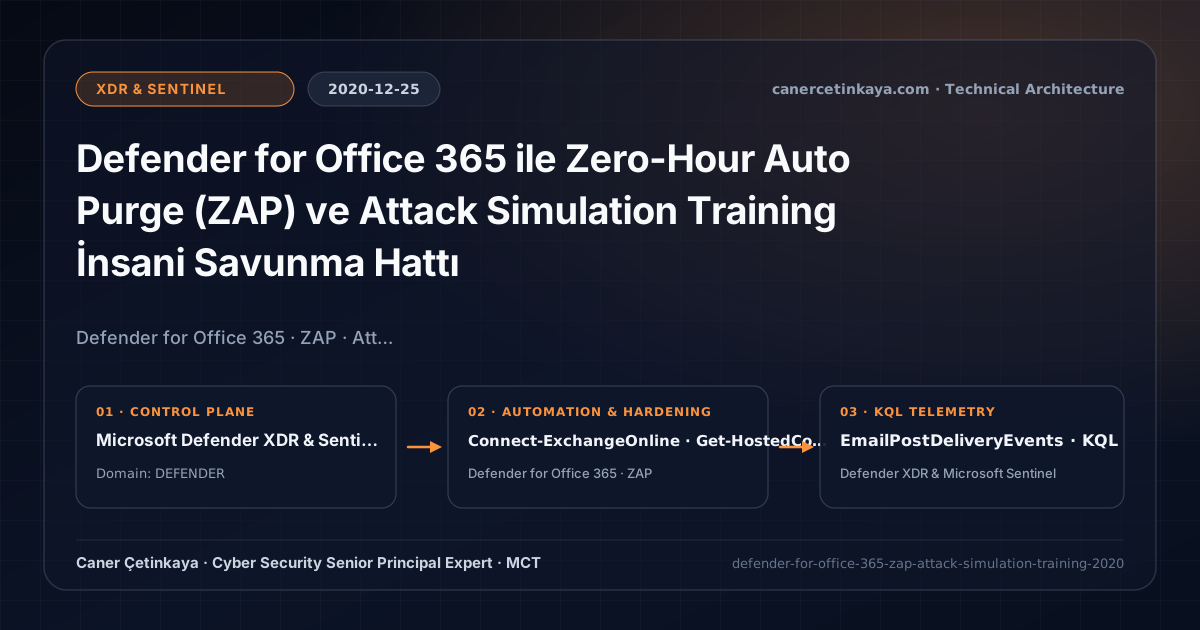
Executive Summary and Collaboration Threat Context
Targeted phishing kits frequently send messages from pristine domains with clean links that weaponize into credential harvesters hours after delivery—putting delivered inbox messages at high compromise risk. Under the late-2020 Microsoft Defender for Office 365 (MDO) suite, Zero-Hour Auto Purge (ZAP) retroactively extracts newly classified phish or malware out of Exchange Online mailboxes, while Attack Simulation Training measures and hardens employee resilience.
From an architectural evolution standpoint, this foundational design connects directly to modern platform controls. Expanded alongside the late-2020 Defender for Office 365 rebrand, ZAP’s retroactive remediation engine now reaches Microsoft Teams chats and integrates with Outlook Zero-Day Defender XDR Containment.
Mail/Message Inspection Boundaries and Design Principles
- Phish, Malware, and High-Confidence Spam ZAP continuously monitor delivered Exchange Online messages and auto-quarantine threats once cloud intelligence classifies them.
- Native Attack Simulation Training (MDO P2) runs realistic Credential Harvest and Malware Attachment drills cleanly without weakening external spam filtering or creating bypass transport rules.
- Completes the end-to-end defense lifecycle alongside Safe Links and Dynamic Delivery Safe Attachments.
Safe Links,Safe Attachments(Dynamic Delivery), anti-impersonation rules, and post-deliveryZAPmust operate cleanly without globalSCL = -1transport bypasses that nullify inspection.
Prerequisites, Policy Precedence, and RBAC Requirements
- Licensing: Basic Spam/Malware ZAP includes EOP (M365 E3); Phish ZAP and full Attack Simulation Training campaigns require Microsoft Defender for Office 365 Plan 2 (M365 E5 / E5 Security).
- RBAC Matrix: Delegate training drills via dedicated Attack Simulation Administrator and Attack Payload Author roles rather than broad Security Administrator access.
- Policy Verification: Confirm ZapEnabled is active across Hosted Content Filter policies alongside Quarantine user notifications.
Technical Verification, Phishing/Teams Protection Controls
PowerShell Policy Inspection and Pilot Validation
PowerShell check validating ZAP policy switches and querying recent retroactive ZAP malware extractions:
- Execution Environment and Prerequisites: Requires ExchangeOnlineManagement.
- Least Privilege and Operation Separation: Run with scoped Exchange / Compliance / SharePoint Administrator (or View-Only / Security Reader for audit commands) privileges. All statements above are **read-only (
Get-*/Test-*/Search-*)** verification checks making no direct configuration edits; still validate module/network prerequisites in a test cohort first. - Security Control Mapped and Boundary Note: Verifies active policy state and guards against silent drift or mis-scoped rollouts without blind production changes.
# 1. Inspect ZAP toggles across Exchange Online Hosted Content and Malware Filter policies
Connect-ExchangeOnline -UserPrincipalName "[email protected]"
Get-HostedContentFilterPolicy | Select-Object Name, ZapEnabled, PhishZapEnabled, SpamZapEnabled, QuarantineRetentionPeriod
Get-MalwareFilterPolicy | Select-Object Name, ZapEnabled

# 2. Inspect recent quarantined Phish and Malware messages from last 7 days
Get-QuarantineMessage -QuarantineTypes Phish,Malware -StartReceivedDate (Get-Date).AddDays(-7) -EndDate (Get-Date) |
  Select-Object -First 25 ReceivedTime, Type, QuarantineTypes, Subject
Threat Detection Telemetry and KQL Verification Query
KQL hunt analyzing EmailPostDeliveryEvents for Phish and Malware ZAP actions across the tenant:
// Execution Scope: Read-only hunting/audit query (Log Analytics Reader / Security Reader)
// Data Source: Microsoft Defender XDR Advanced Hunting / Defender for Office 365 (EmailPostDeliveryEvents)
EmailPostDeliveryEvents
| where Timestamp > ago(14d)
| where ActionType in ("Phish ZAP", "Malware ZAP", "Spam ZAP", "SoftDelete", "MoveToQuarantine")
| project Timestamp, RecipientEmailAddress, ActionType, ActionResult, ThreatTypes, NetworkMessageId
| summarize ZapCount = count() by ActionType, ActionResult, ThreatTypes
| order by ZapCount desc
Critical Architectural Assessment, False-Positive Risks, and Rollback Strategy
- Creating SCL -1 Bypass Rules for Third-Party Simulators: Whitelisting vendor IPs via Exchange Transport Rules weakens spoof protection; use Advanced Delivery SecOps simulation allowlists or native MDO simulations.
- One-Off Annual Phishing Drills: Quarterly randomized Attack Simulation Training campaigns paired with immediate micro-learning reduce repeat click rates dramatically.
- Risks Mitigated vs. Residual Limitations:
Safe Links,Safe Attachments, anti-impersonation rules, andZAPsubstantially reduce phishing URL clicks, malicious attachments, andQuishingredirections; yet they do not protect off-platform messaging channels (WhatsApp/SMS), payloadless social-engineeringBECfraud, or unrewritten URLs manually typed onto unmanaged personal phones. - New Dependencies and Production Failure Modes: Protection relies on leaving
ZAPactive, eliminating broadSCL = -1transport bypass rules, and maintaining properDynamic Deliveryattachment rules so critical finance/legal mail flow never stalls awaiting sandbox detonation. - Rollback and Pilot Validation Procedure: Pilot strict
Safe Links/Safe Attachmentsprofiles on targeted security groups before broad assignment; release legitimate false positives throughDefender Portal -> Quarantinerather than turningZAPor inspection off tenant-wide.
Verified Primary Sources & Open-Source Repositories
This architectural guide was cross-corroborated against the official advisories, Microsoft Learn docs, and open-source PowerShell / KQL repositories below.
Multi-Channel Distribution Summary (X & LinkedIn Draft)
Toggle X (Twitter) & LinkedIn sharing drafts
Multi-Channel Distribution Summary (X & LinkedIn Draft)
Toggle X (Twitter) & LinkedIn sharing draftsClose post-delivery phishing windows with Defender for Office 365 Zero-Hour Auto Purge (ZAP) and native Attack Simulation Training. #MDO #DefenderForOffice365
2020 MDO resilience: how Zero-Hour Auto Purge cleans delivered threats retroactively and why native Attack Simulation Training removes dangerous ETR bypass rules.