Document-Centric Encryption Architecture with Azure RMS and Azure Information Protection (AIP)
Persistent file-level classification and Azure Rights Management (RMS) encryption across local shares and Exchange using 2017 Azure Information Protection (AIP).
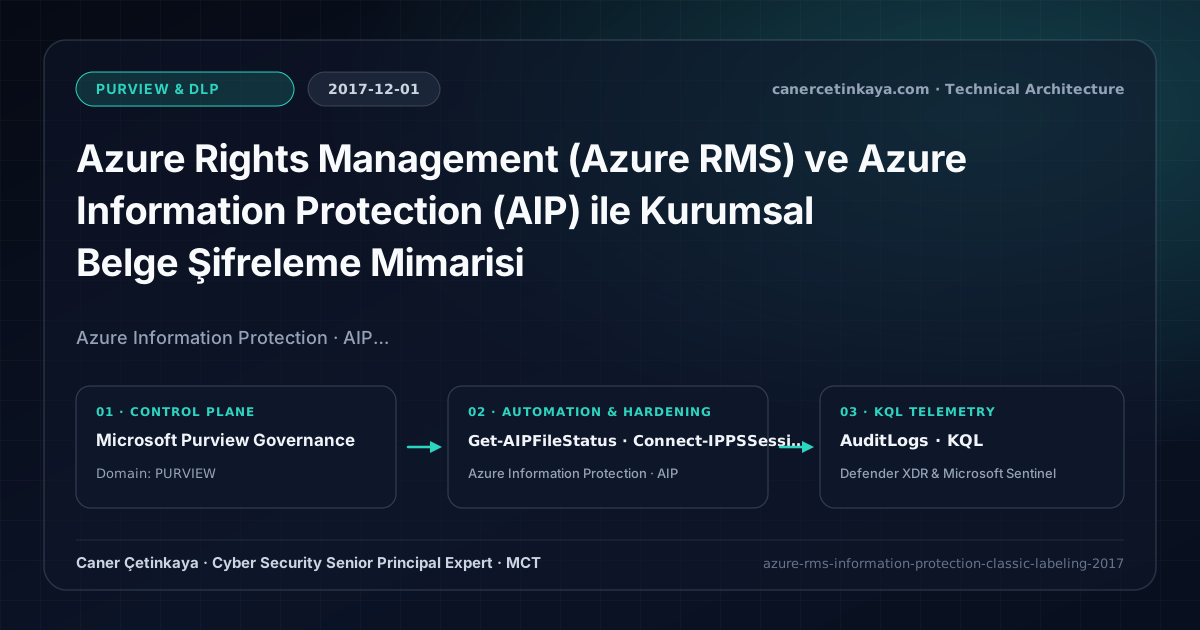
Executive Summary and Information Protection Context
Perimeter firewalls, storage permissions, and BitLocker protect sensitive files only while they remain inside corporate disk boundaries. Once an employee copies an unencrypted spreadsheet onto USB media or emails it outside the tenant, infrastructure controls become blind. Data-centric encryption travels permanently inside the file header itself. This guide details how to establish Azure Rights Management (RMS) encryption and an Azure Information Protection (AIP) taxonomy.
From an architectural evolution standpoint, this foundational design connects directly to modern platform controls. Classic 2017 AIP labeling and Azure RMS encryption transitioned through Unified Labeling into modern Microsoft Purview Information Protection and Purview Browser DLP.
Cryptographic Boundaries, Label Taxonomy, and Design Principles
- AIP embeds persistent metadata classification labels directly inside Office, PDF, and image file headers.
- Azure RMS checks Azure AD identity tokens and usage rights (View, Do Not Forward, Disable Print) on every file open.
- AIP Plan 2 (EMS E5) adds automated classification triggers for credit cards, national IDs, and custom regex.
- Sensitivity label taxonomy, built-in
MIPclient upgrades, andDKEhigh-availability endpoints must verify co-authoring compatibility and Super User recovery before rolling out mandatory encryption.
Prerequisites, Client/Key Dependencies, and RBAC
- Licensing: AIP Plan 1 (EMS E3 / M365 E3) for manual labeling; AIP Plan 2 (EMS E5 / M365 E5) for auto-labeling.
- RBAC: Azure Information Protection Administrator or Compliance Administrator.
- Endpoint Prerequisites: AIP client add-in deployed to Office 2016/365 workstations.
Technical Verification, Labeling, and Encryption Controls
PowerShell Label Policy and File Status Validation
PowerShell audit verifying sensitivity labels and local RMS protection posture via Microsoft Purview (successor to AIPService):
- Execution Environment and Prerequisites: Requires ExchangeOnlineManagement (
Connect-IPPSSession), Local administrator / Windows endpoint host. - Least Privilege and Operation Separation: Run with scoped Exchange / Compliance / SharePoint Administrator (or View-Only / Security Reader for audit commands) privileges. All statements above are **read-only (
Get-*/Test-*/Search-*)** verification checks making no direct configuration edits; still validate module/network prerequisites in a test cohort first. - Security Control Mapped and Boundary Note: Verifies active policy state and guards against silent drift or mis-scoped rollouts without blind production changes.
# Note: Legacy AIPService / Get-AIPFileStatus cmdlets transitioned to PurviewInformationProtection and Security & Compliance PowerShell.
Connect-IPPSSession
Get-Label | Select-Object DisplayName, Name, Priority

# Verify sensitivity label and RMS encryption state on a local file (PurviewInformationProtection module)
Get-FileStatus -Path "C:\Finance\Q4-Budget-2017.xlsx" | Select-Object FileName, MainLabelName, IsLabeled, IsRMSProtected
Labeling Telemetry and KQL Verification Query
KQL query monitoring Azure Information Protection and RMS activity logs:
// Execution Scope: Read-only hunting/audit query (Log Analytics Reader / Security Reader)
// Data Source: Microsoft Entra ID Diagnostic Settings -> Log Analytics / Microsoft Sentinel (AuditLogs)
AuditLogs
| where TimeGenerated > ago(14d)
| where LoggedByService has_any ("Azure Information Protection", "Rights Management")
    or OperationName has_any ("RMS", "Sensitivity", "Label")
| project TimeGenerated, OperationName, Category, Result, InitiatedBy, TargetResources
| summarize AccessEvents = count() by OperationName, Result
| order by AccessEvents desc
Critical Architectural Assessment, Lockout Risks, and Rollback Strategy
- Overly Restrictive Initial Policies: Apply visual watermarking first before locking external partner shares globally.
- Unrestricted RMS Super User Group: Restrict Super User membership exclusively to eDiscovery and backup service accounts.
- SharePoint Search Indexing Impact: Plan search connector support carefully when enforcing encryption across libraries.
- Risks Mitigated vs. Residual Limitations: Sensitivity labels, built-in
MIPprotection,Dynamic Watermarking, andDKEenforce persistent file-level encryption and customer key sovereignty; however, they cannot stop screen photography by authorized viewers (watermarking provides forensic attribution only), unsupported third-party formats lackingRMScontainers, or previously exported unencrypted copies. - New Dependencies and Production Failure Modes: Reliability hinges on current
Microsoft 365 Appschannels, redundant customer-hostedDKEHTTPS availability (an unreachableDKEendpoint blocks opening encrypted files globally!), and SharePoint co-authoring limits underDKE. Mandatory encryption applied too broadly stalls B2B portals and automated indexing. - Rollback and Pilot Validation Procedure: Validate every auto-labeling rule in
TestWithoutNotificationssimulation first; preserveSuper User(Get-AipServiceSuperUserFeature) emergency recovery and offlineDKEkey backups, narrowing mandatory encryption policies back to a pilot group upon disruption.
Verified Primary Sources & Open-Source Repositories
This architectural guide was cross-corroborated against the official advisories, Microsoft Learn docs, and open-source PowerShell / KQL repositories below.
Multi-Channel Distribution Summary (X & LinkedIn Draft)
Toggle X (Twitter) & LinkedIn sharing drafts
Multi-Channel Distribution Summary (X & LinkedIn Draft)
Toggle X (Twitter) & LinkedIn sharing draftsPublished the 2017 Azure Information Protection (AIP) and Azure RMS document encryption architecture guide. #AIP #AzureRMS #InformationProtection
Protect files beyond corporate network walls using data-centric Azure RMS encryption, 4-tier AIP classification labels, and BYOK.