Microsoft Defender for Endpoint Plan 1 vs Plan 2 and Threat & Vulnerability Management (TVM)
A 2021 endpoint architecture guide comparing newly bundled Microsoft 365 E3 Defender for Endpoint Plan 1 (P1) against Plan 2 (P2) alongside real-time agentless Threat & Vulnerability Management (TVM) remediation loops to Intune.
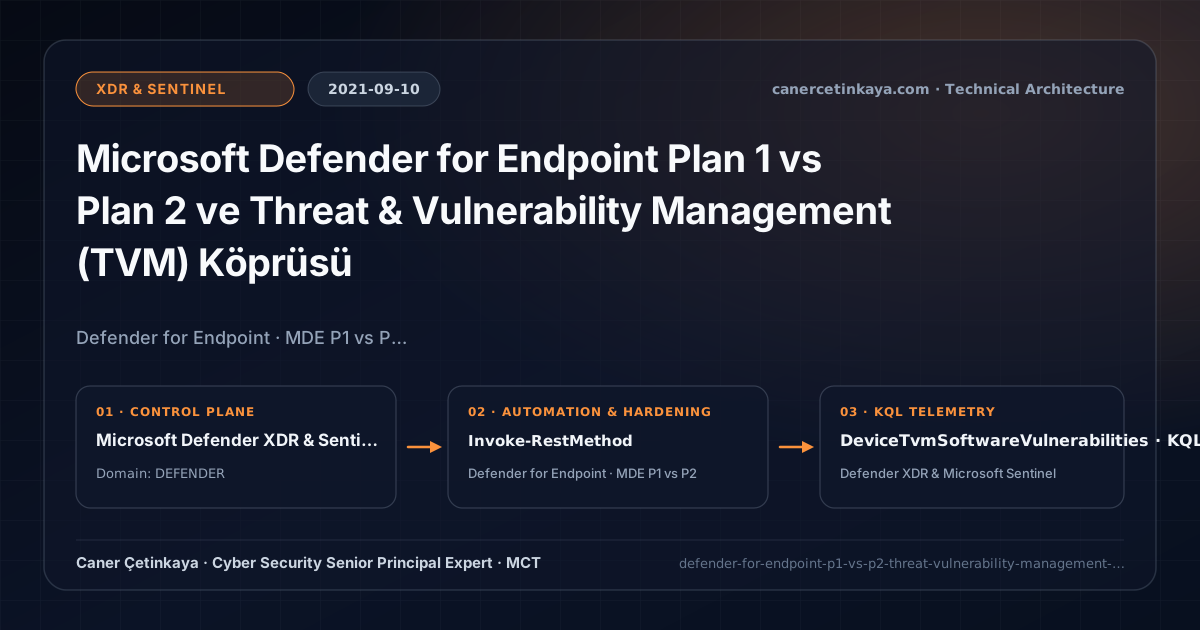
Executive Summary and Detection and Response Context
For years, Microsoft 365 E3 organizations paid extra third-party antivirus renewals assuming Microsoft Defender’s enterprise console required full E5 licensing. Microsoft’s late-2021 inclusion of Defender for Endpoint Plan 1 (P1) inside M365 E3 changed the baseline immediately—while Plan 2 unlocks continuous behavioral EDR alongside Threat & Vulnerability Management (TVM), replacing laggy weekly port scans with instant CVE telemetry wired straight into Intune remediation tasks.
From an architectural evolution standpoint, this foundational design connects directly to modern platform controls. Bundling MDE Plan 1 into M365 E3 in 2021 reshaped enterprise endpoint defense—directly evolving into today’s Defender Vulnerability Management and Outlook Zero-Day Intune Expedited Patching pipelines.
Detection Boundaries, Telemetry Pipelines, and Design Principles
- MDE Plan 1 inside M365 E3 gives baseline workforces centralized Next-Gen Antivirus, Exploit Guard ASR policies, and Device Control with zero third-party agent fees.
- MDE Plan 2 TVM leverages the native Sense sensor for continuous software vulnerability discovery, weighting threats by live exploit availability rather than raw CVSS score.
- Direct TVM-to-Intune Remediation Requests connect Security Risk prioritization immediately into endpoint administrator rollout queues.
- Endpoint
EDR,ASRrules, andTamper Protectionmust remain intact beneath automatedXDR/Sentinelresponse playbooks, gating destructive containment actions over critical infrastructure with analyst review.
Prerequisites, Sensor/Workspace Dependencies, and RBAC
- Licensing: MDE P1 is included in Microsoft 365 E3; full EDR, Advanced Hunting, and TVM workflows require Microsoft 365 E5 / E5 Security or standalone MDE P2.
- Integration & RBAC: Enable Microsoft Intune connection inside Defender Advanced Features and separate Security Risk reviewers from Intune deployment operators via least privilege.
- Client Readiness: Onboard Windows 10/11 endpoints via Intune MDM policy and confirm active Sense service telemetry.
Technical Verification, Endpoint/SIEM Audits, and Controls
PowerShell Posture Check and Staged Pilot Validation
Querying top exposed vulnerabilities and active exploit kit indicators via Defender for Endpoint REST API:
- Execution Environment and Prerequisites: Requires Applicable Microsoft administrative PowerShell session.
- Least Privilege and Operation Separation: Run with least-privilege inspection or scoped administrative permissions. All statements above are **read-only (
Get-*/Test-*/Search-*)** verification checks making no direct configuration edits; still validate module/network prerequisites in a test cohort first. - Security Control Mapped and Boundary Note: Verifies active policy state and guards against silent drift or mis-scoped rollouts without blind production changes.
# Query top exposed vulnerabilities via Microsoft Defender for Endpoint TVM REST API
$Token = "<MDE_API_TOKEN_WITH_VULNERABILITY_READ_ALL>"
$Headers = @{ Authorization = "Bearer $Token" }
$Vulns = Invoke-RestMethod -Uri "https://api.securitycenter.microsoft.com/api/vulnerabilities?%24top=15&%24orderby=exposedMachines desc" -Headers $Headers
$Vulns.value | Select-Object id, severity, cvssV3, exposedMachines, exploitInKit, publishedOn
Defender XDR and Sentinel KQL Hunting Query
KQL hunt intersecting Critical/High software vulnerabilities with verified public exploit availability:
// Execution Scope: Read-only hunting/audit query (Log Analytics Reader / Security Reader)
// Data Source: Microsoft Defender XDR Advanced Hunting / Sentinel MDE Connector (DeviceTvmSoftwareVulnerabilities)
DeviceTvmSoftwareVulnerabilities
| where VulnerabilitySeverityLevel in ("Critical", "High")
| join kind=inner (DeviceTvmSoftwareVulnerabilitiesKB | where IsExploitAvailable == 1) on CveId
| summarize ExposedDevices = dcount(DeviceId), SampleDevices = make_set(DeviceName, 5) by CveId, SoftwareVendor, SoftwareName, VulnerabilitySeverityLevel
| order by ExposedDevices desc
Critical Architectural Assessment, Response Risks, and Rollback Strategy
- Assuming E3 MDE P1 Includes EDR Hunting or Automated Investigation: Scope E3 frontline tiers cleanly on P1 while upgrading executive/high-risk systems onto P2.
- Triaging Vulnerabilities Strictly by Raw CVSS Score: Prioritize
IsExploitAvailable == 1CVEs actively leveraged in ransomware kits using TVM Exposure Impact. - Risks Mitigated vs. Residual Limitations:
MDE EDR,ASRrules,Live Response, andSentinel/XDRSOAR playbooks compress detection-to-containment windows and halt script/memory injection; they do not protect un-onboarded assets, sub-OS firmware compromises without hardware root-of-trust, or telemetry blind spots duringLog Analyticsingestion throttling. - New Dependencies and Production Failure Modes: Efficacy hinges on continuous sensor check-ins, active
Tamper Protection, and properly scopedLogic Appsmanaged identities. Forcing aggressiveASRrules directly intoBlockwithoutAudittuning breaks signed business macros, custom ERP tools, and developer build pipelines. - Rollback and Pilot Validation Procedure: Run new
ASRrules inAuditmode across 14–30 days inspectingDeviceEvents(ActionType startswith "Asr"); roll back breaking rules per device ring via Intune orSet-MpPreference(AuditMode) and disable misbehavingSentinelplaybooks while keeping detection rules alive.
Verified Primary Sources & Open-Source Repositories
This architectural guide was cross-corroborated against the official advisories, Microsoft Learn docs, and open-source PowerShell / KQL repositories below.
Multi-Channel Distribution Summary (X & LinkedIn Draft)
Toggle X (Twitter) & LinkedIn sharing drafts
Multi-Channel Distribution Summary (X & LinkedIn Draft)
Toggle X (Twitter) & LinkedIn sharing draftsCompare Defender for Endpoint P1 (bundled in M365 E3) vs P2 behavioral EDR & agentless TVM-to-Intune remediation. #MDE #TVM
2021 MDE Architecture: maximizing M365 E3 P1 baseline protection while prioritizing exploitable CVEs through Plan 2 TVM and KQL.