Microsoft Defender XDR and Entra ID AiTM Threat Hunting, Session Binding, and Containment Architecture
Defending against Adversary-in-the-Middle (AiTM) token theft with Conditional Access Token Protection, least-privilege Graph PowerShell session revocation, UrlClickEvents + EntraIdSignInEvents KQL correlation, and critical architectural assessment.
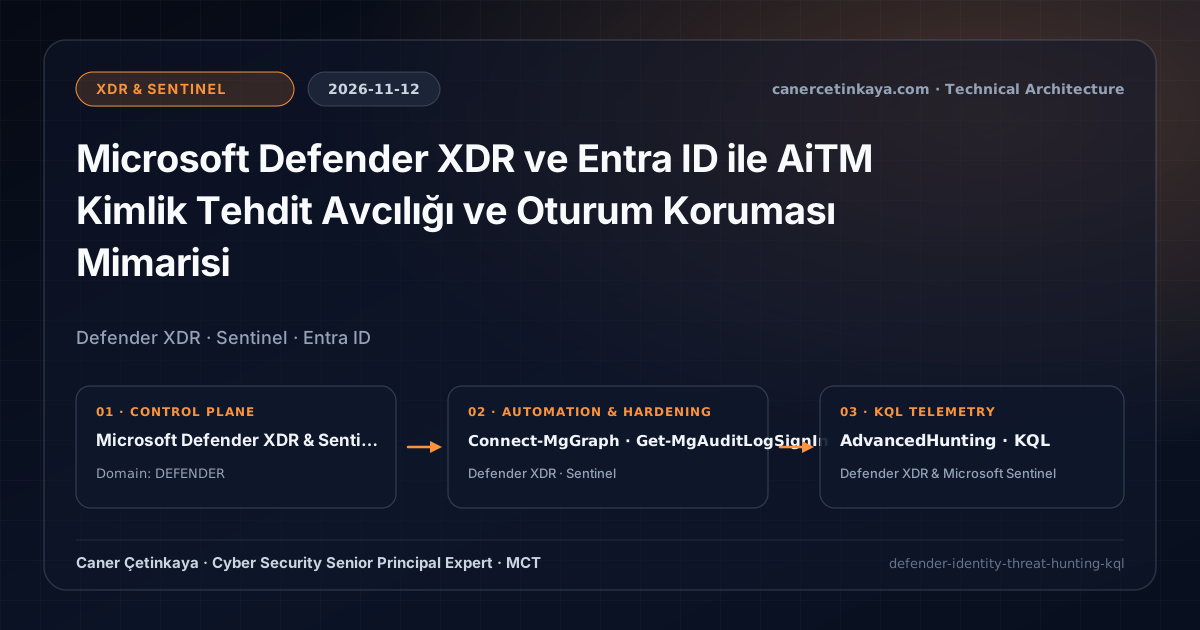
Executive Summary
Adversary-in-the-Middle (AiTM) reverse-proxy phishing bypasses conventional MFA at authentication time by capturing valid session cookies and refresh tokens inline. This architectural guide examines AiTM trust boundaries, why combining phishing-resistant MFA with device-bound Token Protection closes token-replay vectors, how to execute least-privilege session revocation safely, and what residual risks remain even after containment controls are deployed.
Threat Model and Trust Boundary Breakdown
AiTM attacks shift compromise from the endpoint binary tier directly into cloud authentication flows:
- MITRE ATT&CK T1556 and T1528: By proxying Entra ID login traffic in real time, the attacker harvests passwords, MFA approvals, and Primary Refresh Tokens (PRTs) or session cookies simultaneously.
- Replay Across Trust Boundaries: Once stolen cookies are imported into an adversary browser or script outside the corporate perimeter, traditional IP/password policies cannot distinguish the replayed session without cryptographic device binding or post-click correlation telemetry.
- Complementary Admin Layer: Combine these controls with Entra ID Identity Resilience and PIM CA Exclusions to prevent standing administrative exclusion drift.
Target Architecture and Prerequisites
Effective defense separates prevention, hardware binding, and rapid response:
- Phishing-Resistant Authentication Strength: FIDO2 security keys, device-bound passkeys, and Windows Hello for Business bind WebAuthn signatures cryptographically to the legitimate Entra ID origin domain, preventing reverse proxies from relaying usable cryptographic assertions.
- Token Protection (Sign-In Session Binding): Binding refresh tokens and supported access tokens to the endpoint's Trusted Platform Module (TPM) ensures stolen tokens cannot be replayed from an external attacker host.
- Licensing and Least-Privilege Roles: Risk detection and Token Protection require Microsoft Entra ID P2 (or Microsoft 365 E5), while URL click telemetry relies on Defender for Office 365. SOC analysts should inspect sign-ins under
Security Reader/AuditLog.Read.Alland obtain session-revocation permissions via time-bound Privileged Identity Management elevation. - Portal Implementation vs. Graph Payload: Configure Token Protection directly inside the Microsoft Entra admin center under Protection -> Conditional Access -> Policies -> Session -> Require token protection for sign-in sessions, observing a minimum 7-day Report-only soak test before enforcement.
Containment Implementation via Microsoft Graph PowerShell
The script strictly separates read-only sign-in inspection from mutating session revocation (guarded with -WhatIf preview mode).
- Environment: PowerShell 7.4+ or Windows PowerShell 5.1 with
Microsoft.Graph.Reports,Microsoft.Graph.Users, andMicrosoft.Graph.Users.Actions. - Least-Privilege Permissions: Request
AuditLog.Read.AllandUser.Read.Allfor inspection, plus `User.RevokeSessions.All` instead of broaderUser.ReadWrite.Allwhen revoking sessions. - Control Objective & Edge Cases:
Revoke-MgUserSignInSessionupdatessignInSessionsValidFromDateTime, invalidating refresh tokens and browser session cookies for enterprise Entra ID accounts (personal Microsoft accounts are unsupported). However, previously minted short-lived access tokens remain valid until expiration unless Continuous Access Evaluation (CAE) revokes them or the account is disabled, so verified AiTM incidents must pair session revocation with temporary account disablement.
#Requires -Modules Microsoft.Graph.Authentication, Microsoft.Graph.Reports, Microsoft.Graph.Users, Microsoft.Graph.Users.Actions
# Environment: PowerShell 7.4+ | Least Privilege: AuditLog.Read.All, User.Read.All, User.RevokeSessions.All
[CmdletBinding()]
param(
    [Parameter(Mandatory = $true)]
    [ValidatePattern('^[^@\s]+@[^@\s]+\.[^@\s]+$')]
    [string]$TargetUpn
)

$ErrorActionPreference = 'Stop'

Connect-MgGraph -Scopes 'AuditLog.Read.All', 'User.Read.All', 'User.RevokeSessions.All' -NoWelcome

Write-Host "[1/2] Inspecting recent sign-in logs (read-only) for $TargetUpn..." -ForegroundColor Cyan
try {
    Get-MgAuditLogSignIn -Filter "userPrincipalName eq '$TargetUpn'" -Top 15 |
        Select-Object CreatedDateTime, AppDisplayName, IpAddress, ClientAppUsed, RiskLevelDuringSignIn |
        Format-Table -AutoSize
} catch {
    Write-Warning "Unable to query sign-in logs (verify Entra P1/P2 and AuditLog.Read.All): $($_.Exception.Message)"
    return
}

Write-Host "[2/2] Previewing active refresh token and session revocation:" -ForegroundColor Yellow
$User = Get-MgUser -UserId $TargetUpn -ErrorAction Stop
# Remove -WhatIf only after analyst verification and incident containment approval.
Revoke-MgUserSignInSession -UserId $User.Id -WhatIf
KQL Correlation Across UrlClickEvents and EntraIdSignInEvents
- Data Source & Workspace: Microsoft Defender XDR Advanced Hunting (
Security ReaderorSecurity Operatorrole). - Prerequisites: Defender for Office 365 Safe Links logging (
UrlClickEvents) and unified Entra ID sign-in ingestion (EntraIdSignInEvents). - Control & Limitations: Replaces legacy
AADSignInEventsBetareferences withEntraIdSignInEventsand correlates phishing link clicks with successful logins from a different IP within 30 minutes. Legitimate users roaming from cellular data to corporate Wi-Fi can produce IP shifts; always confirm findings alongsideSessionIdand sign-in risk telemetry.
// Data Source: Microsoft Defender XDR Advanced Hunting (UrlClickEvents + EntraIdSignInEvents)
// Purpose: Correlate external link clicks followed within 30m by an Entra sign-in from a different IP address.
let ClickWindow = 30m;
let RecentClicks = UrlClickEvents
| where Timestamp > ago(7d)
| where isnotempty(AccountUpn) and isnotempty(IPAddress)
| project
    ClickTime = Timestamp,
    AccountUpn = tolower(AccountUpn),
    ClickIP = IPAddress,
    ClickedUrl = Url,
    ThreatTypes,
    IsClickedThrough;
EntraIdSignInEvents
| where Timestamp > ago(7d)
| where ErrorCode == 0
| extend AccountUpn = tolower(AccountUpn)
| join kind=inner RecentClicks on AccountUpn
| where Timestamp between (ClickTime .. (ClickTime + ClickWindow))
| where isnotempty(IPAddress) and IPAddress != ClickIP
| project
    SignInTime = Timestamp,
    ClickTime,
    AccountUpn,
    Application,
    SessionId,
    CorrelationId,
    ClickIP,
    SignInIP = IPAddress,
    SignInCountry = Country,
    ClickedUrl,
    ThreatTypes,
    IsClickedThrough
| order by SignInTime desc
Pair this query with outbound network checks from CVE-2026-124194 Outlook Vulnerability Defense and Defender XDR Hunting.
Critical Architectural Assessment
- What Risk It Mitigates: Pairing phishing-resistant MFA with Conditional Access Token Protection blocks credential-replay and reverse-proxy MFA harvesting across supported client applications.
- What Risks It Does NOT Mitigate: Token Protection does not protect unsupported third-party browsers, malicious OAuth consent grants, or processes running directly on an already compromised managed host. Nor does password reset alone invalidate active session cookies without session revocation.
- New Dependencies Introduced: Reliance on hardware TPM 2.0 chips, modern Windows/mobile broker clients, and MSAL library compatibility across legacy desktop plugins.
- Production Failure Conditions: Enforcing Token Protection immediately without a Report-only baseline frequently causes infinite sign-in loops on non-compliant VDI pools and older Office/desktop add-ins.
- Rollback Plan: Because initial rollout uses Report-only mode and targeted security groups, administrators can exclude impacted VDI/legacy groups or revert the policy state back to Report-only in seconds without tenant-wide disruption.
Implementation Roadmap
- Step 1: Deploy the
UrlClickEvents+EntraIdSignInEventsKQL query as a Defender XDR Custom Detection rule. - Step 2: Enforce FIDO2 / Passkey Authentication Strengths for privileged administrators and high-risk departments.
- Step 3: Stage Conditional Access Token Protection in Report-only mode for 7–14 days before phased enforcement on supported client apps.
Verified Primary Sources & Open-Source Repositories
This architectural guide was cross-corroborated against the official advisories, Microsoft Learn docs, and open-source PowerShell / KQL repositories below.
- SOURCElearn.microsoft.com/en-us/defender-xdr/advanced-hunting-overv
- SOURCElearn.microsoft.com/en-us/defender-xdr/advanced-hunting-entra
- SOURCElearn.microsoft.com/en-us/defender-xdr/advanced-hunting-urlcl
- SOURCElearn.microsoft.com/en-us/entra/identity/conditional-access/c
- SOURCEattack.mitre.org/techniques/T1556/
Multi-Channel Distribution Summary (X & LinkedIn Draft)
Toggle X (Twitter) & LinkedIn sharing drafts
Multi-Channel Distribution Summary (X & LinkedIn Draft)
Toggle X (Twitter) & LinkedIn sharing draftsWhy resetting a password fails after AiTM compromise and where Token Protection stops helping. Updated engineering guide covers least-privilege Graph session revocation (User.RevokeSessions.All), UrlClickEvents + EntraIdSignInEvents KQL hunting, and rollback strategy. #DefenderXDR #EntraID
Refined our Adversary-in-the-Middle (AiTM) identity defense guide from a senior security architect perspective: trust boundaries across FIDO2 + Token Protection, User.RevokeSessions.All Graph PowerShell containment, UrlClickEvents + EntraIdSignInEvents KQL correlation, and production failure analysis.