Transforming Policy Sprawl into Manageable Architecture with Microsoft Entra Conditional Access Policy Plans (Preview)
How Microsoft Entra Conditional Access Policy Plans (preview) consolidate shared targeting and break-glass exclusions, plus inheritance limits, Graph Beta auditing, and safe migration strategy.
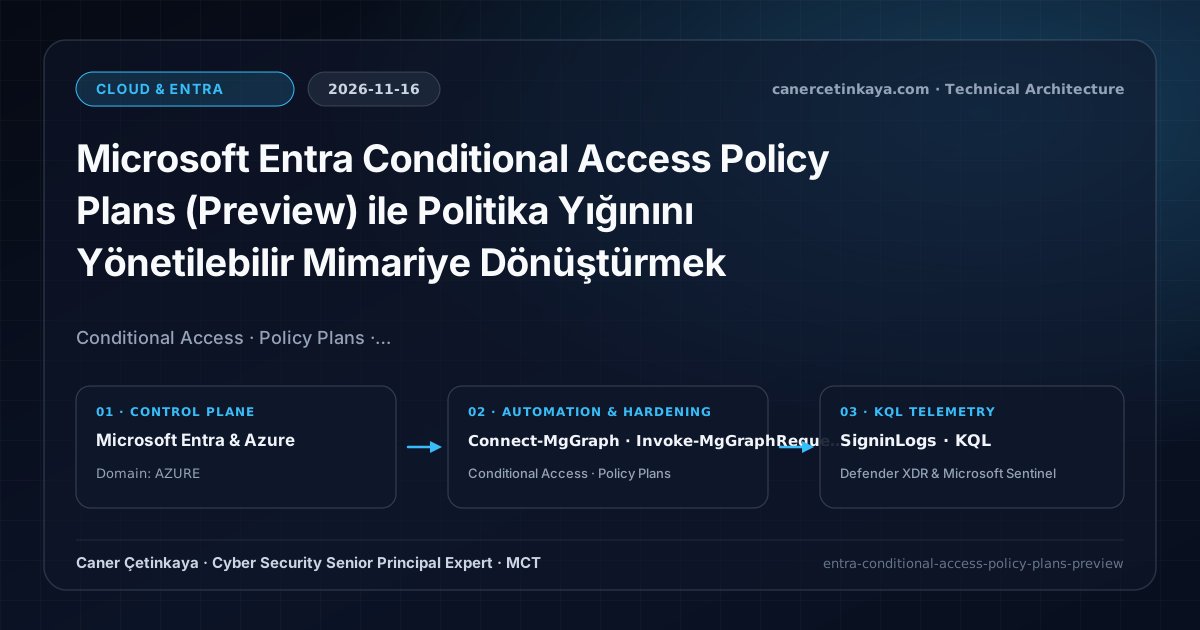
Almost every growing Microsoft Entra ID tenant runs into the same operational bottleneck. What begins as five or ten clean Conditional Access policies gradually turns into dozens of disconnected rules. Separate policies get created for Windows, macOS, and mobile devices, each repeating the same target groups and the same emergency-access (Break-Glass) exclusions. Eventually, updating a single exclusion or onboarding a new application becomes a high-risk exercise across dozens of standalone policies.
Conditional Access Policy Plans (currently in preview) introduce a structural management layer designed to solve this sprawl by grouping related enforcement rules under shared conditions and targeting.
How a Policy Plan Is Structured
According to Microsoft Learn documentation, a Policy Plan consists of three layers: Plan Details, Shared Conditions, and Individual Rules.
Plan Details store administrative metadata that does not alter runtime enforcement—name, description, tags, and designated owners. Having explicit ownership directly on the plan object removes guesswork in large enterprise identity teams.
The core architectural shift happens in Shared Conditions. Assignments and exclusions defined here are inherited automatically by every rule nested under the plan. Target department groups, break-glass accounts, trusted service accounts, risk conditions, or network locations are declared once. When a new rule is added, administrators no longer risk forgetting a break-glass exclusion and locking themselves out.
At the bottom layer, Individual Rules apply scenario-specific grant or session controls on top of the inherited conditions—for example, requiring compliant devices and Phishing-resistant MFA on desktops while enforcing distinct session controls on mobile platforms.
What It Solves—and What It Does Not
From an architectural perspective, Policy Plans do not introduce a new authentication strength or threat signal. Instead, they improve the maintainability and consistency of Conditional Access governance, especially in tenants scaling rapidly with Global Secure Access network rules or AI agent identities.
At the same time, placing a rule inside a plan does not fix flawed targeting. If an overly broad or incorrect group is assigned in Shared Conditions, every nested rule inherits that mistake. Likewise, Policy Plans do not replace endpoint detection controls such as Entra ID PIM, Conditional Access & XDR Resilience against active session token theft.
Licensing, Roles, and Preview Limitations
- Licensing (Vendor-verified): Conditional Access Policy Plans require Microsoft Entra ID P1 or Microsoft 365 Business Premium. Risk-based conditions require Microsoft Entra ID P2, and agent-specific policies depend on corresponding agent licensing tiers.
- Role Requirement: Creating or modifying plans requires the Conditional Access Administrator role.
- One-Way Inheritance: Nested rules cannot narrow plan-level
Shared Conditionsor remove plan-level exclusions; exclusions accumulate. - Scope Restrictions: Broad targets such as
All usersandAll resourcescannot be placed inShared Conditionsand are reserved for individual rules. Human users and AI agent identities cannot be mixed within the same plan.
Read-Only Inspection via Microsoft Graph (`/beta`)
This read-only audit PowerShell snippet uses the least-privileged Policy.Read.All scope (Policy.ReadWrite.ConditionalAccess is required for modifications) to inspect existing policy plans and nested rules without altering tenant state. Because Graph /beta schemas can evolve during preview, verify schemas before relying on them in production automation.
# Runtime: PowerShell 7+ with Microsoft.Graph.Authentication
# Permission: Policy.Read.All (least-privileged read-only Graph scope)
Connect-MgGraph -Scopes "Policy.Read.All"

$plansResponse = Invoke-MgGraphRequest -Method GET -Uri "https://graph.microsoft.com/beta/identity/conditionalAccess/policyPlans"
$plans = $plansResponse.value

$plans | Select-Object id, displayName, state | Format-Table -AutoSize

if ($plans.Count -gt 0) {
  $planId = $plans[0].id
  $rulesResponse = Invoke-MgGraphRequest -Method GET -Uri "https://graph.microsoft.com/beta/identity/conditionalAccess/policyPlans/$planId/rules"
  $rulesResponse.value | Select-Object id, displayName, state | Format-Table -AutoSize
}
Sign-In Telemetry Verification (KQL)
The following telemetry collection query reads SigninLogs over the past 7 days to evaluate Report-only Conditional Access outcomes before enforcing new rules.
// Data Source: Microsoft Entra ID Diagnostic Settings -> Log Analytics (SigninLogs)
SigninLogs
| where TimeGenerated > ago(7d)
| mv-expand AppliedPolicy = ConditionalAccessPolicies
| extend PolicyName = tostring(AppliedPolicy.displayName), Result = tostring(AppliedPolicy.result)
| where Result in ("reportOnlySuccess", "reportOnlyFailure", "reportOnlyInterrupted")
| summarize EventCount = count(), DistinctUsers = dcount(UserPrincipalName) by PolicyName, Result
| order by EventCount desc
Safe Migration and Rollback Strategy
Microsoft provides preview migration tooling to filter and merge existing standalone policies into a Policy Plan. Before consolidating production rules, export JSON backups of existing policies and validate the new plan in Report-Only Mode.
- Pilot Ring Validation: Test policy plan evaluation on a narrow IT security pilot group before targeting broad business units.
- Cumulative Exclusion Hygiene: Because nested rules cannot remove plan-level exclusions, avoid overly broad exclusions in
Shared Conditions. - Rapid Rollback Path: If an unexpected lockout or access failure occurs, switch the affected rule or plan to
Report-onlyorDisabledand restore the backed-up standalone policy configuration.
Verified Primary Sources & Open-Source Repositories
This architectural guide was cross-corroborated against the official advisories, Microsoft Learn docs, and open-source PowerShell / KQL repositories below.
Multi-Channel Distribution Summary (X & LinkedIn Draft)
Toggle X (Twitter) & LinkedIn sharing drafts
Multi-Channel Distribution Summary (X & LinkedIn Draft)
Toggle X (Twitter) & LinkedIn sharing draftsArchitectural analysis of Microsoft Entra Conditional Access Policy Plans (preview) and Microsoft Graph Beta read-only auditing. #EntraID #ConditionalAccess #ZeroTrust
Conditional Access Policy Plans (Preview): Reducing policy sprawl with shared conditions, one-way inheritance, and Graph Beta governance.