Post-Basic Auth Exchange Online Hardening and Per-Mailbox SMTP AUTH Isolation
Securing Exchange Online after October 2022 Basic Authentication retirement using default Authentication Policies and strict per-mailbox SMTP AUTH exceptions.
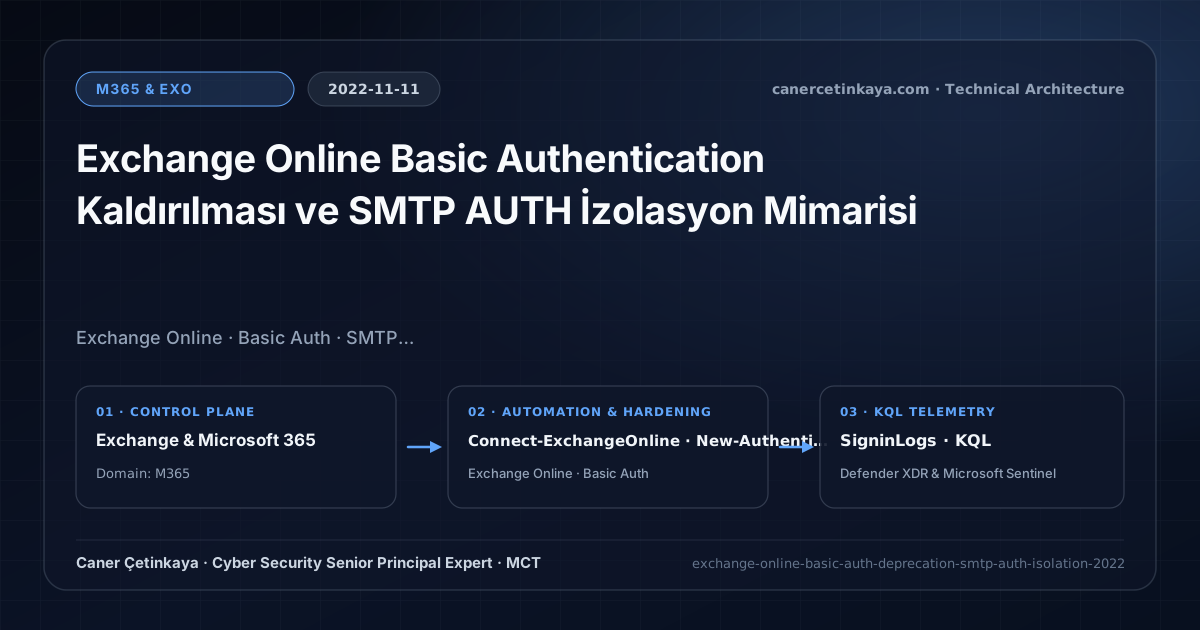
Executive Summary and Messaging Infrastructure Context
Legacy Basic Authentication protocols—POP, IMAP, EWS, ActiveSync, and Remote PowerShell—served for years as the favorite avenue for attackers executing password sprays while bypassing MFA. Although Microsoft permanently disabled Basic Auth across Exchange Online in October 2022, one legacy vector frequently stayed wide open: tenant-wide SMTP AUTH kept enabled for multifunction printers and aging ERP servers.
From an architectural evolution standpoint, this foundational design connects directly to modern platform controls. Closing the legacy password-spray vector across POP/IMAP/EWS/RPS in 2022 aligns directly with Exchange Online RBAC for Applications and Zero-Day Collaboration Response modern authentication.
Protocol Trust Boundaries, Authentication, and Design Principles
- Configuring a default
AuthenticationPolicyenforces zero-Basic-Auth across tenant creation and overrides legacy client negotiation attempts. - Because administrative scripts use EXO V2/V3 App-Only Certificate Auth, disabling
AllowBasicAuthPowershellcauses zero disruption to modern automation. - Any remaining mandatory SMTP AUTH service account should sit behind Conditional Access Named Locations pinning egress to verified corporate NAT IPs.
- Messaging authentication (
SPF,DKIM,DMARC,ARC,MTA-STS,DANE) and scoped application access (RBAC for Applications) must eliminate legacyBasic Authdependencies and confine service principals to named mailbox scopes.
Prerequisites, DNS/Certificate Dependencies, and RBAC
- Licensing: Available across all Exchange Online / Microsoft 365 E3/E5 SKUs (Azure AD P1 recommended for IP-scoped Conditional Access rules on SMTP exceptions).
- RBAC Scope: Exchange Administrator role (
Connect-ExchangeOnline). - Protocol Alternative: Evaluate Direct Send (MX IP-allowlisted) or OAuth 2.0 client credentials before granting any SMTP AUTH mailbox exception.
Technical Verification, Mail-Flow Auditing, and Controls
PowerShell Protocol and Mail-Flow Validation
Enforcing tenant-wide Authentication Policy and auditing per-mailbox SMTP AUTH overrides in Exchange Online PowerShell:
- Execution Environment and Prerequisites: Requires ExchangeOnlineManagement.
- Least Privilege and Operation Separation: Run with scoped Exchange / Compliance / SharePoint Administrator (or View-Only / Security Reader for audit commands) privileges. This block pairs **read-only (
Get-*/Search-*) posture queries with state-changing (New-*/Set-*/Enable-*)** examples; execute mutating steps strictly under change control in a pilot ring (using-WhatIfwhere supported) before broad rollout. - Security Control Mapped and Boundary Note: Verifies active policy state and guards against silent drift or mis-scoped rollouts without blind production changes.
# 1. Connect to Exchange Online using Modern Auth
Connect-ExchangeOnline -UserPrincipalName "[email protected]"

# 2. Enforce a tenant-default Authentication Policy blocking all legacy Basic Auth
New-AuthenticationPolicy -Name "Deny-BasicAuth-Everywhere"
Set-OrganizationConfig -DefaultAuthenticationPolicy "Deny-BasicAuth-Everywhere"

# 3. Disable SMTP AUTH globally and grant an explicit per-mailbox override only where required
Set-TransportConfig -SmtpClientAuthenticationDisabled $true
Set-CASMailbox -Identity "[email protected]" -SmtpClientAuthenticationDisabled $false

# 4. Audit every mailbox with SMTP AUTH still enabled
Get-EXOCasMailbox -ResultSize Unlimited | Where-Object { $_.SmtpClientAuthenticationDisabled -eq $false } | Select-Object DisplayName, PrimarySmtpAddress
Messaging Telemetry and KQL Verification Query
KQL query monitoring legacy protocol usage and Authenticated SMTP source IPs in Azure AD SigninLogs:
// Execution Scope: Read-only hunting/audit query (Log Analytics Reader / Security Reader)
// Data Source: Microsoft Entra ID Diagnostic Settings -> Log Analytics / Microsoft Sentinel (SigninLogs / AuditLogs)
SigninLogs
| where TimeGenerated > ago(14d)
| where ClientAppUsed in ("Authenticated SMTP", "IMAP4", "POP3", "Exchange Web Services", "Exchange ActiveSync", "Other clients")
| extend ErrorCode = toint(Status.errorCode)
| summarize Attempts = count(), Success = countif(ErrorCode == 0), Blocked = countif(ErrorCode != 0) by ClientAppUsed, UserPrincipalName, IPAddress
| order by Attempts desc
Critical Architectural Assessment, Mail-Flow Risks, and Rollback Strategy
- Leaving Tenant-Wide SMTP AUTH Enabled for One Printer: Leaving
TransportConfigpermissive exposes every user mailbox in the organization to legacy password spraying. - Forgetting Legacy Ticketing or Archiving Integrations: Audit EWS/IMAP integrations in SigninLogs before assuming third-party helpdesks completed OAuth 2.0 migration.
- Risks Mitigated vs. Residual Limitations:
Basic Authremoval,SPF/DKIM/DMARC/ARC/MTA-STS/DANE, andRBAC for Applicationsstop legacy password spray, direct-domain spoofing, SMTP downgrade attacks, and over-privileged Graph apps; they do not prevent fraud sent from legitimately compromised MFA accounts, lookalike cousin domains passing their own authentication, or misrouted external relays bypassing Exchange connectors. - New Dependencies and Production Failure Modes: Operations rely on accurate DNS hygiene (
DNSSEC,TLSA, the10-lookup SPF limit,Selector1/Selector2CNAMEs), valid SAN certificates on hybrid servers, and timelyApp-Onlycertificate rotation. EnforcingDMARC p=rejector decommissioning hybrid management hosts before inventoryingSigninLogsbreaks invoicing and recipient workflows. - Rollback and Pilot Validation Procedure: Drop DNS record TTLs (
300s) before authentication cutovers, holdDMARCatp=nonemonitoringRUAreports for at least21days, validateTest-ServicePrincipalAuthorizationprior to retiring legacy app policies, and keep hybrid config backups before server removal.
Verified Primary Sources & Open-Source Repositories
This architectural guide was cross-corroborated against the official advisories, Microsoft Learn docs, and open-source PowerShell / KQL repositories below.
Multi-Channel Distribution Summary (X & LinkedIn Draft)
Toggle X (Twitter) & LinkedIn sharing drafts
Multi-Channel Distribution Summary (X & LinkedIn Draft)
Toggle X (Twitter) & LinkedIn sharing draftsClosing the remaining SMTP AUTH gap after Exchange Online Basic Auth retirement via per-mailbox isolation. #ExchangeOnline #ZeroTrust
Exchange Online Protocol Hardening: Disabling tenant-wide SMTP AUTH, applying default Authentication Policies, and governing exceptions cleanly.