Exchange Server Subscription Edition (SE): Upgrade vs. Full Hybrid Decommission
Navigating the October 2025 Exchange 2016/2019 End of Support milestone via zero-downtime Exchange Server SE in-place upgrades from CU15 or clean cloud-only Management Tools decommissioning.
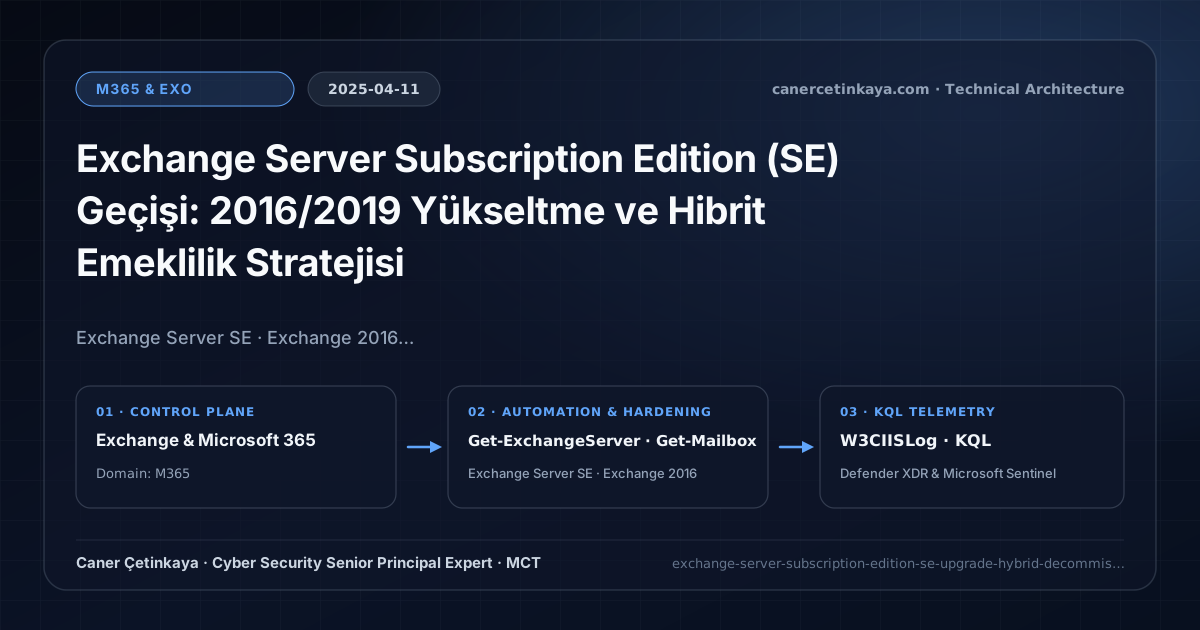
Executive Summary and Messaging Infrastructure Context
October 2025 marked a pivotal deadline across enterprise messaging: both Exchange Server 2016 and Exchange Server 2019 reached Extended Support expiration simultaneously. Organizations running Exchange 2016 HCW or Exchange 2019 DAG infrastructure faced a binary architectural decision—finish moving all mailboxes to Exchange Online and retire the final server, or move onto the modern lifecycle-governed Exchange Server Subscription Edition (SE).
From an architectural evolution standpoint, this foundational design connects directly to modern platform controls. Marking the lifecycle retirement of Exchange 2016 and 2019 in October 2025, transitioning onto Exchange Server Subscription Edition (SE) or retiring local servers via Management Tools-Only Mode remains the sole supported hybrid path.
Protocol Trust Boundaries, Authentication, and Design Principles
Exchange Server SE RTMmaintains codebase parity with Exchange 2019 CU15, enabling fast in-place upgrades (Setup.exe /m:Upgrade) across Exchange 2019 CU14/CU15 hosts without net-new VMs.- Organizations hosting zero on-premises user/arbitration mailboxes should seize the milestone to eliminate server OS footprints permanently via Management Tools Only.
- Enforces
Extended Protection (EP)and strict TLS 1.2 defaults to prevent historical IIS/EWS relay and privilege-escalation exploits. - Messaging authentication (
SPF,DKIM,DMARC,ARC,MTA-STS,DANE) and scoped application access (RBAC for Applications) must eliminate legacyBasic Authdependencies and confine service principals to named mailbox scopes.
Prerequisites, DNS/Certificate Dependencies, and RBAC
- Licensing: Exchange Server SE requires active Software Assurance (SA) or valid cloud subscription licensing rights under Microsoft’s Modern Lifecycle Policy.
- Baseline Versions: Upgrade Exchange 2019 servers to
CU14 or CU15on Windows Server 2019/2022 first; prepare side-by-side deployment if coming from Exchange 2016. - RBAC Access: Exchange
Organization ManagementalongsideEnterprise / Schema Adminswhere required.
Technical Verification, Mail-Flow Auditing, and Controls
PowerShell Protocol and Mail-Flow Validation
Auditing local Exchange versions, remaining mailbox inventories, and DAG component states before upgrading:
- Execution Environment and Prerequisites: Requires Applicable Microsoft administrative PowerShell session.
- Least Privilege and Operation Separation: Run with least-privilege inspection or scoped administrative permissions. All statements above are **read-only (
Get-*/Test-*/Search-*)** verification checks making no direct configuration edits; still validate module/network prerequisites in a test cohort first. - Security Control Mapped and Boundary Note: Verifies active policy state and guards against silent drift or mis-scoped rollouts without blind production changes.
# 1. Inventory all on-premises Exchange servers and exact Cumulative Update builds
Get-ExchangeServer | Format-Table Name, Edition, AdminDisplayVersion, ServerRole

# 2. Check whether any user or arbitration mailboxes still remain on-premises
Get-Mailbox -ResultSize Unlimited | Group-Object RecipientTypeDetails | Select-Object Name, Count

# 3. Inspect component health states prior to entering DAG Maintenance Mode
Get-ServerComponentState -Identity $env:COMPUTERNAME | Select-Object Component, State
Messaging Telemetry and KQL Verification Query
KQL query inspecting IIS W3C error rates across Exchange OWA/ECP/EWS/MAPI endpoints:
// Execution Scope: Read-only hunting/audit query (Log Analytics Reader / Security Reader)
// Data Source: W3CIISLog table -> Defender XDR Advanced Hunting or Log Analytics / Sentinel workspace
W3CIISLog
| where TimeGenerated > ago(14d)
| where csUriStem has_any ("/ews/", "/mapi/", "/autodiscover/", "/owa/", "/ecp/")
| where toint(scStatus) >= 400
| summarize FailedRequests = count() by csUriStem, scStatus, cIP
| order by FailedRequests desc
Critical Architectural Assessment, Mail-Flow Risks, and Rollback Strategy
- Attempting In-Place Setup Directly on Exchange 2016 Nodes: Plan namespace DNS cuts, certificates, and Receive Connector moves onto fresh Windows Server 2022 + SE VMs instead.
- Overlooking Extended Protection or Legacy SMTP Relay Compatibility Before Upgrade: Run Microsoft’s
HealthChecker.ps1across every node prior to initiating upgrades. - Risks Mitigated vs. Residual Limitations:
Basic Authremoval,SPF/DKIM/DMARC/ARC/MTA-STS/DANE, andRBAC for Applicationsstop legacy password spray, direct-domain spoofing, SMTP downgrade attacks, and over-privileged Graph apps; they do not prevent fraud sent from legitimately compromised MFA accounts, lookalike cousin domains passing their own authentication, or misrouted external relays bypassing Exchange connectors. - New Dependencies and Production Failure Modes: Operations rely on accurate DNS hygiene (
DNSSEC,TLSA, the10-lookup SPF limit,Selector1/Selector2CNAMEs), valid SAN certificates on hybrid servers, and timelyApp-Onlycertificate rotation. EnforcingDMARC p=rejector decommissioning hybrid management hosts before inventoryingSigninLogsbreaks invoicing and recipient workflows. - Rollback and Pilot Validation Procedure: Drop DNS record TTLs (
300s) before authentication cutovers, holdDMARCatp=nonemonitoringRUAreports for at least21days, validateTest-ServicePrincipalAuthorizationprior to retiring legacy app policies, and keep hybrid config backups before server removal.
Verified Primary Sources & Open-Source Repositories
This architectural guide was cross-corroborated against the official advisories, Microsoft Learn docs, and open-source PowerShell / KQL repositories below.
Multi-Channel Distribution Summary (X & LinkedIn Draft)
Toggle X (Twitter) & LinkedIn sharing drafts
Multi-Channel Distribution Summary (X & LinkedIn Draft)
Toggle X (Twitter) & LinkedIn sharing draftsPlanning your October 2025 Exchange Server SE upgrade path vs. full hybrid server retirement. #ExchangeServerSE #ExchangeHybrid #M365
Exchange Lifecycle Milestone: When to perform a fast CU15-to-Exchange-SE in-place upgrade versus dropping on-premises servers altogether.