Unified Office 365 DLP Across Exchange, SharePoint, OneDrive, and Microsoft Teams
A 2018 enterprise data protection guide deploying unified Office 365 Data Loss Prevention (DLP) policies across Exchange, SharePoint, OneDrive, and Microsoft Teams to stop sensitive PII and financial data leaks.
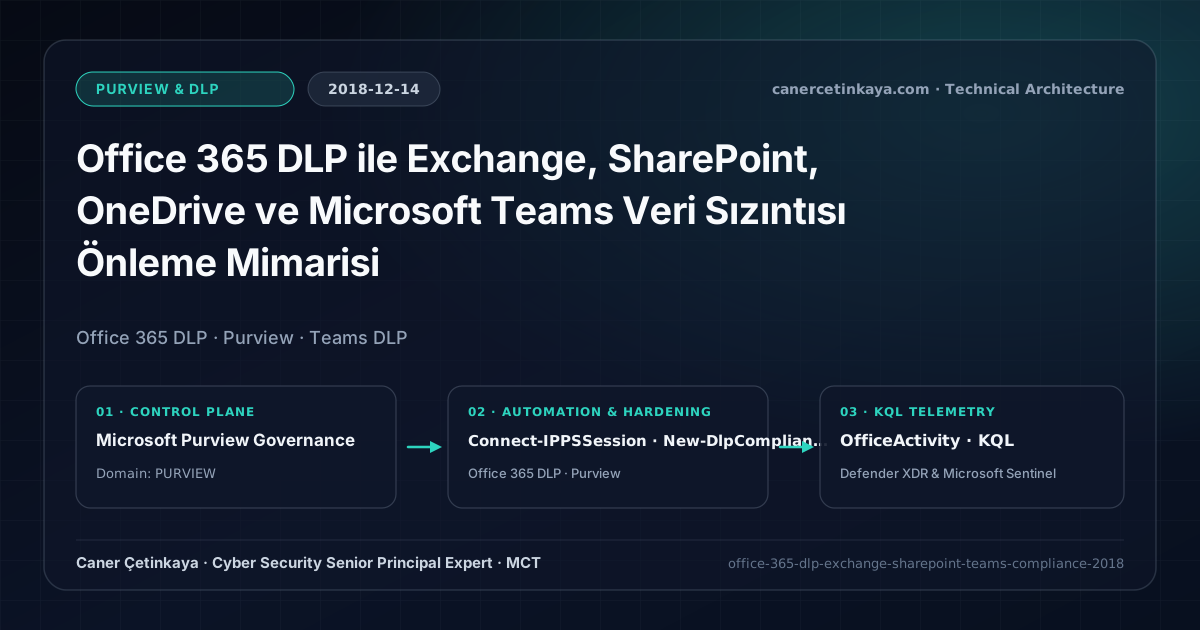
Executive Summary and Data Loss Prevention Context
Modern collaboration multiplies data egress channels beyond external email attachments: confidential financial records and PII routinely leak through anonymous SharePoint links or Microsoft Teams chats. Unified Office 365 Data Loss Prevention (DLP) inspects all core collaboration workloads using consistent Sensitive Information Types (SITs) and real-time Policy Tips so employees stay compliant without halting daily workflows.
From an architectural evolution standpoint, this foundational design connects directly to modern platform controls. Unified inside the Security & Compliance Center in 2018, Office 365 DLP sits today at the heart of Microsoft Purview—extending natively across browser endpoints and Purview DSPM for Copilot AI data protection.
Inspection Boundaries, Signal Correlation, and Design Principles
- Unified DLP evaluates Exchange mail bodies/attachments, SharePoint libraries, OneDrive stores, and Teams chats/channels against a single SIT definition.
- Real-time Policy Tips inside Outlook and Teams educate employees at the moment of sharing while logging business-justified overrides for compliance review.
- SharePoint and OneDrive anonymous external links are revoked automatically whenever files contain three or more high-confidence sensitive matches.
DLP,Insider Risk Management, andAdaptive Protectionpolicies should measure false-positive impact inTestWithNotificationssimulation prior to enforcement while segregating privacy investigation RBAC from IT admin roles.
Prerequisites, Licensing Scope, and Privacy-Segregated RBAC
- Licensing: Microsoft 365 E3 / Office 365 E3 covers Exchange, SharePoint, and OneDrive DLP; real-time Microsoft Teams chat DLP requires Microsoft 365 E5 or Advanced Compliance.
- RBAC Separation: Enforce least privilege via Compliance Administrator and Compliance Data Administrator roles, restricting incident content visibility strictly to auditors.
- SIT Calibration: Calibrate credit card, IBAN, and national ID rules using High Confidence (85%+) matching with keyword proximity checks.
Technical Verification, DLP Rules, and Policy Controls
PowerShell DLP/IRM Policy Audit and Simulation Check
Creating unified DLP policies and high-confidence blocking rules via Security & Compliance PowerShell:
- Execution Environment and Prerequisites: Requires ExchangeOnlineManagement (
Connect-IPPSSession). - Least Privilege and Operation Separation: Run with scoped Exchange / Compliance / SharePoint Administrator (or View-Only / Security Reader for audit commands) privileges. This block pairs **read-only (
Get-*/Search-*) posture queries with state-changing (New-*/Set-*/Enable-*)** examples; execute mutating steps strictly under change control in a pilot ring (using-WhatIfwhere supported) before broad rollout. - Security Control Mapped and Boundary Note: Verifies active policy state and guards against silent drift or mis-scoped rollouts without blind production changes.
# Connect to Security & Compliance PowerShell
Connect-IPPSSession -UserPrincipalName "[email protected]"

# 1. Provision unified DLP policy in TestWithNotifications mode first
$DlpPolicyParams = @{
  Name               = "KVKK-Financial-Data-Protection"
  ExchangeLocation   = "All"
  SharePointLocation = "All"
  OneDriveLocation   = "All"
  Mode               = "TestWithNotifications"
}
New-DlpCompliancePolicy @DlpPolicyParams

# 2. Enforce blocking + justified override on 3+ Credit Card or IBAN matches shared externally
$DlpRuleParams = @{
  Name                              = "Detect-CreditCard-IBAN-External"
  Policy                            = "KVKK-Financial-Data-Protection"
  ContentContainsSensitiveInformation = @(@{Name="Credit Card Number"; minCount=3}, @{Name="International Banking Account Number (IBAN)"; minCount=3})
  AccessScope                       = "NotInOrganization"
  BlockAccess                       = $true
  NotifyUser                        = @("SiteAdmin","Owner","LastModifier")
  NotifyAllowOverride               = "WithJustification"
  GenerateIncidentReport            = "[email protected]"
}
New-DlpComplianceRule @DlpRuleParams

# 3. Verify distribution status across M365 workloads
Get-DlpCompliancePolicy -Identity "KVKK-Financial-Data-Protection" | Select-Object Name, Mode, DistributionStatus
Data Security Telemetry and KQL Verification Query
KQL compliance hunt monitoring DLP policy hits and override justifications across workloads:
// Execution Scope: Read-only hunting/audit query (Log Analytics Reader / Security Reader)
// Data Source: Microsoft Purview Unified Audit Log -> Microsoft Sentinel Office 365 connector (OfficeActivity)
OfficeActivity
| where TimeGenerated > ago(14d)
| where RecordType in ("ComplianceDLPExchange", "ComplianceDLPSharePoint")
| extend PolicyMatch = tostring(PolicyMatchInfo)
| project TimeGenerated, UserId, Operation, Workload, PolicyMatch, Justification
| summarize MatchCount = count() by Workload, Operation, UserId
| order by MatchCount desc
Critical Architectural Assessment, Workflow Risks, and Rollback Strategy
- Broad Low-Confidence RegEx Triggers: Matching raw 11-digit strings without validation checksums floods security queues with invoice and phone numbers.
- Overlooking Teams Chat Licensing Scope: While E3 covers Teams files stored inside SharePoint, inline chat message blocking requires E5.
- Risks Mitigated vs. Residual Limitations:
Purview DLP,Insider Risk Management, andAdaptive Protectioncurb sensitive egress across SharePoint, Exchange, Teams, Copilot, and endpoints; yet they do not halt out-of-band smartphone captures, encrypted archives escaping inspection without unscannable-file fallback rules, or disabled endpoint sensors and unhardenedIncognitobrowser windows. - New Dependencies and Production Failure Modes: Enforcement accuracy relies on
M365 E5/Purview Suiteentitlements, preciseSIT/label classifiers, cleanHRconnector feeds (forIRM), and activeSenseCE.exeservices. Flipping rules straight intoBlockor attaching poorly tunedHRdeparture triggers locks legitimate teams out of daily work. - Rollback and Pilot Validation Procedure: Keep all new DLP and
Adaptive Protectioncontrols inTestWithNotificationssimulation for at least14days; revert disruptive policies immediately viaSet-DlpCompliancePolicy -Mode TestWithNotificationswhile preserving privacy-segregatedIRMRBAC boundaries.
Verified Primary Sources & Open-Source Repositories
This architectural guide was cross-corroborated against the official advisories, Microsoft Learn docs, and open-source PowerShell / KQL repositories below.
Multi-Channel Distribution Summary (X & LinkedIn Draft)
Toggle X (Twitter) & LinkedIn sharing drafts
Multi-Channel Distribution Summary (X & LinkedIn Draft)
Toggle X (Twitter) & LinkedIn sharing draftsDeploying unified Office 365 DLP across Exchange, SharePoint, OneDrive, and Teams without breaking workflows—our 2018 compliance guide. #MicrosoftPurview #DLP #GDPR
Enterprise DLP engineering across Microsoft 365: High-confidence Sensitive Information Types, 14-day audit tuning, and SharePoint/Teams external sharing controls.