Enterprise AI and Copilot Data Governance with Microsoft Purview DSPM, SharePoint RCD, and Intune
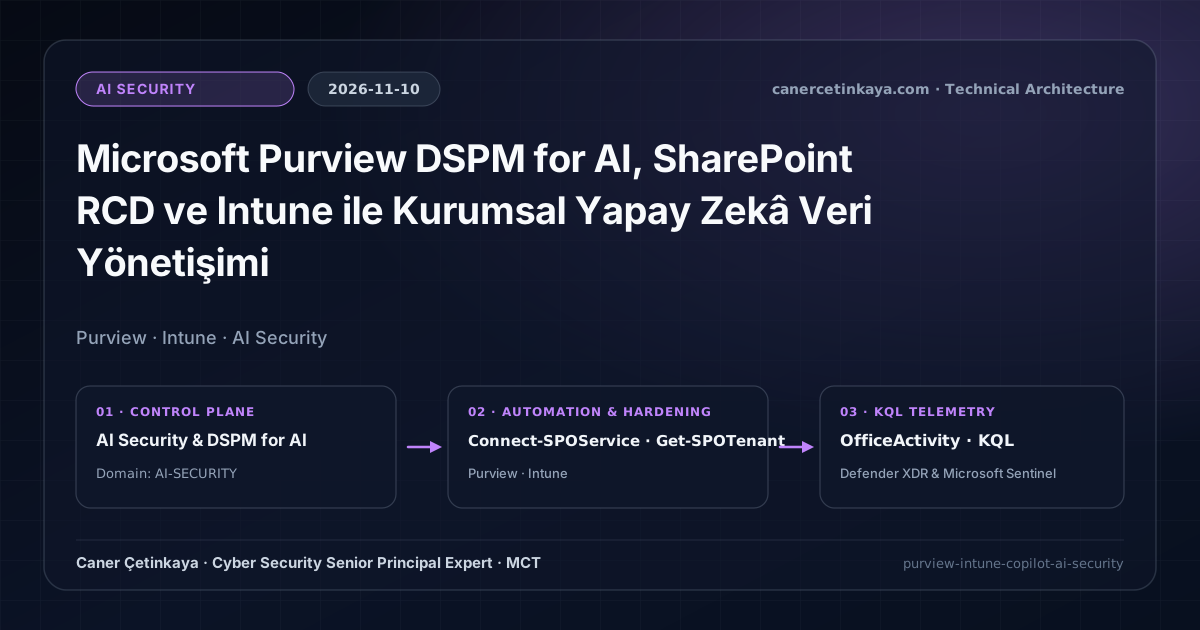
Preventing enterprise oversharing across Microsoft 365 Copilot and RAG pipelines using Purview DSPM for AI, SharePoint Restricted Content Discovery (RCD), Intune device compliance, OfficeActivity and CloudAppEvents KQL verification, and critical architectural limits.
Executive Summary
Enterprise Retrieval-Augmented Generation (RAG) pipelines and Microsoft 365 Copilot operate strictly within each calling user's existing SharePoint, OneDrive, and Teams permissions. Consequently, the primary enterprise risk is not AI privilege escalation, but rapid semantic surfacing of forgotten repositories shared too broadly (Everyone except external users) across Finance, HR, Legal, or R&D libraries. This guide details SharePoint oversharing remediation using Restricted Content Discovery (RCD), Microsoft Purview DSPM for AI, Intune device compliance enforcement, KQL telemetry auditing, and candid architectural boundaries.
Threat Model and Governance Reality Check
- Semantic Oversharing Surface: Files buried deep in forgotten sites become instantaneously discoverable via natural-language prompts whenever legacy broad permissions persist.
- Browser Escape Surface: Even if Copilot stays constrained, authorized users can download files and paste them into unsanctioned external LLM sites—pair this architecture with Enterprise Browser DLP and BYOD Data Protection and our Copilot & Cowork Series Deep Dive.
Prerequisites, RBAC, and Portal Configuration
- Licensing: Microsoft 365 E5 or Microsoft Purview Suite for automated sensitivity labeling and DSPM for AI; SharePoint Advanced Management (SAM) (or Copilot SAM entitlements) for site-level
RestrictContentOrgWideSearch. - Conditional Access Device Gating: In the Entra admin center under Protection -> Conditional Access -> Policies, gate Microsoft 365 and enterprise AI portals behind Require device to be marked as compliant + Require multifactor authentication, validating first for 7–14 days in Report-only mode before enforcement. For custom RAG stacks, disable
publicNetworkAccesson Azure AI Search in favor of Private Endpoints.
Technical Verification: Read-Only SharePoint RCD Audit (PowerShell)
The script inspects tenant discovery flags and lists site collections where RestrictContentOrgWideSearch remains disabled, performing strictly read-only evaluation.
#Requires -Modules Microsoft.Online.SharePoint.PowerShell
# Environment: Windows PowerShell 5.1 / PowerShell 7+ (compatibility) | Least Privilege: SharePoint Administrator (read-only audit)
[CmdletBinding()]
param(
    [Parameter(Mandatory = $true)]
    [ValidatePattern('^https://[a-zA-Z0-9-]+-admin\.sharepoint\.com$')]
    [string]$AdminUrl
)

$ErrorActionPreference = 'Stop'

Connect-SPOService -Url $AdminUrl
try {
    Get-SPOTenant | Select-Object DelegateRestrictedContentDiscoverabilityManagement

    $Sites = Get-SPOSite -Limit All | Where-Object { $_.Template -like 'STS*' -or $_.Template -like 'GROUP*' }
    $AuditReport = foreach ($Site in $Sites) {
        [PSCustomObject]@{
            Url                          = $Site.Url
            SharingCapability            = $Site.SharingCapability
            RestrictContentOrgWideSearch = $Site.RestrictContentOrgWideSearch
            SensitivityLabel             = $Site.SensitivityLabel
        }
    }

    $AuditReport |
        Where-Object { $_.RestrictContentOrgWideSearch -eq $false } |
        Format-Table -AutoSize
} finally {
    Disconnect-SPOService -ErrorAction SilentlyContinue
}
Auditing Copilot Interactions and Shadow AI via KQL
- Data Source & Limitations: Microsoft Sentinel
OfficeActivityrequires Unified Audit Log ingestion and excludes full prompt text (inspect prompt bodies within Purview DSPM for AI). Defender XDRCloudAppEventslogs external SaaS discovery via MDA/MDE without recording prompt payloads.
// Data Source: Microsoft Sentinel Office 365 Connector (OfficeActivity)
// Purpose: Audit Microsoft 365 Copilot interaction volume and accessed resource counts by user.
OfficeActivity
| where TimeGenerated > ago(14d)
| where Operation == "CopilotInteraction"
| extend CopilotData = parse_json(CopilotEventData)
| extend AppHost = tostring(CopilotData.AppHost),
         AccessedResourcesCount = array_length(CopilotData.AccessedResources)
| summarize
    Interactions = count(),
    TotalAccessedResources = sum(AccessedResourcesCount)
    by UserId, AppHost
| order by Interactions desc// Data Source: Microsoft Defender XDR Advanced Hunting (CloudAppEvents)
// Purpose: Detect enterprise access to unsanctioned external Generative AI web applications.
CloudAppEvents
| where Timestamp > ago(14d)
| where Application has_any ("ChatGPT", "OpenAI", "Anthropic Claude", "Perplexity")
| summarize
EventCount = count(),
DistinctUsers = dcount(AccountDisplayName),
ActionTypes = make_set(ActionType, 10)
by Application, CountryCode
| order by EventCount descCritical Architectural Assessment
- What Risk It Mitigates: Prevents over-permissioned Finance, HR, and executive SharePoint sites from surfacing across Copilot semantic indexes while gating AI portals behind compliant devices.
- What Risks It Does NOT Mitigate: `RestrictContentOrgWideSearch` is not an access control list (ACL) boundary—users who already possess direct permissions or a direct URL to an over-shared site can still browse and open files manually, and RCD provides zero control once files are downloaded to unmanaged clients without Endpoint/Browser DLP.
- New Dependencies Introduced: Relies on SharePoint Advanced Management (SAM) licensing, consistent Purview sensitivity-label encryption taxonomy, and healthy Intune compliance reporting loops.
- Production Failure Conditions: Bulk-enabling RCD across legitimate company-wide intranet knowledge portals degrades search quality and breaks Copilot utility; enforcing strict device compliance without excluding Break-Glass accounts or developer Linux/macOS exceptions halts productivity.
- Rollback Plan: Export baseline
Get-SPOSitesharing and RCD posture to CSV prior to any wave; restore search visibility for an impacted collaboration site in minutes usingSet-SPOSite -Identity <SiteUrl> -RestrictContentOrgWideSearch $false, and toggle Conditional Access device rules back toReport-onlyif false non-compliance occurs.
Implementation Roadmap
- Phase 1: Export
Get-SPOSiteinventory, identifyEveryone except external userssites, and remediate stale ACLs. - Phase 2: Apply
RestrictContentOrgWideSearchas an interim shield on sensitive libraries during ACL remediation alongside Purview encryption labels. - Phase 3: Stage Conditional Access compliance rules in
Report-onlymode and operationalizeOfficeActivity+CloudAppEventsKQL detections.
Verified Primary Sources & Open-Source Repositories
This architectural guide was cross-corroborated against the official advisories, Microsoft Learn docs, and open-source PowerShell / KQL repositories below.
Multi-Channel Distribution Summary (X & LinkedIn Draft)
Toggle X (Twitter) & LinkedIn sharing drafts
Multi-Channel Distribution Summary (X & LinkedIn Draft)
Toggle X (Twitter) & LinkedIn sharing draftsMicrosoft 365 Copilot doesn't break permissions—it removes the friction of finding forgotten overshared SharePoint folders. Updated blueprint on SharePoint RCD, DSPM for AI, Intune compliance gates, OfficeActivity + CloudAppEvents KQL, and what RCD does NOT fix. #AISecurity #Purview
Rebuilt our Enterprise AI & Copilot Governance architecture guide: SharePoint Restricted Content Discovery (RCD) ACL reality checks, Purview DSPM for AI, clean Entra Conditional Access guidance, OfficeActivity + CloudAppEvents KQL auditing, and rollback governance.