Unified SecOps Portal: Integrating Microsoft Sentinel and Defender XDR in One Console
Converging SIEM, XDR, SOAR, and UEBA operations by onboarding Microsoft Sentinel into the unified Microsoft Defender portal (`security.microsoft.com`) for cross-domain KQL hunting.
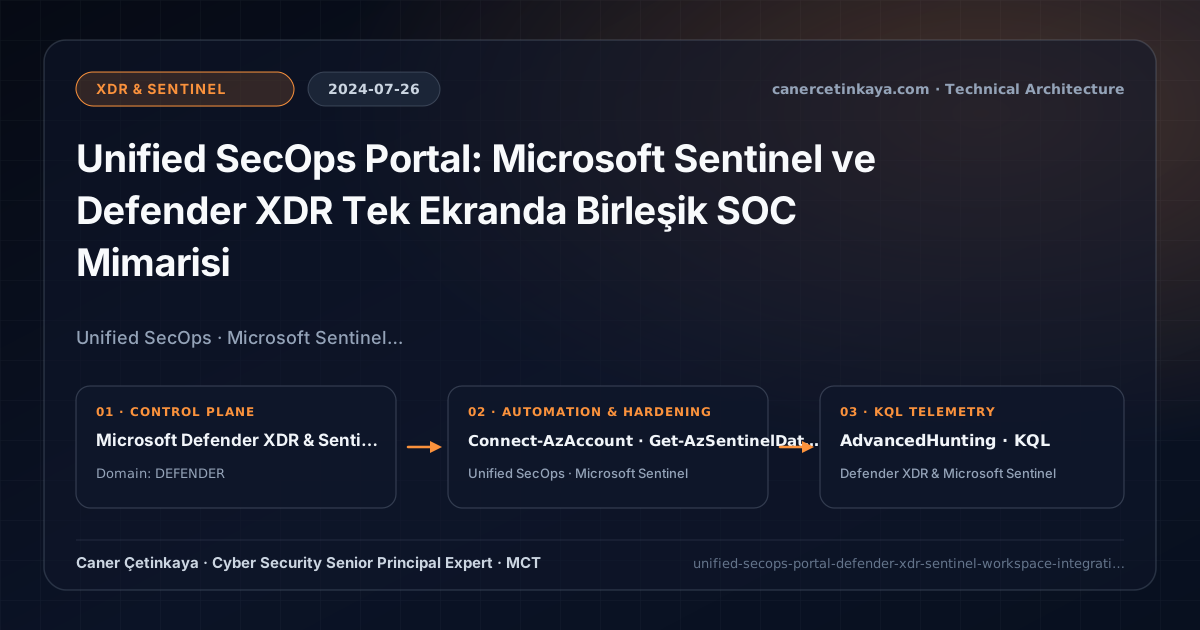
Executive Summary and Detection and Response Context
Historically, Microsoft SOC analysts burned valuable time pivoting across disconnected browser tabs: investigating endpoint and identity alerts in Microsoft Defender XDR (security.microsoft.com) while hunting firewall, AWS, and SaaS telemetry inside Microsoft Sentinel (portal.azure.com). By onboarding Sentinel workspaces directly into the Unified SecOps portal in 2024, Microsoft merged SIEM and XDR into a single analyst workspace.
From an architectural evolution standpoint, this foundational design connects directly to modern platform controls. Reaching general availability in mid-2024, the Unified SecOps portal unified Sentinel and Defender workflows under security.microsoft.com, powering direct SIEM + XDR correlation inside Defender Identity KQL Hunting.
Detection Boundaries, Telemetry Pipelines, and Design Principles
- Unified
Advanced Huntinglets analysts join 30-day Defender XDR telemetry (DeviceProcessEvents,IdentityLogonEvents) directly alongside long-retention Sentinel SIEM tables (CommonSecurityLog,Syslog,AWSCloudTrail) inside one KQL query. - Bi-directional incident synchronization mirrors alert states, assignments, and comments cleanly across Defender and third-party SIEM analytics rules.
- Leverages built-in M365 incident graph correlation without paying duplicate Log Analytics ingestion charges for raw Defender alerts.
- Endpoint
EDR,ASRrules, andTamper Protectionmust remain intact beneath automatedXDR/Sentinelresponse playbooks, gating destructive containment actions over critical infrastructure with analyst review.
Prerequisites, Sensor/Workspace Dependencies, and RBAC
- Licensing & Workspace: Active Microsoft Sentinel Log Analytics Workspace combined with at least one Defender XDR workload (MDE, MDI, MDO, or MDA under M365 E5).
- RBAC Coordination: Workspace onboarding requires
Microsoft Sentinel Contributorpaired withSecurity Administrator/Global Administrator, followed by scoped Defender Unified RBAC + Azure Sentinel RBAC mapping. - Multi-Workspace Scope: Evaluate primary vs. multi-workspace MSSP (Azure Lighthouse) topologies before onboarding multiple regional Log Analytics instances.
Technical Verification, Endpoint/SIEM Audits, and Controls
PowerShell Posture Check and Staged Pilot Validation
Auditing connected Sentinel data connectors and active analytics rules via Az.SecurityInsights PowerShell:
- Execution Environment and Prerequisites: Requires Az.*.
- Least Privilege and Operation Separation: Run with scoped Azure Reader (audit) / Contributor (state changes) privileges. All statements above are **read-only (
Get-*/Test-*/Search-*)** verification checks making no direct configuration edits; still validate module/network prerequisites in a test cohort first. - Security Control Mapped and Boundary Note: Verifies active policy state and guards against silent drift or mis-scoped rollouts without blind production changes.
# 1. Inspect Sentinel workspace Data Connectors and operational configuration
Connect-AzAccount
$Rg = "rg-secops-prod"
$Ws = "law-sentinel-secops-prod"

Get-AzSentinelDataConnector -ResourceGroupName $Rg -WorkspaceName $Ws |
  Select-Object Name, Kind, DataTypes

# 2. Verify active Sentinel Analytics rules synchronized with the Unified SecOps queue
Get-AzSentinelAlertRule -ResourceGroupName $Rg -WorkspaceName $Ws |
  Where-Object { $_.Enabled -eq $true } |
  Select-Object DisplayName, Kind, Severity
Defender XDR and Sentinel KQL Hunting Query
Cross-domain KQL joining Sentinel firewall logs (CommonSecurityLog) with MDE DeviceNetworkEvents in Unified Hunting:
// Execution Scope: Read-only hunting/audit query (Log Analytics Reader / Security Reader)
// Data Source: Microsoft Defender XDR Advanced Hunting / Sentinel MDE Connector (DeviceNetworkEvents)
let FirewallDrops = CommonSecurityLog
| where TimeGenerated > ago(7d)
| where DeviceAction in ("Deny", "Drop") and isnotempty(DestinationIP)
| summarize DeniedConns = count() by SourceIP, DestinationIP, DestinationPort;
DeviceNetworkEvents
| where Timestamp > ago(7d)
| join kind=inner FirewallDrops on $left.RemoteIP == $right.DestinationIP
| project Timestamp, DeviceName, InitiatingProcessFileName, InitiatingProcessAccountName, LocalIP, RemoteIP, DestinationPort, DeniedConns
| order by DeniedConns desc
Critical Architectural Assessment, Response Risks, and Rollback Strategy
- Forgetting Azure Workspace Permissions While Assigning Defender Unified RBAC: Analysts with Defender portal roles still cannot query custom
CommonSecurityLogtables unless grantedMicrosoft Sentinel Reader/Responderon the underlying workspace. - Leaving Redundant Custom Alert Rules Active Alongside Native XDR Sync: Prune old custom Azure analytics rules that duplicate out-of-the-box Defender XDR incidents.
- Risks Mitigated vs. Residual Limitations:
MDE EDR,ASRrules,Live Response, andSentinel/XDRSOAR playbooks compress detection-to-containment windows and halt script/memory injection; they do not protect un-onboarded assets, sub-OS firmware compromises without hardware root-of-trust, or telemetry blind spots duringLog Analyticsingestion throttling. - New Dependencies and Production Failure Modes: Efficacy hinges on continuous sensor check-ins, active
Tamper Protection, and properly scopedLogic Appsmanaged identities. Forcing aggressiveASRrules directly intoBlockwithoutAudittuning breaks signed business macros, custom ERP tools, and developer build pipelines. - Rollback and Pilot Validation Procedure: Run new
ASRrules inAuditmode across 14–30 days inspectingDeviceEvents(ActionType startswith "Asr"); roll back breaking rules per device ring via Intune orSet-MpPreference(AuditMode) and disable misbehavingSentinelplaybooks while keeping detection rules alive.
Verified Primary Sources & Open-Source Repositories
This architectural guide was cross-corroborated against the official advisories, Microsoft Learn docs, and open-source PowerShell / KQL repositories below.
Multi-Channel Distribution Summary (X & LinkedIn Draft)
Toggle X (Twitter) & LinkedIn sharing drafts
Multi-Channel Distribution Summary (X & LinkedIn Draft)
Toggle X (Twitter) & LinkedIn sharing draftsUnifying Microsoft Sentinel SIEM and Defender XDR in a single analyst workspace via the Unified SecOps Portal. #UnifiedSecOps #MicrosoftSentinel #DefenderXDR
Converged SOC Engineering: Connecting Sentinel into `security.microsoft.com`, aligning RBAC scopes, and running cross-table XDR + Firewall KQL hunts.