Windows 10 Hardening with Defender Network Protection, Tamper Protection, and ASR Auditing
A 2021 endpoint defense guide expanding SmartScreen reputation checks across all Windows processes—blocking outbound C2 callbacks from PowerShell, LOLBins, and non-Edge browsers via Network Protection and Audit-tuned ASR policies.
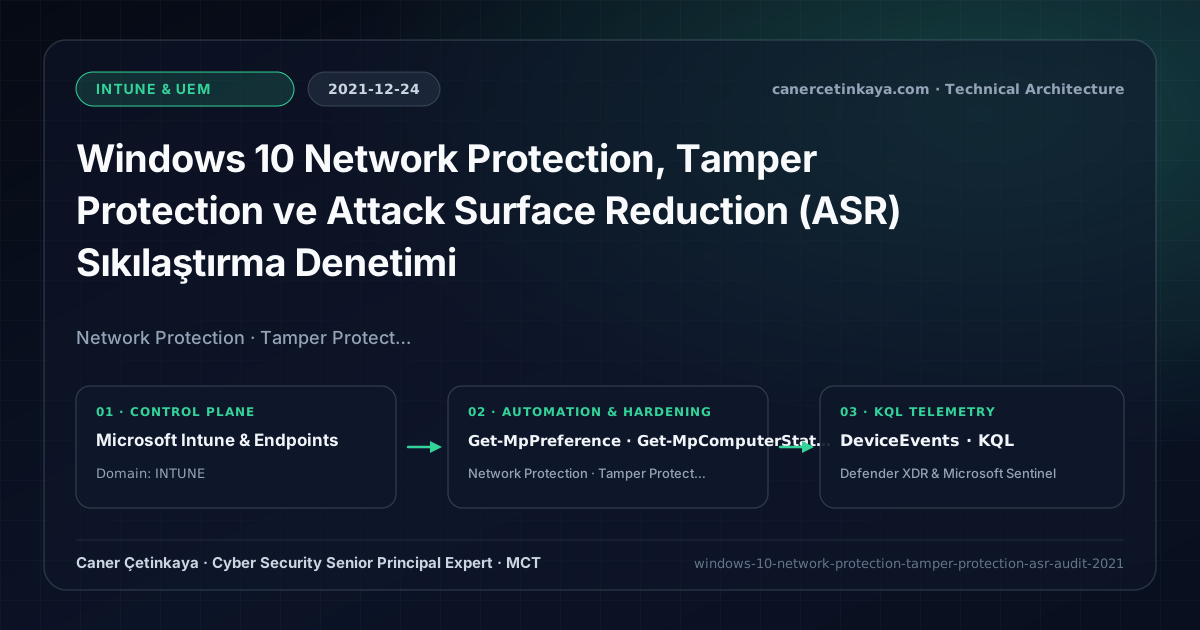
Executive Summary and Endpoint Hardening Context
Browser-only SmartScreen protects interactive Edge sessions, yet adversaries running macros, powershell.exe, certutil.exe, or alternative browsers initiate outbound Command-and-Control (C2) callbacks outside browser sandboxes. Microsoft Defender Network Protection brings cloud reputation blocking straight into the Windows Filtering Platform (WFP) network stack, halting malicious outbound callbacks from any process while Tamper Protection prevents attackers from toggling defenses off.
From an architectural evolution standpoint, this foundational design connects directly to modern platform controls. Established in 2021 to close outbound C2 gaps across arbitrary shells and browsers, Network Protection plus ASR tuning continues powering Windows 11 Web Content Filtering and Defender XDR & Intune Zero-Day Containment today.
Hardware and Kernel Trust Boundaries and Design Principles
- Inspects outbound HTTP/HTTPS connections across all local processes (
powershell.exe,wscript.exe, third-party browsers) at the kernel WFP layer. - Powers Microsoft Defender for Endpoint Custom Threat Intelligence Indicators and category-based Web Content Filtering natively.
- Pairs with Intune-enforced Tamper Protection and Audit-validated ASR rules to block both malicious downloads and LSASS dumping.
BitLocker,Credential Guard,HVCI/VBS,App Control(WDAC),Cloud PKI, andWindows LAPSmust align withTPM 2.0/UEFI Secure Bootreadiness and resolve legacyGPO/customOMA-URIprecedence conflicts across pilot rings.
Prerequisites, MDM Conflict Resolution, and RBAC Boundaries
- Licensing: Network Protection and core ASR policies run on Windows 10 Enterprise E3/E5 and Microsoft 365 E3/E5; portal Custom Indicators and 30-day KQL hunting require MDE P2.
- Platform & Services: Active Defender Antivirus with Cloud-Delivered Protection (MAPS) enabled on Windows 10 1709+ endpoints.
- RBAC Matrix: Govern Intune Attack Surface Reduction profiles strictly via Endpoint Security Manager permissions.
Technical Verification, Compliance, and Policy Controls
PowerShell Endpoint Posture and Configuration Check
PowerShell script verifying EnableNetworkProtection mode, Tamper Protection, and mapped ASR rule states:
- Execution Environment and Prerequisites: Requires Local administrator / Windows endpoint host.
- Least Privilege and Operation Separation: Run with least-privilege inspection or scoped administrative permissions. All statements above are **read-only (
Get-*/Test-*/Search-*)** verification checks making no direct configuration edits; still validate module/network prerequisites in a test cohort first. - Security Control Mapped and Boundary Note: Verifies active policy state and guards against silent drift or mis-scoped rollouts without blind production changes.
# Check Defender Network Protection (1=Block, 2=Audit) and Tamper Protection state
$Pref = Get-MpPreference
$Comp = Get-MpComputerStatus

[PSCustomObject]@{
  EnableNetworkProtection = $Pref.EnableNetworkProtection
  IsTamperProtected       = $Comp.IsTamperProtected
  AsrRuleCount            = ($Pref.AttackSurfaceReductionRules_Ids).Count
}

for ($i = 0; $i -lt $Pref.AttackSurfaceReductionRules_Ids.Count; $i++) {
  [PSCustomObject]@{
    RuleId = $Pref.AttackSurfaceReductionRules_Ids[$i]
    Action = $Pref.AttackSurfaceReductionRules_Actions[$i]
  }
} | Format-Table -AutoSize
Device Health Telemetry and KQL Verification Query
KQL threat hunt inspecting Network Protection and ASR Audit/Block events in DeviceEvents:
// Execution Scope: Read-only hunting/audit query (Log Analytics Reader / Security Reader)
// Data Source: Microsoft Defender XDR Advanced Hunting / Sentinel MDE Connector (DeviceEvents)
DeviceEvents
| where Timestamp > ago(14d)
| where ActionType startswith "ExploitGuardNetworkProtection" or ActionType startswith "Asr"
| extend RemoteUrlParsed = tostring(parse_json(AdditionalFields).RemoteUrl)
| project Timestamp, DeviceName, ActionType, FileName, RemoteIP, RemoteUrlParsed, InitiatingProcessFileName
| summarize EventCount = count(), Devices = dcount(DeviceName) by ActionType, RemoteUrlParsed, FileName
| order by EventCount desc
Critical Architectural Assessment, Rollout Risks, and Rollback Strategy
- Assuming Portal Indicators Block Traffic Without Network Protection Enabled: Always confirm
EnableNetworkProtection = 1across target device groups viaGet-MpPreference. - Skipping 14-Day Audit Mode Before Blocking: Legacy internal web portals or self-signed tools can trigger unexpected blocks unless reviewed first under AuditMode (
2). - Risks Mitigated vs. Residual Limitations:
BitLocker,Credential Guard,HVCI/VBS,App Control/WDAC,Cloud PKI, andWindows LAPSdefeat offline disk extraction,LSASScredential theft, unsigned kernel drivers (BYOVD), and shared-adminPass-the-Hashpivoting; however, they do not prevent post-login abuse using signed system binaries (LOLBins) when App Control/ASR isn't enforced, nor do they protect legacy hardware lackingTPM 2.0/Secure Boot. - New Dependencies and Production Failure Modes: Endpoint reliability depends on
TPM 2.0/UEFI readiness, deterministicMDMWinsOverGPprecedence, and verified key escrow (BitLockerEntra registration andLAPSEvent ID 10025). EnforcingWDAC/AppLockerwithout audit logs or togglingHVCIonto incompatible drivers triggers boot loops (BSOD) or immediate helpdesk lockouts. - Rollback and Pilot Validation Procedure: Roll out every Windows security baseline through
IT Canary -> Pilot -> BroadIntune rings, verify escrow recovery keys before retiring legacy tools, and revert breaking policies via Intune group exclusions orAuditmode fallback without stripping core disk encryption.
Verified Primary Sources & Open-Source Repositories
This architectural guide was cross-corroborated against the official advisories, Microsoft Learn docs, and open-source PowerShell / KQL repositories below.
Multi-Channel Distribution Summary (X & LinkedIn Draft)
Toggle X (Twitter) & LinkedIn sharing drafts
Multi-Channel Distribution Summary (X & LinkedIn Draft)
Toggle X (Twitter) & LinkedIn sharing draftsStop C2 callbacks from PowerShell and non-Edge browsers across Windows 10 with Defender Network Protection and Tamper Protection. #Defender #ASR
2021 Endpoint Network Defense: why Custom Indicators need EnableNetworkProtection=1, Tamper Protection locking, and 14-day ASR Audit tuning.