Migrating to Native Windows LAPS across Entra ID and Active Directory
Upgrading from legacy Microsoft LAPS (AdmPwd) to built-in Native Windows LAPS for encrypted password storage, Entra ID cloud backup, DSRM rotation, and post-auth resets.
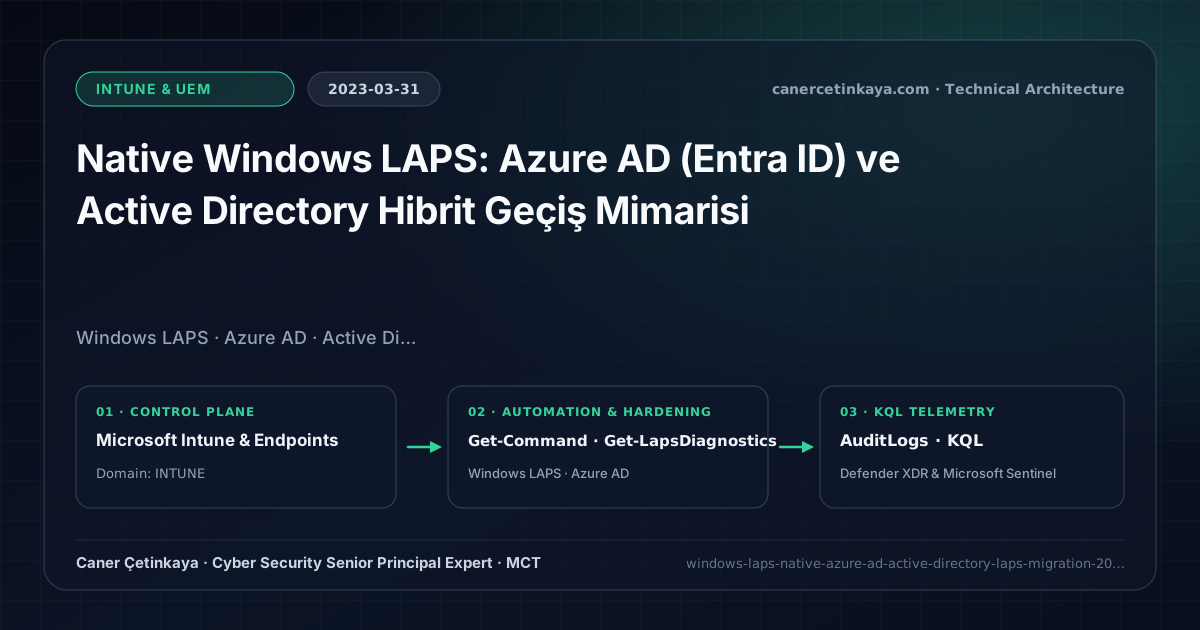
Executive Summary and Endpoint Hardening Context
While organizations relied for years on legacy Microsoft LAPS (AdmPwd) (2018 BitLocker & LAPS Practices), it lacked support for cloud-native Azure AD-joined endpoints, stored passwords in cleartext inside AD (ms-Mcs-AdmPwd), and depended on separate .msi deployment. Built directly into the OS in 2023, Native Windows LAPS introduces encrypted AD storage, zero-agent Entra ID cloud backup, and post-authentication automatic resets.
From an architectural evolution standpoint, this foundational design connects directly to modern platform controls. Embedded directly into Windows via the April 2023 security baseline update, Native Windows LAPS stands as the universal standard for zero-agent, per-device encrypted local admin credential rotation in Entra-joined and hybrid fleets.
Hardware and Kernel Trust Boundaries and Design Principles
BackupDirectory = Azure AD (Microsoft Entra ID)lets cloud-native endpoints store passwords encrypted inside Entra ID, audited tightly under Graph RBAC (Cloud Device Administrator/Helpdesk Administrator).BackupDirectory = Active Directorysupports native encryption (msLAPS-EncryptedPassword) restricted to designated decryption security groups.- Supports automatic Directory Services Restore Mode (DSRM) password rotation on Domain Controllers and
PostAuthenticationActionsthat force password reset + logoff hours after helpdesk usage. BitLocker,Credential Guard,HVCI/VBS,App Control(WDAC),Cloud PKI, andWindows LAPSmust align withTPM 2.0/UEFI Secure Bootreadiness and resolve legacyGPO/customOMA-URIprecedence conflicts across pilot rings.
Prerequisites, MDM Conflict Resolution, and RBAC Boundaries
- Licensing & OS: Windows 10 (20H2+), Windows 11 (21H2+), or Windows Server 2019/2022 patched to April 2023+. Entra ID Free supports password backup; Intune Account Protection policies require M365 E3/E5.
- Directory & RBAC: Encrypted AD mode requires AD Forest Functional Level 2016+; cloud backup requires toggling
Enable Microsoft Entra LAPSin tenant Device settings. - Managed Account Dependency: Target a dedicated enabled custom local administrator account (e.g.,
LocalSecAdmin) rather than leaving the built-in SID-500 disabled without fallback.
Technical Verification, Compliance, and Policy Controls
PowerShell Endpoint Posture and Configuration Check
Validating native Windows LAPS module capabilities and auditing Entra ID local credential retrievals:
- Execution Environment and Prerequisites: Requires Microsoft.Graph, Local administrator / Windows endpoint host.
- Least Privilege and Operation Separation: Run with scoped Least-privilege Graph `.Read.All` scopes (delegated admin role only for writes) privileges. All statements above are **read-only (
Get-*/Test-*/Search-*)** verification checks making no direct configuration edits; still validate module/network prerequisites in a test cohort first. - Security Control Mapped and Boundary Note: Verifies active policy state and guards against silent drift or mis-scoped rollouts without blind production changes.
# 1. Confirm built-in Windows LAPS PowerShell module presence
Get-Command -Module LAPS

# 2. Run local LAPS diagnostics on the managed endpoint
Get-LapsDiagnostics

# 3. Audit LAPS password retrieval events via Microsoft Graph
Connect-MgGraph -Scopes "DeviceLocalCredential.ReadBasic.All", "AuditLog.Read.All"
Get-MgAuditLogDirectoryAudit -Filter "category eq 'DeviceLocalCredential'" -Top 10 |
  Select-Object ActivityDateTime, ActivityDisplayName, Result
Device Health Telemetry and KQL Verification Query
KQL query auditing who retrieved local admin LAPS passwords from Entra ID and tracking result status:
// Execution Scope: Read-only hunting/audit query (Log Analytics Reader / Security Reader)
// Data Source: Microsoft Entra ID Diagnostic Settings -> Log Analytics / Microsoft Sentinel (AuditLogs)
AuditLogs
| where TimeGenerated > ago(30d)
| where Category == "DeviceLocalCredential" or OperationName has "Device local credential"
| extend Actor = tostring(InitiatedBy.user.userPrincipalName)
| project TimeGenerated, OperationName, Actor, TargetResources, Result
| summarize RetrievalCount = count() by Actor, OperationName, Result
| order by RetrievalCount desc
Critical Architectural Assessment, Rollout Risks, and Rollback Strategy
- Targeting an Account That Does Not Exist on the Endpoint: Windows LAPS logs
Event ID 10025failures if your Intune Account Protection profile omits creating/enabling the named local administrator account. - Expecting Encrypted AD LAPS Below Forest Functional Level 2016: Lower functional levels lack cryptographic DPAPI++ key protection; upgrade FFL or switch backup directory to Entra ID.
- Risks Mitigated vs. Residual Limitations:
BitLocker,Credential Guard,HVCI/VBS,App Control/WDAC,Cloud PKI, andWindows LAPSdefeat offline disk extraction,LSASScredential theft, unsigned kernel drivers (BYOVD), and shared-adminPass-the-Hashpivoting; however, they do not prevent post-login abuse using signed system binaries (LOLBins) when App Control/ASR isn't enforced, nor do they protect legacy hardware lackingTPM 2.0/Secure Boot. - New Dependencies and Production Failure Modes: Endpoint reliability depends on
TPM 2.0/UEFI readiness, deterministicMDMWinsOverGPprecedence, and verified key escrow (BitLockerEntra registration andLAPSEvent ID 10025). EnforcingWDAC/AppLockerwithout audit logs or togglingHVCIonto incompatible drivers triggers boot loops (BSOD) or immediate helpdesk lockouts. - Rollback and Pilot Validation Procedure: Roll out every Windows security baseline through
IT Canary -> Pilot -> BroadIntune rings, verify escrow recovery keys before retiring legacy tools, and revert breaking policies via Intune group exclusions orAuditmode fallback without stripping core disk encryption.
Verified Primary Sources & Open-Source Repositories
This architectural guide was cross-corroborated against the official advisories, Microsoft Learn docs, and open-source PowerShell / KQL repositories below.
Multi-Channel Distribution Summary (X & LinkedIn Draft)
Toggle X (Twitter) & LinkedIn sharing drafts
Multi-Channel Distribution Summary (X & LinkedIn Draft)
Toggle X (Twitter) & LinkedIn sharing draftsUpgrading from legacy AdmPwd to built-in Native Windows LAPS with Entra ID encrypted backup and post-auth resets. #WindowsLAPS #Intune #EntraID
Modern Local Admin Hygiene: Migrating smoothly to Native Windows LAPS, auditing Entra ID credential retrievals, and automating post-session resets.