Silent BitLocker Encryption via Intune and Microsoft LAPS Key Rotation on Windows 10 1809
A 2018 endpoint data-at-rest and credential isolation blueprint deploying zero-prompt XTS-AES 256 BitLocker encryption through Intune on Windows 10 1809 alongside randomized local administrator passwords with Microsoft LAPS.
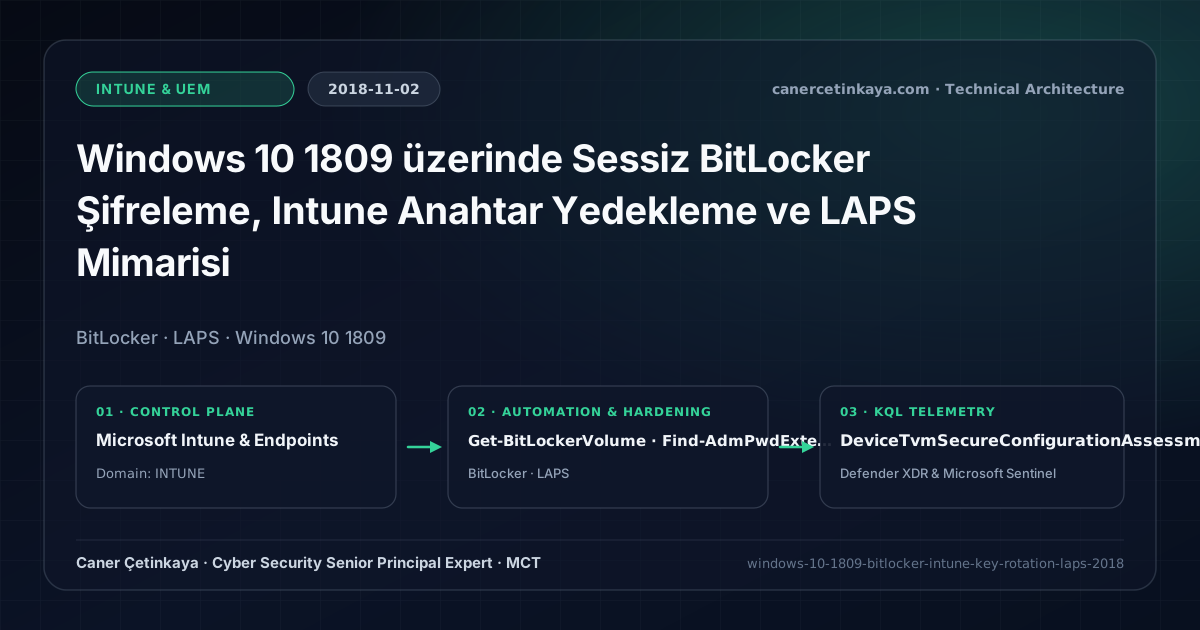
Executive Summary and Endpoint Hardening Context
Unencrypted laptops stolen in transit represent one of the easiest avenues for offline disk extraction, while identical local administrator passwords across fleet workstations fuel rapid Pass-the-Hash lateral movement. By combining Windows 10 1809 Intune Silent BitLocker policies—escrowing 48-digit recovery keys straight to Azure AD using XTS-AES 256—with Microsoft LAPS automated password rotation, enterprises eliminate both physical exposure and shared local admin credentials simultaneously.
From an architectural evolution standpoint, this foundational design connects directly to modern platform controls. The silent BitLocker recovery escrow and on-premises LAPS workflow introduced in 2018 has since evolved into cloud-native Windows LAPS in Microsoft Entra ID and Intune BYOD and Purview Endpoint Data Protection.
Hardware and Kernel Trust Boundaries and Design Principles
- Intune Endpoint Protection enforces XTS-AES 256 encryption silently under standard user context when third-party prompt warnings are suppressed.
- Recovery passwords escrow automatically over TLS to the Azure AD device object, accessible solely via RBAC-scoped helpdesk roles.
- Microsoft LAPS pairs cleanly with Hybrid Join and SCCM Co-Management estates by rotating unique 16-character local admin credentials into encrypted AD attributes.
BitLocker,Credential Guard,HVCI/VBS,App Control(WDAC),Cloud PKI, andWindows LAPSmust align withTPM 2.0/UEFI Secure Bootreadiness and resolve legacyGPO/customOMA-URIprecedence conflicts across pilot rings.
Prerequisites, MDM Conflict Resolution, and RBAC Boundaries
- Licensing: Intune Silent BitLocker ships with Microsoft 365 E3/E5 or EMS E3/E5; Microsoft LAPS is included freely with Windows Server AD CAL environments.
- Hardware & RBAC: Active TPM 2.0 in UEFI firmware and strict least-privilege delegation on ms-Mcs-AdmPwd read permissions.
- AD Schema Prerequisite: Run Update-AdmPwdADSchema and configure self-update permissions across target Workstation OUs prior to deploying the LAPS CSE agent.
Technical Verification, Compliance, and Policy Controls
PowerShell Endpoint Posture and Configuration Check
Verifying BitLocker XTS-AES 256 key protection and auditing LAPS OU read delegation via PowerShell:
- Execution Environment and Prerequisites: Requires ActiveDirectory / RSAT / AD Sync / AD FS management host, Local administrator / Windows endpoint host.
- Least Privilege and Operation Separation: Run with least-privilege inspection or scoped administrative permissions. This block pairs **read-only (
Get-*/Search-*) posture queries with state-changing (New-*/Set-*/Enable-*)** examples; execute mutating steps strictly under change control in a pilot ring (using-WhatIfwhere supported) before broad rollout. - Security Control Mapped and Boundary Note: Verifies active policy state and guards against silent drift or mis-scoped rollouts without blind production changes.
# 1. Validate local BitLocker cipher strength and recovery key presence
Get-BitLockerVolume -MountPoint "C:" |
  Select-Object MountPoint, EncryptionMethod, VolumeStatus, ProtectionStatus,
    @{Name="HasRecoveryKey";Expression={($_.KeyProtector | Where-Object {$_.KeyProtectorType -eq "RecoveryPassword"}).Count -gt 0}}

# 2. Audit and restrict LAPS ms-Mcs-AdmPwd read rights to authorized helpdesk groups
Import-Module AdmPwd.PS
Find-AdmPwdExtendedRights -Identity "OU=Workstations,DC=canercetinkaya,DC=com" | Format-Table -AutoSize
Set-AdmPwdReadPasswordPermission -Identity "OU=Workstations,DC=canercetinkaya,DC=com" -AllowedPrincipals "SEC-Helpdesk-LAPS-Readers"
Device Health Telemetry and KQL Verification Query
KQL compliance check identifying Windows endpoints failing disk encryption posture assessments:
// Execution Scope: Read-only hunting/audit query (Log Analytics Reader / Security Reader)
// Data Source: Microsoft Defender XDR Advanced Hunting / Sentinel MDE Connector (DeviceTvmSecureConfigurationAssessment)
DeviceTvmSecureConfigurationAssessment
| where Timestamp > ago(7d)
| where ConfigurationId in ("scid-2000", "scid-2010")
| summarize arg_max(Timestamp, *) by DeviceId, ConfigurationId
| where IsCompliant == 0
| join kind=inner (DeviceInfo | summarize arg_max(Timestamp, *) by DeviceId) on DeviceId
| project DeviceName, OSPlatform, OSVersion, ConfigurationId, IsCompliant
| order by DeviceName asc
Critical Architectural Assessment, Rollout Risks, and Rollback Strategy
- Legacy OS Builds Blocking Silent Trigger: Windows 10 1709 and older required administrative context for silent BitLocker triggers; standardize on 1803/1809+ before wide rollout.
- Over-Permissive Extended Rights on OUs: Failing to audit All Extended Rights inheritance inside AD OUs allows non-privileged staff to read local administrator passwords.
- Risks Mitigated vs. Residual Limitations:
BitLocker,Credential Guard,HVCI/VBS,App Control/WDAC,Cloud PKI, andWindows LAPSdefeat offline disk extraction,LSASScredential theft, unsigned kernel drivers (BYOVD), and shared-adminPass-the-Hashpivoting; however, they do not prevent post-login abuse using signed system binaries (LOLBins) when App Control/ASR isn't enforced, nor do they protect legacy hardware lackingTPM 2.0/Secure Boot. - New Dependencies and Production Failure Modes: Endpoint reliability depends on
TPM 2.0/UEFI readiness, deterministicMDMWinsOverGPprecedence, and verified key escrow (BitLockerEntra registration andLAPSEvent ID 10025). EnforcingWDAC/AppLockerwithout audit logs or togglingHVCIonto incompatible drivers triggers boot loops (BSOD) or immediate helpdesk lockouts. - Rollback and Pilot Validation Procedure: Roll out every Windows security baseline through
IT Canary -> Pilot -> BroadIntune rings, verify escrow recovery keys before retiring legacy tools, and revert breaking policies via Intune group exclusions orAuditmode fallback without stripping core disk encryption.
Verified Primary Sources & Open-Source Repositories
This architectural guide was cross-corroborated against the official advisories, Microsoft Learn docs, and open-source PowerShell / KQL repositories below.
Multi-Channel Distribution Summary (X & LinkedIn Draft)
Toggle X (Twitter) & LinkedIn sharing drafts
Multi-Channel Distribution Summary (X & LinkedIn Draft)
Toggle X (Twitter) & LinkedIn sharing draftsZero-prompt XTS-AES 256 Silent BitLocker with Intune escrow plus hardened Microsoft LAPS rotation—our 2018 Windows 10 1809 endpoint guide. #BitLocker #Intune #LAPS
Securing corporate laptops against offline theft and Pass-the-Hash movement with Intune Silent BitLocker encryption and least-privilege Microsoft LAPS.