Azure Active Directory Conditional Access and Context-Aware MFA Architecture
Replacing brittle per-user MFA with policy-driven Azure AD Conditional Access, legacy authentication blocking, and break-glass exclusion governance.
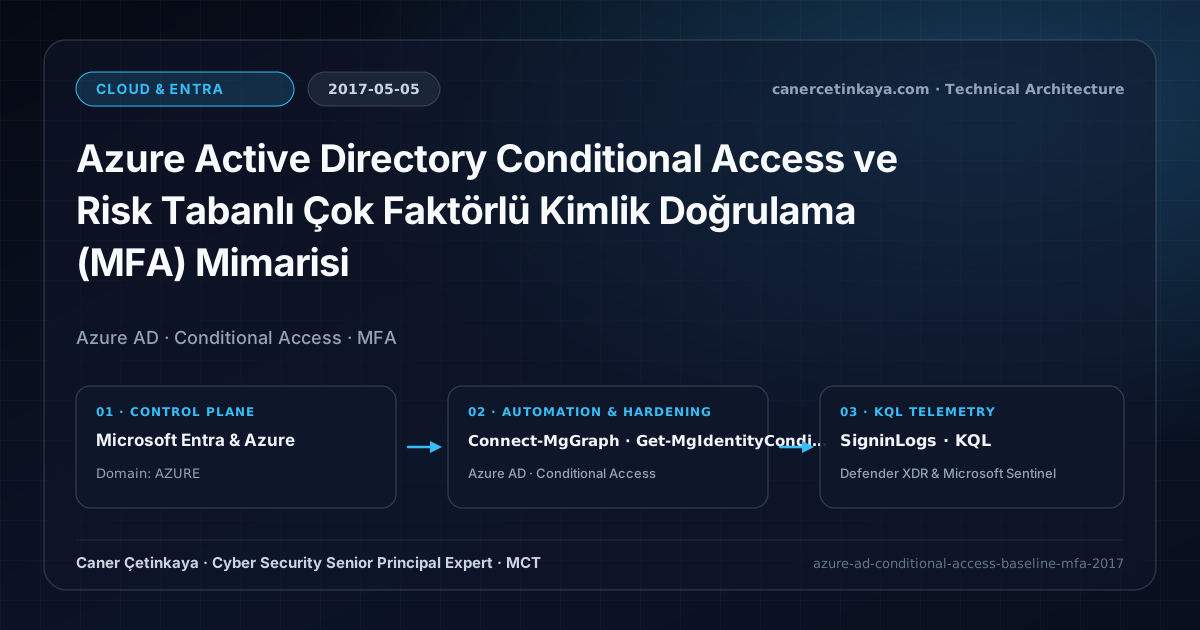
Executive Summary and Authentication Threat Context
Enabling legacy per-user MFA creates operational blind spots and administrative overhead across Exchange Online and SharePoint Online workloads. Worse still, legacy email protocols such as IMAP, POP3, and basic SMTP bypass MFA challenges completely—making them the top vector for password spray campaigns. This architectural guide details how to establish a resilient Azure AD Conditional Access baseline under EMS E3 without locking out admins.
From an architectural evolution standpoint, this foundational design connects directly to modern platform controls. Designed under Azure AD in 2017, this policy engine evolved into today’s Microsoft Entra ID Conditional Access supporting FIDO2 Authentication Strengths, Token Protection, and Entra ID Identity Resilience.
Trust Boundaries, Policy Evaluation, and Design Principles
- Applies Zero Trust "Verify Explicitly" by gating token issuance on user group, Named Location, device state, and client protocol.
- Blocking Legacy Authentication (IMAP, POP3, SMTP Auth, ActiveSync) closes the primary MFA bypass channel.
- Privileged administrators require persistent MFA regardless of trusted corporate network IP ranges.
- Every Conditional Access and authentication-strength policy must stage in
Report-Onlymode while excluding two dedicated cloud-onlyBreak-Glassaccounts to prevent tenant-wide administrative lockouts.
Prerequisites, Licensing Scope, and RBAC Separation
- Licensing: Azure AD Premium P1, EMS E3, or Microsoft 365 E3 (EMS E5 / P2 for risk-based rules).
- RBAC: Use Conditional Access Administrator rather than standing Global Administrator privileges.
- Telemetry Audit: Inspect 30 days of SigninLogs to remediate automation scripts using basic auth before blocking.
Technical Verification, Session Controls, and Enforcement
PowerShell Policy Audit and Report-Only Validation
Inspect Conditional Access policies and Named Locations with Microsoft Graph PowerShell:
- Execution Environment and Prerequisites: Requires Microsoft.Graph.
- Least Privilege and Operation Separation: Run with scoped Least-privilege Graph `.Read.All` scopes (delegated admin role only for writes) privileges. All statements above are **read-only (
Get-*/Test-*/Search-*)** verification checks making no direct configuration edits; still validate module/network prerequisites in a test cohort first. - Security Control Mapped and Boundary Note: Verifies active policy state and guards against silent drift or mis-scoped rollouts without blind production changes.
Connect-MgGraph -Scopes "Policy.Read.All"

# 1. List existing Conditional Access policies and enforcement state
Get-MgIdentityConditionalAccessPolicy | Select-Object DisplayName, State, CreatedDateTime | Format-Table -AutoSize

# 2. Audit Named Locations configuration
Get-MgIdentityConditionalAccessNamedLocation | Select-Object DisplayName, Id, CreatedDateTime | Format-Table -AutoSize
Sign-In Telemetry and KQL Verification Query
KQL query hunting legacy authentication sign-ins and Conditional Access failures:
// Execution Scope: Read-only hunting/audit query (Log Analytics Reader / Security Reader)
// Data Source: Microsoft Entra ID Diagnostic Settings -> Log Analytics / Microsoft Sentinel (SigninLogs / AuditLogs)
SigninLogs
| where TimeGenerated > ago(14d)
| where ClientAppUsed in ("IMAP4", "POP3", "SMTP", "Exchange ActiveSync", "Other clients")
    or ConditionalAccessStatus == "failure"
| project TimeGenerated, UserPrincipalName, AppDisplayName, ClientAppUsed, IPAddress, ConditionalAccessStatus, ResultDescription
| summarize FailedCount = count(), Protocols = make_set(ClientAppUsed, 5) by UserPrincipalName, IPAddress
| order by FailedCount desc
Critical Architectural Assessment, Lockout Risks, and Rollback Strategy
- Self-Lockout: Deploying All-Users enforcement without a break-glass exclusion group can lock out every administrator simultaneously.
- Unnoticed Legacy Service Scripts: Exchange Online PowerShell automation must migrate off legacy basic auth prior to enforcement.
- Over-Trusting Corporate IPs: Skipping MFA for corporate VPN exits allows attackers with compromised VPN creds straight into M365.
- Risks Mitigated vs. Residual Limitations: Conditional Access baselines,
Authentication Strengths,CAE, and token protection substantially curtail password spray, MFA fatigue, and stolen-cookie replay; however, they do not stop shadow SaaS apps lacking Entra SSO, legacy clients lacking token-binding support, or post-authentication data abuse inside legitimately accessed applications. - New Dependencies and Production Failure Modes: Enforcement relies on
Entra ID P1/P2licensing accuracy, compliant-device telemetry latency, and low-latency external REST availability when invokingCustom Authentication Extensions. Deploying strict grant controls without exclusions locks out emergency IT operations across the entire tenant. - Rollback and Pilot Validation Procedure: Stage every new Conditional Access control in
Report-Only(enabledForReportingButNotEnforced) mode while excluding two cloud-onlyBreak-Glassaccounts; recover from unintended blocks by signing in with a Break-Glass account and switching the offending policy back toReport-Only.
Verified Primary Sources & Open-Source Repositories
This architectural guide was cross-corroborated against the official advisories, Microsoft Learn docs, and open-source PowerShell / KQL repositories below.
Multi-Channel Distribution Summary (X & LinkedIn Draft)
Toggle X (Twitter) & LinkedIn sharing drafts
Multi-Channel Distribution Summary (X & LinkedIn Draft)
Toggle X (Twitter) & LinkedIn sharing draftsPublished the 2017 Azure AD Conditional Access baseline blueprint: context-aware MFA, legacy auth blocking, and break-glass exclusions. #AzureAD #ConditionalAccess #ZeroTrust
Move beyond brittle per-user MFA with policy-driven Azure AD Conditional Access baselines, legacy auth blocking, and SigninLogs KQL hunting.