Zero Standing Access and Emergency Break-Glass Architecture with Azure AD PIM
A 2018 privileged access blueprint eliminating standing Global Administrator assignments through Azure AD Privileged Identity Management (PIM) alongside cloud-only Emergency Access (Break-Glass) accounts.
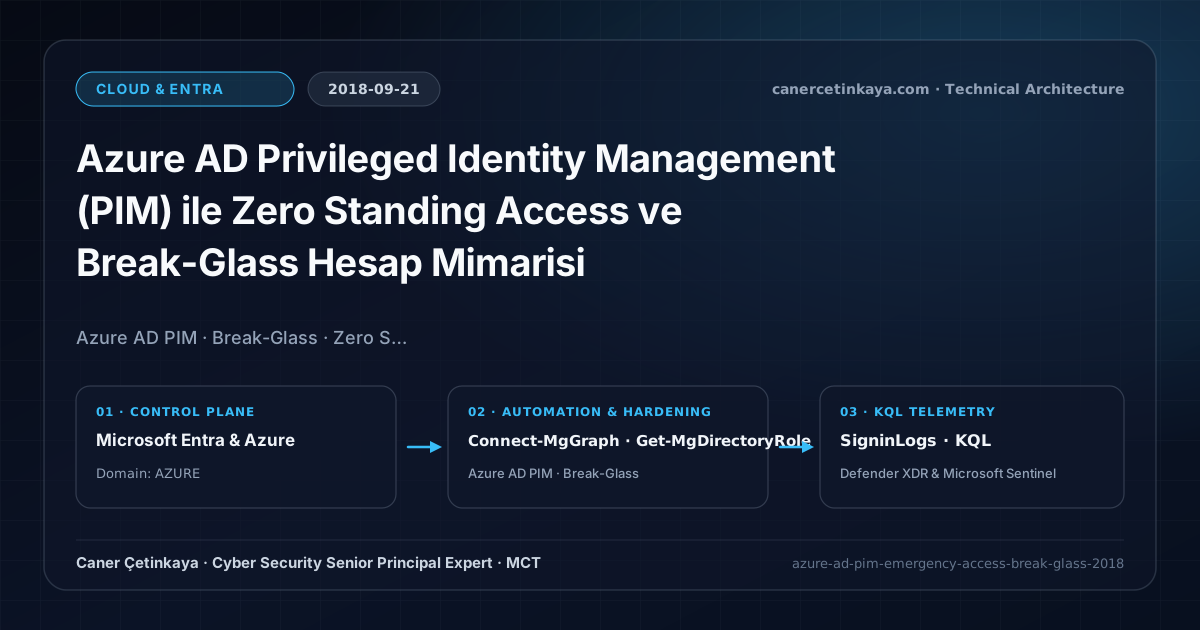
Executive Summary and Privileged Governance Context
Leaving permanent Global Administrator or Exchange Administrator rights assigned to daily engineering accounts turns a single token theft or phishing compromise into an immediate tenant-wide takeover risk. Azure AD Privileged Identity Management (PIM) eliminates standing attack surface by placing privileged roles into time-limited Eligible status—while properly designed Emergency Access (Break-Glass) accounts protect organizations from catastrophic administrative lockouts during Conditional Access misconfigurations or MFA outages.
From an architectural evolution standpoint, this foundational design connects directly to modern platform controls. The Zero Standing Access foundation pioneered via Azure AD PIM in 2018 now integrates with Microsoft Entra ID Governance, Protected Actions, and FIDO2 hardware-key Break-Glass authentication across modern enterprises.
Trust Boundaries, Access Lifecycle, and Design Principles
- Zero Standing Access transitions Global Admin, Security Admin, and Azure Owner memberships into MFA-protected Eligible assignments capped at 4–8 hour activation windows.
- Separation of Duties pairs dedicated admin identities with mandatory ticket justification and peer approval workflows for Tier-0 activations.
- At least two Emergency Access (Break-Glass) accounts must remain excluded from baseline Conditional Access MFA rules so operators can recover during federation or telecom outages.
- Non-human
Workload Identitiesand just-in-timePIMroles must remain governed across distinct conditional policy planes, replacing static client secrets with certificates orManaged Identitieswherever supported.
Prerequisites, Entitlement Scope, and RBAC Boundaries
- Licensing: Azure AD Premium P2, EMS E5, or Microsoft 365 E5 assigned for every eligible administrator and approver.
- Identity Hygiene: Break-Glass accounts must use *.onmicrosoft.com suffixes without on-premises AD sync, split complex passphrases in physical safes, and undergo quarterly validation.
- Telemetry Prerequisite: Stream Azure AD SigninLogs and AuditLogs into Log Analytics / Azure Monitor for instant Sev-0 login alerts.
Technical Verification, Governance Audits, and Controls
PowerShell Role and Access Audit Validation
Auditing permanent Global Administrators and verifying cloud-only Break-Glass configuration via Microsoft Graph PowerShell:
- Execution Environment and Prerequisites: Requires Microsoft.Graph.
- Least Privilege and Operation Separation: Run with scoped Least-privilege Graph `.Read.All` scopes (delegated admin role only for writes) privileges. All statements above are **read-only (
Get-*/Test-*/Search-*)** verification checks making no direct configuration edits; still validate module/network prerequisites in a test cohort first. - Security Control Mapped and Boundary Note: Verifies active policy state and guards against silent drift or mis-scoped rollouts without blind production changes.
# 1. Audit standing permanent members inside Global Administrator directory role
Connect-MgGraph -Scopes "RoleManagement.Read.Directory", "User.Read.All"
$gaRole = Get-MgDirectoryRole | Where-Object { $_.DisplayName -eq "Global Administrator" }
Get-MgDirectoryRoleMember -DirectoryRoleId $gaRole.Id |
  ForEach-Object { Get-MgUser -UserId $_.Id -Property DisplayName,UserPrincipalName,UserType,AccountEnabled -ErrorAction SilentlyContinue } |
  Select-Object DisplayName, UserPrincipalName, UserType, AccountEnabled

# 2. Verify emergency Break-Glass accounts have OnPremisesSyncEnabled=$null/$false (cloud-only)
Get-MgUser -Filter "startsWith(userPrincipalName,'bg-emergency')" -Property DisplayName,UserPrincipalName,OnPremisesSyncEnabled,PasswordPolicies |
  Select-Object DisplayName, UserPrincipalName, OnPremisesSyncEnabled, PasswordPolicies
Governance Telemetry and KQL Monitoring Query
KQL Sev-0 alert query monitoring Break-Glass sign-ins and unexpected privileged role changes:
// Execution Scope: Read-only hunting/audit query (Log Analytics Reader / Security Reader)
// Data Source: Microsoft Entra ID Diagnostic Settings -> Log Analytics / Microsoft Sentinel (SigninLogs / AuditLogs)
union SigninLogs, AuditLogs
| where TimeGenerated > ago(24h)
| extend Actor = coalesce(UserPrincipalName, tostring(InitiatedBy.user.userPrincipalName))
| where Actor has "bg-emergency"
    or OperationName in ("Add member to role", "Add eligible member to role")
| project TimeGenerated, Type, OperationName, Actor, IPAddress, ResultType, AdditionalDetails
| order by TimeGenerated desc
Critical Architectural Assessment, Operational Risks, and Rollback Strategy
- Zero Permanent Accounts Without Break-Glass: Removing every permanent admin without emergency fallback accounts risks complete tenant lockout if MFA or AD FS fails.
- Untested Emergency Credentials: Unmonitored Break-Glass passwords frequently expire or get caught in newly created tenant-wide Conditional Access rules unless audited every 90 days.
- Risks Mitigated vs. Residual Limitations:
PIM,Access Reviews,Lifecycle Workflows, andWorkload IDConditional Access eliminate standing privileged roles, orphaned B2B guest permissions, and unconstrained service-principal sprawl; nevertheless, they do not stop malicious changes executed during an authorized elevatedPIMwindow, application-local role assignments detached from Entra, or static secrets leaked before rotation. - New Dependencies and Production Failure Modes: Automated lifecycle governance depends on authoritative
HRattributes, maintained fallback reviewers, and activeEntra ID Governance/Workload IDlicensing. Faulty termination rules or mis-scoped service-principal policies can abruptly break automated backups or CI/CD runners. - Rollback and Pilot Validation Procedure: Keep two emergency
Break-Glassidentities excluded fromPIM, testLifecycle Workflowsand workload policies via manual/audit runs on pilot scopes first, and revert breaking controls while auditingDirectoryAudittelemetry.
Verified Primary Sources & Open-Source Repositories
This architectural guide was cross-corroborated against the official advisories, Microsoft Learn docs, and open-source PowerShell / KQL repositories below.
Multi-Channel Distribution Summary (X & LinkedIn Draft)
Toggle X (Twitter) & LinkedIn sharing drafts
Multi-Channel Distribution Summary (X & LinkedIn Draft)
Toggle X (Twitter) & LinkedIn sharing draftsPublished our 2018 identity security guide on enforcing Zero Standing Access with Azure AD PIM and resilient Break-Glass accounts. #AzureAD #PIM #LeastPrivilege
Eliminating permanent Global Admin exposure using Azure AD PIM eligible activations, peer approval, Break-Glass resilience, and automated KQL Sev-0 alerting.