Defender for Identity Sensor v3 Migration and Entra Connect Sync ITDR Protection
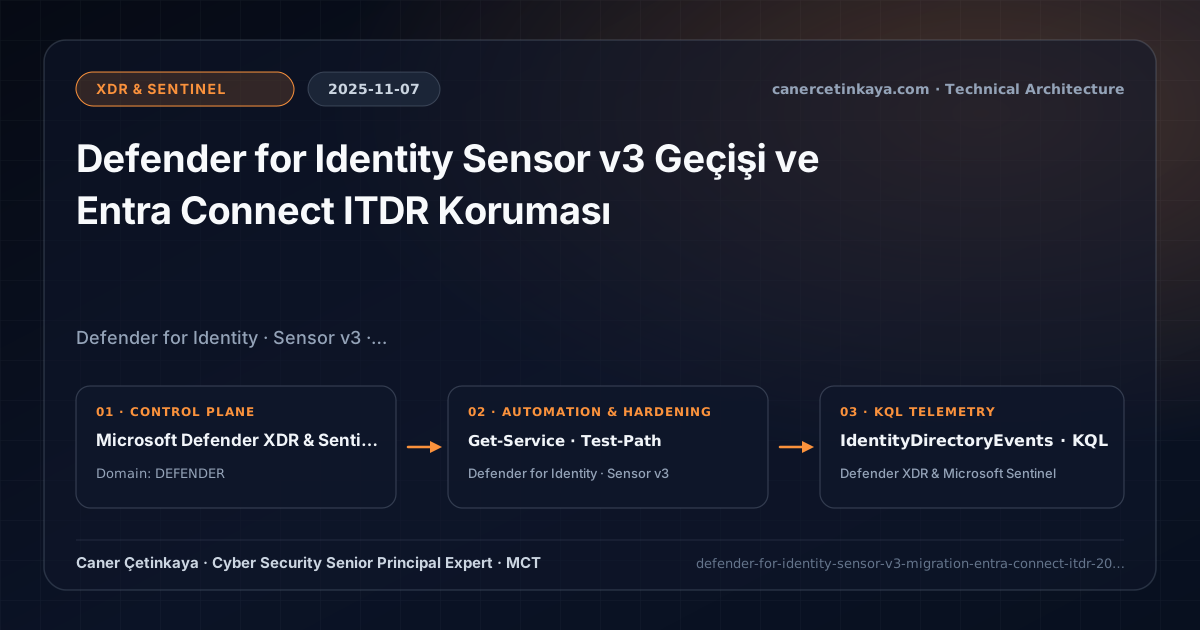
Upgrading Domain Controllers to the lightweight ETW-based Defender for Identity Sensor v3 (removing Npcap dependencies) and deploying dedicated ITDR monitoring onto Entra Connect Sync servers.
Executive Summary and Active Directory Threat Context
Teams running Defender for Identity historically wrestled with two challenges: maintaining the third-party Npcap kernel capture driver required by Sensor v2.x on ultra-busy Domain Controllers, and closing visibility gaps over Entra Connect Sync hosts vulnerable to ADSync database credential-extraction attacks. Rolling out across 2025, Defender for Identity Sensor v3 (ETW-driven) paired with dedicated Entra Connect sensing eliminates both gaps cleanly.
From an architectural evolution standpoint, this foundational design connects directly to modern platform controls. Retiring legacy Npcap capture drivers with Windows-native ETW telemetry in Sensor v3 while extending sensors onto Entra Connect hosts anchors modern Defender Identity KQL Threat Hunting and Tier-0 hybrid protection.
Sensor Boundaries, Protocol Auditing, and Design Principles
Sensor v3streams network and identity telemetry using native Windows Event Tracing (ETW) channels rather than third-party Npcap drivers, maximizing DC stability and throughput.Dedicated Entra Connect Sensingcontinuously monitorsMicrosoft Entra Connect Syncservers for unauthorized reads againstMSOL_/AAD_connector credentials andADSyncsecrets.- Unites alongside AD CS Sensor Telemetry to cover every Tier-0 identity host under unified
IdentityDirectoryEventsandIdentityLogonEventsschemas. - Directly hardens Hybrid Identity Threat Detection & Response (ITDR) posture across Zero Trust Tier-0 boundaries.
Prerequisites, Domain Controller Dependencies, and RBAC
- Licensing: Microsoft Defender for Identity (included in Microsoft 365 E5 and EMS E5).
- OS & RBAC: Supported Windows Server 2019/2022/2025 hosts, MDI Portal
Security Administrator, and local deployment rights on DCs and Entra Connect servers. - TLS Egress: Confirm outbound 443 reachability to
*.atp.azure.comendpoints with TLS inspection bypassed.
Technical Verification, ADCS/Protocol Posture, and Controls
PowerShell Sensor Health and Hardening Audit
Checking MDE-integrated MDI Sensor v3 health and confirming legacy v2.x/Npcap cleanup on Domain Controllers:
- Execution Environment and Prerequisites: Requires Applicable Microsoft administrative PowerShell session.
- Least Privilege and Operation Separation: Run with least-privilege inspection or scoped administrative permissions. All statements above are **read-only (
Get-*/Test-*/Search-*)** verification checks making no direct configuration edits; still validate module/network prerequisites in a test cohort first. - Security Control Mapped and Boundary Note: Verifies active policy state and guards against silent drift or mis-scoped rollouts without blind production changes.
# 1. Verify unified MDE Sense service hosting MDI Sensor v3 ETW telemetry
Get-Service -Name "Sense" -ErrorAction SilentlyContinue | Select-Object Name, Status, StartType

# 2. Verify legacy v2.x standalone services and Npcap driver artifacts are removed
Get-Service -Name "AATPSensor", "AATPSensorUpdater", "npcap" -ErrorAction SilentlyContinue | Select-Object Name, Status, StartType
Test-Path "C:\Program Files\Azure Advanced Threat Protection Sensor"
Identity Threat Telemetry and KQL Verification Query
KQL query auditing Entra Connect and Active Directory Tier-0 events inside Defender IdentityDirectoryEvents:
// Execution Scope: Read-only hunting/audit query (Log Analytics Reader / Security Reader)
// Data Source: Microsoft Defender for Identity -> Defender XDR Advanced Hunting (IdentityDirectoryEvents)
IdentityDirectoryEvents
| where Timestamp > ago(14d)
| where Application in ("Active Directory", "Microsoft Entra Connect") or ActionType has_any ("Replication", "ADSync", "Credential", "Account")
| project Timestamp, Application, ActionType, DeviceName, AccountUpn, TargetAccountUpn
| summarize EventCount = count() by Application, ActionType, DeviceName
| order by EventCount desc
Critical Architectural Assessment, Production Risks, and Rollback Strategy
- Protecting Domain Controllers While Leaving Entra Connect Sync Unmonitored: Entra Connect acts as a Tier-0 bridge holding broad AD directory privileges—always onboard it into MDI.
- Leaving Legacy Npcap Drivers Lingering Post-Migration: Verify driver state cleanliness on high-load Domain Controllers once v3 stabilizes.
- Risks Mitigated vs. Residual Limitations: MDI sensors and
ADCS(ESC1/ESC8) remediation detect and disruptGolden Ticket,DCSync, LDAP reconnaissance, and certificate-template escalation; however, they do not inspect pure cloud-only Entra token replay, legacy apps broken if NTLM/web-enrollment endpoints are removed prematurely, or DCs lacking Windows Advanced Audit policies. - New Dependencies and Production Failure Modes: Fidelity depends on configured DC
Securityaudit SACLs, sensor sizing margins on busy Domain Controllers, outbound*.sensorapi.atp.azure.comHTTPS connectivity forv3, and verified ADCS client inventories before locking downESC8HTTP endpoints. - Rollback and Pilot Validation Procedure: Stage
NTLMand weak-protocol cleanup through Windows audit-only logging (8004/4022events) first; keep GPO rollback snapshots for AD hardening changes and upgradev2 -> v3sensors one non-FSMO DC at a time.
Verified Primary Sources & Open-Source Repositories
This architectural guide was cross-corroborated against the official advisories, Microsoft Learn docs, and open-source PowerShell / KQL repositories below.
Multi-Channel Distribution Summary (X & LinkedIn Draft)
Toggle X (Twitter) & LinkedIn sharing drafts
Multi-Channel Distribution Summary (X & LinkedIn Draft)
Toggle X (Twitter) & LinkedIn sharing draftsMigrating Tier-0 Domain Controllers to ETW-native Defender for Identity Sensor v3 and monitoring Entra Connect ITDR. #DefenderForIdentity #ITDR #ZeroTrust
Modernizing Tier-0 Sensors: Dropping Npcap drivers with MDI Sensor v3 and catching ADSync credential dumps on Entra Connect Sync hosts.