Microsoft 365 Copilot Readiness: Remediating SharePoint Oversharing with SAM
Preventing enterprise data overexposure before rolling out Microsoft 365 Copilot by auditing EEEU links with Data Access Governance (DAG) reports and enforcing SharePoint Advanced Management (SAM) Restricted Access Control.
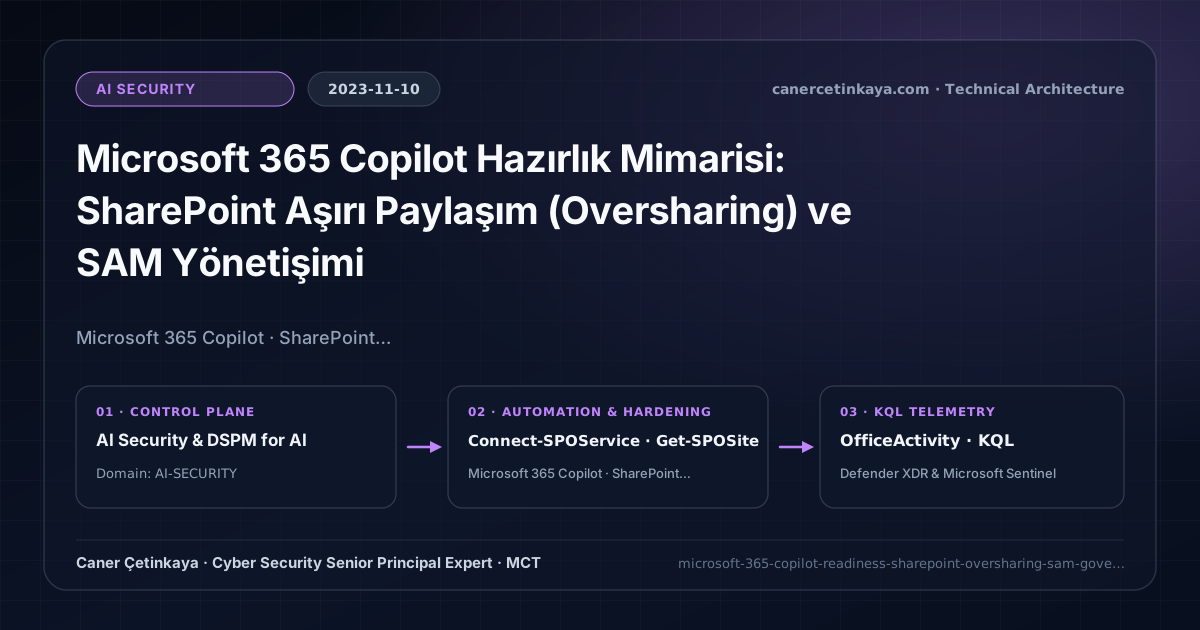
Executive Summary and AI Security Context
When Microsoft 365 Copilot reached general availability in November 2023, it did not create new security flaws—instead, it immediately surfaced years of forgotten "Everyone Except External Users (EEEU)" links and broad SharePoint folder permissions inside conversational prompts. Before assigning Copilot seats, architects must clean up permission sprawl using SharePoint Advanced Management (SAM) and Microsoft Purview Information Protection.
From an architectural evolution standpoint, this foundational design connects directly to modern platform controls. Born in November 2023 from the realization that Copilot indexes everything a user can already access, SharePoint oversharing remediation now acts as Day-0 prerequisites inside Purview, Intune, and Copilot AI Security.
Data Boundaries, Permission Inheritance, and Design Principles
Data Access Governance (DAG)reports inside SAM expose sites populated withEveryone Except External Users (EEEU), anonymous links, and high-volume overshared files.Restricted Access Control (RAC)clamps critical sites tightly to designated security groups, ensuring non-members cannot read or index those sites via Copilot.Restricted SharePoint Searchserves as a temporary containment perimeter limiting enterprise Copilot discovery exclusively to vetted sites while remediation completes.- Enterprise AI gateways and
Copilotgrounding paths remain defensible only when they inheritManaged IdentityRBAC,Private Endpointisolation, and SharePointRCD/RACsite access boundaries.
Prerequisites, Network/Licensing Scope, and RBAC Requirements
- Licensing: Foundational Copilot oversharing safeguards accompany Copilot licensing, while advanced
SharePoint Advanced Management (SAM)controls (DAG reports, RAC, Site Access Reviews) require SAM or covered Copilot entitlements. - RBAC Scope:
SharePoint AdministratorforConnect-SPOServicegovernance andCompliance Administratorfor Purview sensitivity label mappings. - Scope Distinction: Container-level sensitivity labels govern external sharing and RAC boundaries, whereas file-level RMS encryption restricts content-extraction permissions inside individual files.
Technical Verification, Model Access Audits, and Controls
PowerShell AI Security Configuration Validation
Auditing SharePoint site Restricted Access Control (RAC) and tenant sharing posture via SharePoint PowerShell:
- Execution Environment and Prerequisites: Requires Microsoft.Online.SharePoint.PowerShell.
- Least Privilege and Operation Separation: Run with least-privilege inspection or scoped administrative permissions. All statements above are **read-only (
Get-*/Test-*/Search-*)** verification checks making no direct configuration edits; still validate module/network prerequisites in a test cohort first. - Security Control Mapped and Boundary Note: Verifies active policy state and guards against silent drift or mis-scoped rollouts without blind production changes.
# 1. Connect to SharePoint Online Admin Center
Connect-SPOService -Url "https://canercetinkaya-admin.sharepoint.com"

# 2. Verify Restricted Access Control (RAC) status on sensitive SharePoint site
Get-SPOSite -Identity "https://canercetinkaya.sharepoint.com/sites/HR-Confidential" |
  Select-Object Url, SharingCapability, RestrictedAccessControl, RestrictedAccessControlGroups

# 3. Audit tenant-wide anonymous sharing limits and default link scope
Get-SPOTenant | Select-Object SharingCapability, DefaultSharingLinkType, DefaultLinkPermission
AI Security Telemetry and KQL Verification Query
KQL query auditing oversharing permissions (Company/Anonymous links) and Copilot interaction telemetry in OfficeActivity:
// Execution Scope: Read-only hunting/audit query (Log Analytics Reader / Security Reader)
// Data Source: Microsoft Purview Unified Audit Log -> Microsoft Sentinel Office 365 connector (OfficeActivity)
OfficeActivity
| where TimeGenerated > ago(30d)
| where RecordType in ("SharePointSharingOperation", "CopilotInteraction") or Operation has_any ("AddedToGroup", "AnonymousLinkCreated", "CompanyLinkCreated")
| project TimeGenerated, UserId, RecordType, Operation, Site_Url, SourceFileName
| summarize OpCount = count() by RecordType, Operation, Site_Url
| order by OpCount desc
Critical Architectural Assessment, Oversharing Risks, and Rollback Strategy
- Leaving Restricted SharePoint Search Enabled Permanently Instead of Fixing ACLs: Restricted Search degrades broader enterprise AI utility; use it strictly as a temporary guardrail while executing Site Access Reviews.
- Misunderstanding RMS
ExtractPermissions Inside Copilot: Any user authorized to view/extract encrypted Office content grants Copilot clearance to summarize that content; verify file-level RMS rights. - Risks Mitigated vs. Residual Limitations:
Private Endpoints,Managed Identity, content safety filters, and SharePoint oversharing (SAM) guards stop leaked AI API keys and limit unintended Copilot grounding across over-shared sites; yet they cannot prevent authorized users from querying sensitive data they legitimately holdReadaccess to (without Purview DLP/label boundaries) or guard against subtle reasoning hallucinations. - New Dependencies and Production Failure Modes: Architecture relies on
DisableLocalAuthreadiness,Private DNSalignment,SharePoint Advanced Managementsite flags, andSecurity CopilotSCUallocation. Flipping local key auth off prematurely or applyingRestricted SharePoint Searchglobally breaks legacy bots and org-wide search. - Rollback and Pilot Validation Procedure: Stage private AI access and SharePoint
RCD/RACcontrols on non-production subscriptions and pilot SharePoint sites first; roll back disruption safely via scopedSet-SPOSiteorUpdate-AzCognitiveServicesAccountchanges rather than re-exposing public endpoints.
Verified Primary Sources & Open-Source Repositories
This architectural guide was cross-corroborated against the official advisories, Microsoft Learn docs, and open-source PowerShell / KQL repositories below.
Multi-Channel Distribution Summary (X & LinkedIn Draft)
Toggle X (Twitter) & LinkedIn sharing drafts
Multi-Channel Distribution Summary (X & LinkedIn Draft)
Toggle X (Twitter) & LinkedIn sharing draftsLocking down SharePoint oversharing before deploying Microsoft 365 Copilot using SAM Data Access Governance and RAC. #Copilot #SharePoint #AISecurity
Day-0 AI Hygiene: Using SharePoint Advanced Management (DAG & Restricted Access Control) and Purview sensitivity labels to stop Copilot overexposure.