Microsoft 365 Endpoint DLP (GA): Agentless USB, Print, and Cloud Upload Controls on Windows 10
An October 2020 General Availability blueprint configuring agentless Microsoft 365 Endpoint DLP on Windows 10 to audit and block sensitive file copies to USB drives, printers, network shares, and unsanctioned cloud uploads.
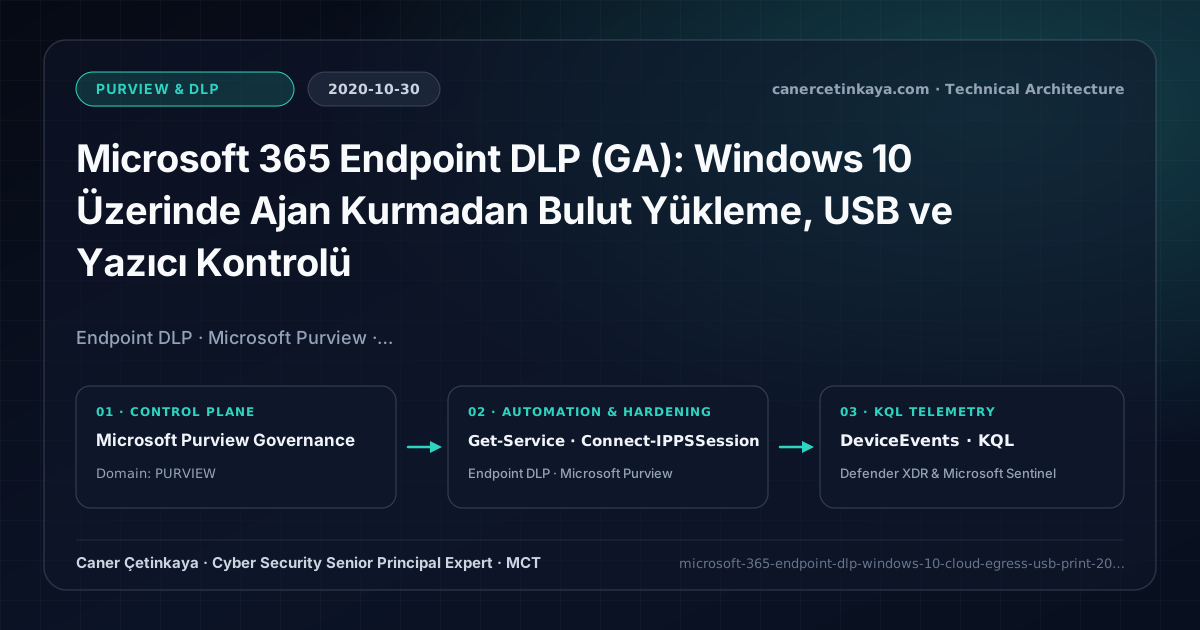
Executive Summary and Data Loss Prevention Context
Even after locking down collaboration clouds via Office 365 Exchange/SharePoint/Teams DLP, employees still export sensitive spreadsheets onto local Desktop folders and exfiltrate them over consumer cloud portals or USB flash drives. Heavy third-party DLP kernel drivers introduce blue-screen stability hazards; October 2020’s Microsoft 365 Endpoint DLP builds enforcement directly into Windows 10 and Microsoft Edge with zero extra client agents.
From an architectural evolution standpoint, this foundational design connects directly to modern platform controls. Born natively inside Windows 10 at GA in October 2020, Microsoft 365 Endpoint DLP matured directly into today’s multi-OS Purview Endpoint DLP and Purview Browser DLP GenAI governance framework.
Inspection Boundaries, Signal Correlation, and Design Principles
- Activates native OS-level Devices DLP policies atop existing Defender for Endpoint onboarding without installing competing third-party kernel drivers.
- Evaluates files holding PII or sensitivity labels in real time across USB copies, network share writes, printing, clipboard egress, and Restricted Cloud Domains.
- Central Endpoint DLP Settings enforce Unallowed Browsers and Unallowed Bluetooth Apps across remote Windows 10 endpoints.
DLP,Insider Risk Management, andAdaptive Protectionpolicies should measure false-positive impact inTestWithNotificationssimulation prior to enforcement while segregating privacy investigation RBAC from IT admin roles.
Prerequisites, Licensing Scope, and Privacy-Segregated RBAC
- Licensing: Microsoft 365 E5, M365 E5 Compliance, or Microsoft Information Protection & Governance E5.
- Platform & RBAC: Azure AD / Hybrid Joined Windows 10 1809+ devices onboarded into Compliance Center Device Management, administered via least-privilege Compliance Administrator.
- Telemetry Dependency: Windows DiagTrack (Connected User Experiences and Telemetry) must remain enabled for Activity Explorer event ingestion.
Technical Verification, DLP Rules, and Policy Controls
PowerShell DLP/IRM Policy Audit and Simulation Check
PowerShell commands validating Sense/DiagTrack services locally and auditing Endpoint DLP policy coverage:
- Execution Environment and Prerequisites: Requires ExchangeOnlineManagement (
Connect-IPPSSession). - Least Privilege and Operation Separation: Run with scoped Exchange / Compliance / SharePoint Administrator (or View-Only / Security Reader for audit commands) privileges. All statements above are **read-only (
Get-*/Test-*/Search-*)** verification checks making no direct configuration edits; still validate module/network prerequisites in a test cohort first. - Security Control Mapped and Boundary Note: Verifies active policy state and guards against silent drift or mis-scoped rollouts without blind production changes.
# 1. Verify Sense and DiagTrack services powering native Endpoint DLP telemetry
Get-Service -Name "Sense", "DiagTrack" | Select-Object Name, Status, StartType

# 2. Check Compliance DLP policies targeting EndpointDlpLocation
Connect-IPPSSession -UserPrincipalName "[email protected]"
Get-DlpCompliancePolicy | Select-Object Name, Mode, EndpointDlpLocation, Workload
Data Security Telemetry and KQL Verification Query
KQL threat hunt auditing USB removable media writes and Endpoint DLP evaluations in DeviceEvents:
// Execution Scope: Read-only hunting/audit query (Log Analytics Reader / Security Reader)
// Data Source: Microsoft Defender XDR Advanced Hunting / Sentinel MDE Connector (DeviceEvents)
DeviceEvents
| where Timestamp > ago(14d)
| where ActionType in ("DlpPolicyEvaluation", "RemovableStorageFileCreated", "BrowserFileUpload")
| project Timestamp, DeviceName, InitiatingProcessAccountName, ActionType, FileName, FolderPath, AdditionalFields
| summarize Events = count() by ActionType, DeviceName, InitiatingProcessAccountName
| order by Events desc
Critical Architectural Assessment, Workflow Risks, and Rollback Strategy
- Blindly Disabling DiagTrack Telemetry: Privacy scripts that turn off DiagTrack break Endpoint DLP cloud telemetry ingestion silently.
- Enforcing Hard Blocks Without Audit Baseline: Start in Audit or Block with Override across business units for 14 days to calibrate custom file-path exclusions first.
- Risks Mitigated vs. Residual Limitations:
Purview DLP,Insider Risk Management, andAdaptive Protectioncurb sensitive egress across SharePoint, Exchange, Teams, Copilot, and endpoints; yet they do not halt out-of-band smartphone captures, encrypted archives escaping inspection without unscannable-file fallback rules, or disabled endpoint sensors and unhardenedIncognitobrowser windows. - New Dependencies and Production Failure Modes: Enforcement accuracy relies on
M365 E5/Purview Suiteentitlements, preciseSIT/label classifiers, cleanHRconnector feeds (forIRM), and activeSenseCE.exeservices. Flipping rules straight intoBlockor attaching poorly tunedHRdeparture triggers locks legitimate teams out of daily work. - Rollback and Pilot Validation Procedure: Keep all new DLP and
Adaptive Protectioncontrols inTestWithNotificationssimulation for at least14days; revert disruptive policies immediately viaSet-DlpCompliancePolicy -Mode TestWithNotificationswhile preserving privacy-segregatedIRMRBAC boundaries.
Verified Primary Sources & Open-Source Repositories
This architectural guide was cross-corroborated against the official advisories, Microsoft Learn docs, and open-source PowerShell / KQL repositories below.
Multi-Channel Distribution Summary (X & LinkedIn Draft)
Toggle X (Twitter) & LinkedIn sharing drafts
Multi-Channel Distribution Summary (X & LinkedIn Draft)
Toggle X (Twitter) & LinkedIn sharing draftsStop sensitive file leaks over USB drives, printing, and consumer cloud uploads without extra agents using Microsoft 365 Endpoint DLP (GA). #Purview #EndpointDLP
2020 Endpoint DLP blueprint: native Windows 10 inspection, Service Domains blocking, DiagTrack telemetry checks, and Activity Explorer baselining.