Privacy-First Insider Threat Defense with Microsoft 365 Insider Risk Management and Communication Compliance
A 2021 information governance blueprint correlating HR resignation signals, bulk SharePoint downloads, and Endpoint DLP egress using anonymized Microsoft 365 Insider Risk Management and Communication Compliance.
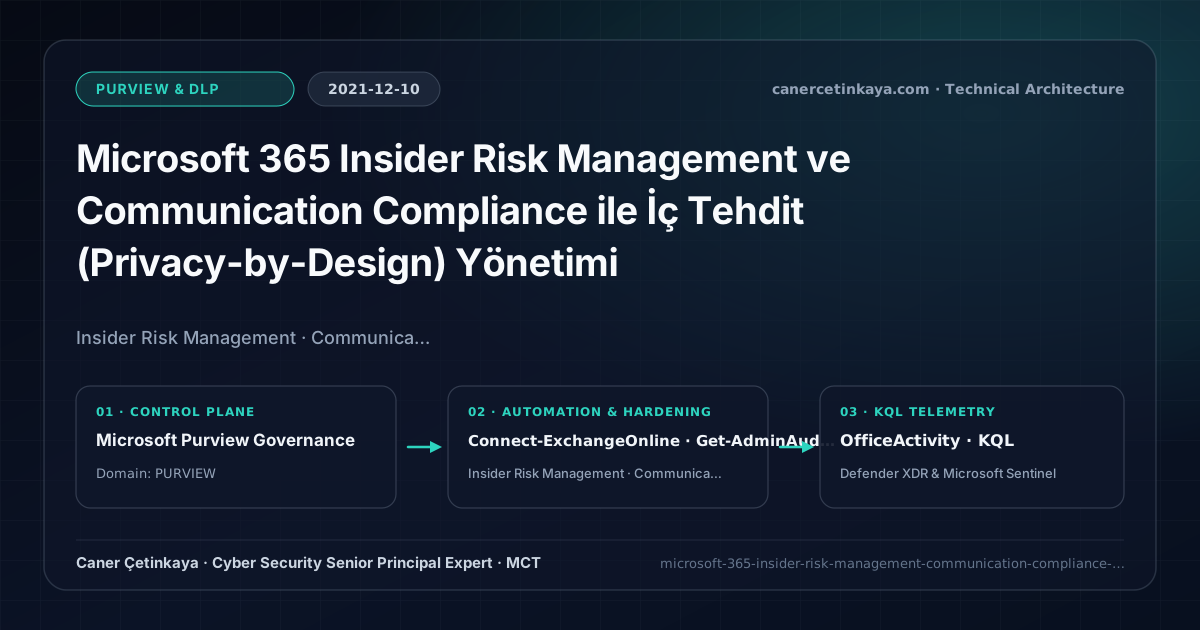
Executive Summary and Data Loss Prevention Context
Critical IP, customer database, and source-code leaks frequently originate internally—especially during employee notice periods when departing staff batch-download SharePoint folders onto USB media or personal cloud drives. Standalone Endpoint DLP rules catch isolated file events but miss cumulative multi-week escalation sequences. Microsoft 365 Insider Risk Management correlates HR triggers, downloads, and egress spikes through strict Privacy-by-Design pseudonymization.
From an architectural evolution standpoint, this foundational design connects directly to modern platform controls. Matured inside Microsoft 365 Compliance Center in 2021, Insider Risk Management and Communication Compliance now feed Purview Adaptive Protection dynamic blocking alongside Purview Browser DLP GenAI governance.
Inspection Boundaries, Signal Correlation, and Design Principles
- Data Theft by Departing Users correlates HR Connector resignation dates with elevated SharePoint syncs, external emails, and USB copies over the final 30 days.
- Cumulative Exfiltration baselines individual download spikes against peer behavior to assign transparent 0–100 risk scores.
- Communication Compliance scans Teams, Exchange, and collaboration threads for regulatory misconduct or confidential leaks via scoped Legal/Ethics reviewers.
DLP,Insider Risk Management, andAdaptive Protectionpolicies should measure false-positive impact inTestWithNotificationssimulation prior to enforcement while segregating privacy investigation RBAC from IT admin roles.
Prerequisites, Licensing Scope, and Privacy-Segregated RBAC
- Licensing: Microsoft 365 E5, M365 E5 Compliance, or the Insider Risk Management add-on.
- RBAC Separation: Decouple technical Insider Risk Admins (IT) from Investigators/Reviewers (Legal, HR, Compliance) so global IT admins cannot browse employee file content arbitrarily.
- Connector Baseline: Enable Unified Audit Logging, deploy an HR CSV/API Connector, and enable Analytics pre-scanning.
Technical Verification, DLP Rules, and Policy Controls
PowerShell DLP/IRM Policy Audit and Simulation Check
PowerShell check confirming Unified Audit ingestion prerequisites and inspecting Insider Risk policies:
- Execution Environment and Prerequisites: Requires ExchangeOnlineManagement, ExchangeOnlineManagement (
Connect-IPPSSession), ActiveDirectory / RSAT / AD Sync / AD FS management host. - Least Privilege and Operation Separation: Run with scoped Exchange / Compliance / SharePoint Administrator (or View-Only / Security Reader for audit commands) privileges. All statements above are **read-only (
Get-*/Test-*/Search-*)** verification checks making no direct configuration edits; still validate module/network prerequisites in a test cohort first. - Security Control Mapped and Boundary Note: Verifies active policy state and guards against silent drift or mis-scoped rollouts without blind production changes.
# Confirm Unified Audit Logging prerequisite and inspect Insider Risk posture
Connect-ExchangeOnline -UserPrincipalName "[email protected]"
Get-AdminAuditLogConfig | Select-Object UnifiedAuditLogIngestionEnabled

Connect-IPPSSession -UserPrincipalName "[email protected]"
Get-InsiderRiskPolicy | Select-Object Name, Enabled, InsiderRiskScenario, WhenChanged
Get-ComplianceCase -CaseType InsiderRisk | Select-Object Name, Status
Data Security Telemetry and KQL Verification Query
KQL exfiltration hunt detecting anomalous bulk SharePoint and OneDrive file download bursts:
// Execution Scope: Read-only hunting/audit query (Log Analytics Reader / Security Reader)
// Data Source: Microsoft Purview Unified Audit Log -> Microsoft Sentinel Office 365 connector (OfficeActivity)
OfficeActivity
| where TimeGenerated > ago(14d)
| where Workload in ("SharePoint", "OneDrive") and Operation in ("FileDownloaded", "FileSyncDownloadedFull")
| summarize DownloadedFiles = count(), DistinctSites = dcount(Site_Url) by UserId, bin(TimeGenerated, 1d)
| where DownloadedFiles >= 200
| order by DownloadedFiles desc
Critical Architectural Assessment, Workflow Risks, and Rollback Strategy
- Assigning Content Reviewer Roles to Day-to-Day IT Administrators: Violates separation of duties; keep CISO/Legal/HR strictly separated from platform technical admins.
- Turning Policies Live Before Running 48-Hour Insider Risk Analytics: Uncalibrated thresholds generate false positives on marketing/engineering teams handling legitimate archives.
- Risks Mitigated vs. Residual Limitations:
Purview DLP,Insider Risk Management, andAdaptive Protectioncurb sensitive egress across SharePoint, Exchange, Teams, Copilot, and endpoints; yet they do not halt out-of-band smartphone captures, encrypted archives escaping inspection without unscannable-file fallback rules, or disabled endpoint sensors and unhardenedIncognitobrowser windows. - New Dependencies and Production Failure Modes: Enforcement accuracy relies on
M365 E5/Purview Suiteentitlements, preciseSIT/label classifiers, cleanHRconnector feeds (forIRM), and activeSenseCE.exeservices. Flipping rules straight intoBlockor attaching poorly tunedHRdeparture triggers locks legitimate teams out of daily work. - Rollback and Pilot Validation Procedure: Keep all new DLP and
Adaptive Protectioncontrols inTestWithNotificationssimulation for at least14days; revert disruptive policies immediately viaSet-DlpCompliancePolicy -Mode TestWithNotificationswhile preserving privacy-segregatedIRMRBAC boundaries.
Verified Primary Sources & Open-Source Repositories
This architectural guide was cross-corroborated against the official advisories, Microsoft Learn docs, and open-source PowerShell / KQL repositories below.
Multi-Channel Distribution Summary (X & LinkedIn Draft)
Toggle X (Twitter) & LinkedIn sharing drafts
Multi-Channel Distribution Summary (X & LinkedIn Draft)
Toggle X (Twitter) & LinkedIn sharing draftsDetect departing employee data exfiltration safely with GDPR-compliant anonymization using Microsoft 365 Insider Risk Management. #Purview #InsiderRisk
2021 Data Protection Engineering: separating IT Admins from Legal Investigators, integrating HR Connectors, and automating cumulative exfiltration scoring.