Microsoft Entra Agent ID and Action-Time Conditional Access (Ignite 2026): 60 Local Agents, Dynamic Controls, and 60-Day Lifecycle
Architectural breakdown of Entra Agent ID for 60 local agent types and Autopilot agents, Conditional Access for assistive agents, action-time Dynamic Controls, and 60-day inactive agent disablement.
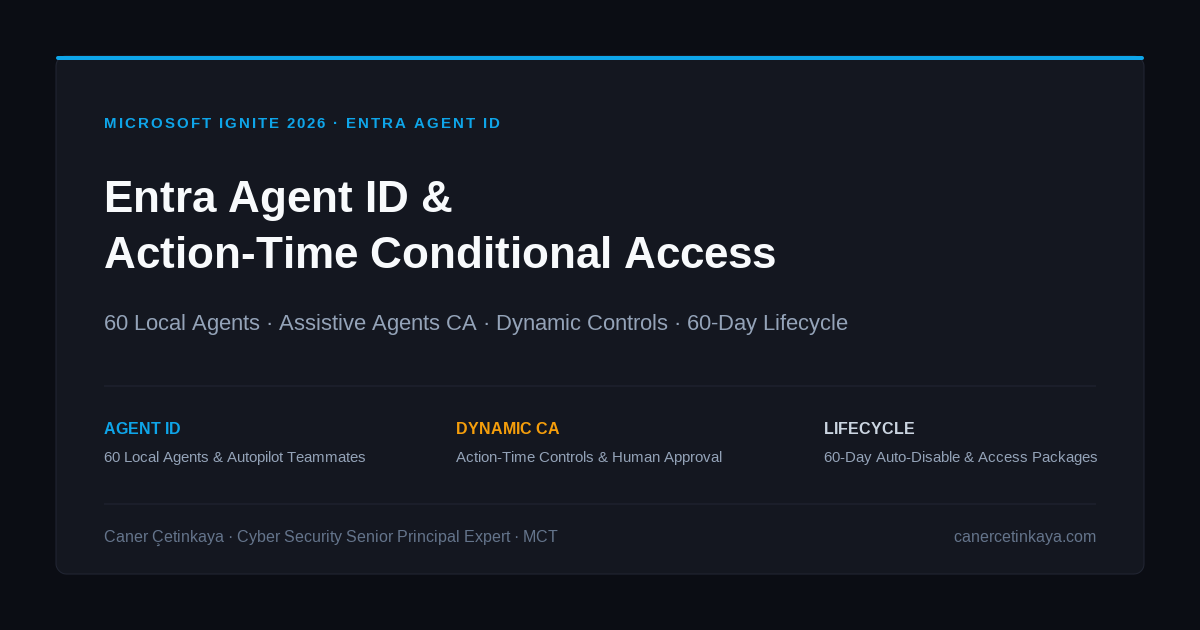
When a local coding agent operates under a developer's human session token, two critical security properties break: audit logs can no longer distinguish human intent from agentic execution, and containing a compromised agent forces IT to lock out the employee.
At Microsoft Ignite 2026, Microsoft Entra elevated AI agents into first-class governed identities with distinct access policies, action-time controls, and automated lifecycle cleanup.
1. Entra Agent ID for 60 Local Agents and Autopilot Teammates
- Agent ID for 60 local agent types (`Preview`): Starting with GitHub Copilot CLI and Claude Code (and spanning Codex and other local tools), local agents receive dedicated Entra identities.
- Agent ID for Autopilot agents (`Public Preview`): Autonomous digital teammates receive distinct identities so administrators can harden agent policies without altering human user rules.
- Access Packages for Autopilot agents (`Public Preview`): Enforces explicit approvals and time-bound grants for digital teammates.
2. From Sign-In to Point of Action: Conditional Access for Agents
- Conditional Access for assistive agents (`Public Preview`): Separates the employee from the local agent acting on their behalf—blocking the compromised agent while keeping the employee productive.
- Conditional Access Dynamic Controls (`Preview`): Evaluates policy at the point of action, not just at sign-in—halting a sensitive operation or demanding human approval as an agent's risk rises.
- Conditional Access for Windows 365 for Agents (`GA`): Applies the same Zero Trust rules to Cloud PCs hosting agent workloads.
3. Privilege Pruning and 60-Day Automated Lifecycle
- ID Governance Dynamic Permissions (`Limited Preview`): Automatically detects and remediates agent identities holding excessive privileges in business applications.
- Automated lifecycle (`GA`): Enforces sponsor and activity reviews, disabling agents inactive for 60 days automatically by default.
Architectural Limitations, Prerequisites, and Rollback
- GA vs. Preview scope: While Windows 365 for Agents CA and 60-day automated lifecycle are
GA, Dynamic Controls and 60-type local Agent IDs remain inPreview. Stage new agent policies inReport-onlymode inside Conditional Access Policy Plans before enforcing. - Not a replacement for data or network defense: Agent ID and Conditional Access gate access, but they do not replace Purview DLP or MCP firewall controls for inspecting what an authorized agent sends over the wire.
- Rollback plan: If Dynamic Controls or 60-day auto-disablement pauses a legitimate seasonal agent (such as a quarterly finance bot), add it to a sponsored exception group, switch the Dynamic Controls rule to
Report-only, re-enable the Agent ID, and verify workflow restoration.
With Entra Agent ID and action-time Conditional Access, Microsoft Entra brings real-time Zero Trust precision to hybrid human-plus-agent workforces.
Primary Sources
Verified Primary Sources & Open-Source Repositories
This architectural guide was cross-corroborated against the official advisories, Microsoft Learn docs, and open-source PowerShell / KQL repositories below.
Multi-Channel Distribution Summary (X & LinkedIn Draft)
Toggle X (Twitter) & LinkedIn sharing drafts
Multi-Channel Distribution Summary (X & LinkedIn Draft)
Toggle X (Twitter) & LinkedIn sharing draftsStop locking out the employee when a coding agent goes rogue: Ignite 2026 Entra Agent ID (60 local agents), Assistive Agents CA, action-time Dynamic Controls, and 60-day auto-disablement. #MicrosoftEntra #AgentID #Ignite2026
When local AI agents reuse a developer's human token, audit trails blur and containment breaks productivity. Here is how Ignite 2026 Entra Agent ID, action-time Conditional Access Dynamic Controls, and 60-day automated lifecycle solve it.
Related Architecture Articles
All Microsoft Azure →Microsoft Entra Ignite 2026: High Assurance Credentials, PIM Expansion, Backup Premium, and Tenant Governance
Architectural review of Microsoft Ignite 2026 Entra resilience updates: High Assurance Credentials, PIM for Azure/Arc VMs and agents, 30-day Backup and Recovery Premium, and cross-tenant governance.
Global Secure Access MCP Firewall, Adaptive Access, Secure BYOD Browser, and MCP Server for Enterprise (Ignite 2026)
Architectural review of Global Secure Access MCP Firewall for agents, risk-aware Adaptive Access, Edge+GSA secure browser for BYOD, and GA MCP Server for Enterprise.
Microsoft Entra External ID 2026 Updates (Ignite 2026): JavaScript Custom UX, Native Auth API v2, and TOTP Customer Security
Architectural review of Microsoft Entra External ID Ignite 2026 CIAM updates: branded JavaScript-capable HTML templates, Native Auth API v2, AI Agent Toolkit, multiple first-factor sign-in, TOTP MFA, and self-service account APIs.
Azure Firewall Premium: Architectural Deep Dive into Secure AI and Secure with AI
An enterprise security architecture analysis of the Microsoft Ignite Azure Firewall Premium AI Security add-on: inline SLM anti-malware and application threat protection, Prompt Shields at the network layer, Microsoft Purview Network DLP, AI Policy, TLS inspection dependencies, and phased production rollout.