Microsoft Purview Double Key Encryption (DKE) vs BYOK Cryptography Architecture
Designing sovereign Double Key Encryption (DKE) deployments alongside Customer Key (BYOK) for ultra-sensitive regulated content while managing cloud search and collaboration trade-offs.
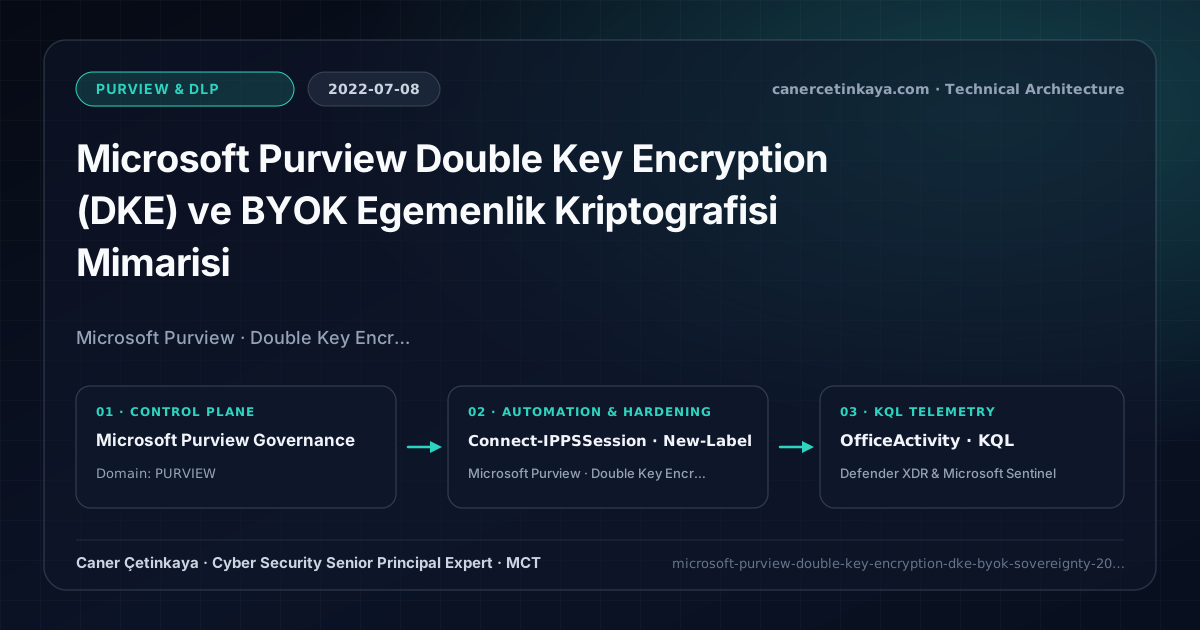
Executive Summary and Information Protection Context
With standard Microsoft Purview Information Protection, Microsoft holds decryption capabilities within tenant-isolated keys so services can index content, scan DLP, and power cloud productivity. However, when strict regulatory mandates require keeping a second cryptographic key outside Microsoft’s infrastructure so not even Microsoft can inspect plaintext, Double Key Encryption (DKE) provides mathematical isolation.
From an architectural evolution standpoint, this foundational design connects directly to modern platform controls. Established in 2022 as the strongest cryptographic boundary for defense and financial sovereignty, Microsoft Purview DKE directly complements Microsoft Sovereign Cloud Digital Sovereignty and Purview Adaptive Protection.
Cryptographic Boundaries, Label Taxonomy, and Design Principles
Double Key Encryption (DKE)splits decryption authority between an Azure RMS key and a customer-hosted DKE Web Service backed by an on-premises or isolated HSM.Customer Key (BYOK)controls service-level storage encryption across Exchange, SharePoint, and Teams, whereasDKEenforces per-file zero-cloud-visibility encryption.- Architects should reserve DKE strictly for "Crown Jewel" regulated files (typically 1–3% of tenant content), protecting general confidential records with standard Sensitivity Labels.
- Sensitivity label taxonomy, built-in
MIPclient upgrades, andDKEhigh-availability endpoints must verify co-authoring compatibility and Super User recovery before rolling out mandatory encryption.
Prerequisites, Client/Key Dependencies, and RBAC
- Licensing: Microsoft 365 E5 or Microsoft Purview Compliance Information Protection P2.
- Infrastructure & RBAC: High-availability TLS 1.2+ DKE endpoint (
https://dke.contoso.com) backed by backed-up private keys, plus Compliance Administrator privileges forConnect-IPPSSession. - Client Dependency: Requires Microsoft 365 Apps for Enterprise desktop clients; browser-based Office co-authoring and cloud DLP inspection do not support DKE files.
Technical Verification, Labeling, and Encryption Controls
PowerShell Label Policy and File Status Validation
Binding a DKE endpoint URL to a Sensitivity Label via Security & Compliance PowerShell:
- Execution Environment and Prerequisites: Requires ExchangeOnlineManagement (
Connect-IPPSSession). - Least Privilege and Operation Separation: Run with scoped Exchange / Compliance / SharePoint Administrator (or View-Only / Security Reader for audit commands) privileges. This block pairs **read-only (
Get-*/Search-*) posture queries with state-changing (New-*/Set-*/Enable-*)** examples; execute mutating steps strictly under change control in a pilot ring (using-WhatIfwhere supported) before broad rollout. - Security Control Mapped and Boundary Note: Verifies active policy state and guards against silent drift or mis-scoped rollouts without blind production changes.
# 1. Connect to Microsoft Purview Security & Compliance PowerShell
Connect-IPPSSession -UserPrincipalName "[email protected]"

# 2. Create a high-classification label linked to the customer DKE endpoint
$DkeParams = @{
  Name                             = "CrownJewels-DKE"
  DisplayName                      = "Top Secret - DKE"
  Tooltip                          = "Double Key Encryption for regulated sovereign data"
  EncryptionEnabled                = $true
  EncryptionProtectionType         = "template"
  EncryptionDoubleKeyEncryptionUrl = "https://dke.contoso.com/dke-prod-key"
}
New-Label @DkeParams

# 3. Validate the applied DKE endpoint binding
Get-Label -Identity "CrownJewels-DKE" | Format-List DisplayName, EncryptionEnabled, EncryptionDoubleKeyEncryptionUrl
Labeling Telemetry and KQL Verification Query
KQL query auditing DKE Sensitivity Label application events across Office workloads:
// Execution Scope: Read-only hunting/audit query (Log Analytics Reader / Security Reader)
// Data Source: Microsoft Purview Unified Audit Log -> Microsoft Sentinel Office 365 connector (OfficeActivity)
OfficeActivity
| where TimeGenerated > ago(30d)
| where RecordType in ("SensitivityLabelAction", "MipLabel")
| where Operation has_any ("SensitivityLabelApplied", "SensitivityLabelUpdated", "FileSensitivityLabelChanged")
| project TimeGenerated, UserId, OfficeWorkload, SourceFileName, SensitivityLabelEventData
| where SensitivityLabelEventData has "DKE" or SensitivityLabelEventData has "CrownJewels"
| summarize LabeledCount = count() by UserId, OfficeWorkload
Critical Architectural Assessment, Lockout Risks, and Rollback Strategy
- Applying DKE Broadly as a Default Label: Overusing DKE disables SharePoint search, browser editing, and co-authoring across general workspaces, crippling everyday productivity.
- Inadequate DKE Key Backup & Service Redundancy: Losing the private key or DNS reachability to the customer DKE service renders protected documents permanently unreadable.
- Risks Mitigated vs. Residual Limitations: Sensitivity labels, built-in
MIPprotection,Dynamic Watermarking, andDKEenforce persistent file-level encryption and customer key sovereignty; however, they cannot stop screen photography by authorized viewers (watermarking provides forensic attribution only), unsupported third-party formats lackingRMScontainers, or previously exported unencrypted copies. - New Dependencies and Production Failure Modes: Reliability hinges on current
Microsoft 365 Appschannels, redundant customer-hostedDKEHTTPS availability (an unreachableDKEendpoint blocks opening encrypted files globally!), and SharePoint co-authoring limits underDKE. Mandatory encryption applied too broadly stalls B2B portals and automated indexing. - Rollback and Pilot Validation Procedure: Validate every auto-labeling rule in
TestWithoutNotificationssimulation first; preserveSuper User(Get-AipServiceSuperUserFeature) emergency recovery and offlineDKEkey backups, narrowing mandatory encryption policies back to a pilot group upon disruption.
Verified Primary Sources & Open-Source Repositories
This architectural guide was cross-corroborated against the official advisories, Microsoft Learn docs, and open-source PowerShell / KQL repositories below.
Multi-Channel Distribution Summary (X & LinkedIn Draft)
Toggle X (Twitter) & LinkedIn sharing drafts
Multi-Channel Distribution Summary (X & LinkedIn Draft)
Toggle X (Twitter) & LinkedIn sharing draftsDesigning cryptographic data sovereignty with Microsoft Purview Double Key Encryption (DKE) vs Customer Key BYOK. #MicrosoftPurview #DKE #Compliance
Cryptographic Sovereignty in Microsoft 365: Architectural comparison between Double Key Encryption (DKE) and BYOK, cloud capability trade-offs, and safe Crown Jewel rollout.