Post-Windows 10 EOS ESU Isolation and Accelerated Windows 11 Migration via Intune
Containment and migration engineering after Windows 10 End of Support: gating unprotected hosts via Intune Compliance + Conditional Access, automating ESU key activation, and accelerating Windows 11 upgrades.
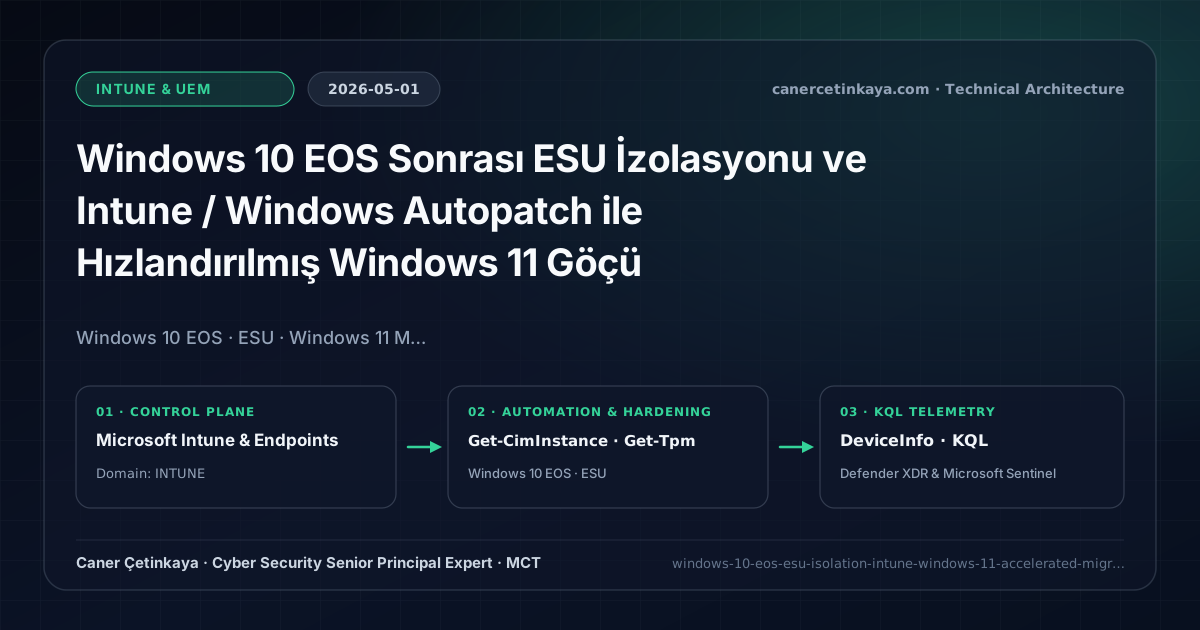
Executive Summary and Endpoint Hardening Context
Once Windows 10 crossed End of Support in October 2025, nearly every organization was left holding a stubborn 5–15% tail of legacy workstations delayed by hardware refreshes or lab dependencies. Any internet-facing Windows 10 endpoint running past EOS without activated Extended Security Updates (ESU) turns immediately into an unpatched breach vector. Combining Intune Device Compliance + Conditional Access blocks with Windows Autopatch Feature Updates enforces airtight protection.
From an architectural evolution standpoint, this foundational design connects directly to modern platform controls. Addressing the post-October 2025 Windows 10 End of Support compliance gap in 2026 closes the transition between Windows 10 22H2 Final Baselines and modern Windows 11 23H2/24H2 Fleets.
Hardware and Kernel Trust Boundaries and Design Principles
Intune Feature Updates & Windows Autopatchcontinuously orchestrates zero-touch Windows 11 23H2/24H2 in-place upgrades across every hardware-capable node verified via Endpoint Analytics Readiness.- Verified legacy hardware requiring short extension periods receives automated Windows 10 ESU (Year 1/2/3) MAK key installation and
slmgractivation monitoring via Intune Remediations. Conditional Access Compliance Gatesimmediately strip Exchange Online, SharePoint, and internal ZTNA access from non-ESU unmanaged Windows 10 workstations.- Pairs seamlessly with Windows 365 Cloud PC streaming for incompatible physical laptops requiring secure cloud Windows 11 desktops.
Prerequisites, MDM Conflict Resolution, and RBAC Boundaries
- Licensing: Windows 11 upgrades and Autopatch fall under M365 E3/E5; physical legacy Windows 10 machines require paid
Windows 10 ESU Commercialentitlements. - RBAC Access:
Intune Service Administrator,Windows Autopatchmanagement permissions, andConditional Access Administrator. - Telemetry Check: Confirm accurate Windows OS build inventory across Intune and Defender TVM prior to cutting over minimum-OS gates.
Technical Verification, Compliance, and Policy Controls
PowerShell Endpoint Posture and Configuration Check
Checking local OS builds, ESU activation status via WMI SoftwareLicensingProduct, and TPM/Secure Boot Windows 11 readiness:
- Execution Environment and Prerequisites: Requires Local administrator / Windows endpoint host.
- Least Privilege and Operation Separation: Run with least-privilege inspection or scoped administrative permissions. All statements above are **read-only (
Get-*/Test-*/Search-*)** verification checks making no direct configuration edits; still validate module/network prerequisites in a test cohort first. - Security Control Mapped and Boundary Note: Verifies active policy state and guards against silent drift or mis-scoped rollouts without blind production changes.
# 1. Inspect local Windows build and verify ESU licensing activation state
Get-CimInstance Win32_OperatingSystem | Select-Object Caption, Version, BuildNumber
Get-CimInstance SoftwareLicensingProduct -Filter "Name like '%ESU%' or Description like '%ESU%'" |
  Select-Object Name, LicenseStatus, PartialProductKey

# 2. Check TPM 2.0 and Secure Boot readiness for Windows 11 feature upgrade
Confirm-SecureBootUEFI -ErrorAction SilentlyContinue
Get-Tpm | Select-Object TpmPresent, TpmReady
Device Health Telemetry and KQL Verification Query
KQL query in Defender for Endpoint locating remaining Windows 10 devices ordered by OSBuild:
// Execution Scope: Read-only hunting/audit query (Log Analytics Reader / Security Reader)
// Data Source: Microsoft Defender XDR Advanced Hunting / Sentinel MDE Connector (DeviceInfo)
DeviceInfo
| where Timestamp > ago(7d)
| summarize arg_max(Timestamp, *) by DeviceId
| where OSPlatform == "Windows10"
| project DeviceName, OSVersion, OSBuild, SensorHealthState, OnboardingStatus, ClientVersion
| order by OSBuild asc
Critical Architectural Assessment, Rollout Risks, and Rollback Strategy
- Purchasing ESU Licenses Without Confirming Local Activation on Endpoints: Without successful
slmgr /atoactivation of the ESU MAK key (LicenseStatus = 1), Windows Update silently skips monthly ESU security patches. - Forgetting to Exclude Validated ESU Scopes from Minimum OS Blocking Rules Only via Dedicated Exempt Groups: Track ESU-exempted machines in strict expiring Azure AD groups backed by monthly access reviews.
- Risks Mitigated vs. Residual Limitations:
BitLocker,Credential Guard,HVCI/VBS,App Control/WDAC,Cloud PKI, andWindows LAPSdefeat offline disk extraction,LSASScredential theft, unsigned kernel drivers (BYOVD), and shared-adminPass-the-Hashpivoting; however, they do not prevent post-login abuse using signed system binaries (LOLBins) when App Control/ASR isn't enforced, nor do they protect legacy hardware lackingTPM 2.0/Secure Boot. - New Dependencies and Production Failure Modes: Endpoint reliability depends on
TPM 2.0/UEFI readiness, deterministicMDMWinsOverGPprecedence, and verified key escrow (BitLockerEntra registration andLAPSEvent ID 10025). EnforcingWDAC/AppLockerwithout audit logs or togglingHVCIonto incompatible drivers triggers boot loops (BSOD) or immediate helpdesk lockouts. - Rollback and Pilot Validation Procedure: Roll out every Windows security baseline through
IT Canary -> Pilot -> BroadIntune rings, verify escrow recovery keys before retiring legacy tools, and revert breaking policies via Intune group exclusions orAuditmode fallback without stripping core disk encryption.
Verified Primary Sources & Open-Source Repositories
This architectural guide was cross-corroborated against the official advisories, Microsoft Learn docs, and open-source PowerShell / KQL repositories below.
Multi-Channel Distribution Summary (X & LinkedIn Draft)
Toggle X (Twitter) & LinkedIn sharing drafts
Multi-Channel Distribution Summary (X & LinkedIn Draft)
Toggle X (Twitter) & LinkedIn sharing draftsSecuring the post-Windows 10 EOS tail via Intune Minimum OS Compliance, automated ESU activation checks, and Windows Autopatch. #Windows10EOS #Windows11 #Intune
Post-EOS Endpoint Containment: Accelerating Windows 11 upgrades across compatible hardware while locking down legacy ESU exceptions via Conditional Access.