Automated Risk Remediation with Azure AD Identity Protection: Risky Users and Risky Sign-ins
A 2021 Azure AD Premium P2 identity defense blueprint mitigating leaked credentials, anonymous Tor/proxy logins, and impossible travel via automated Conditional Access MFA and password-change remediation.
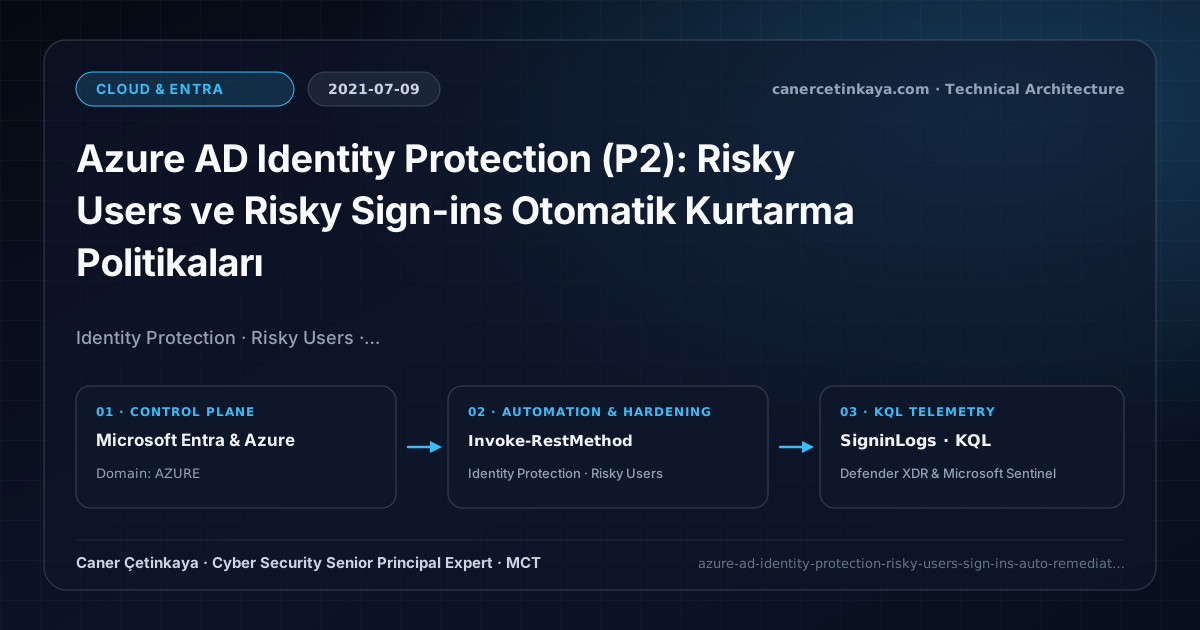
Executive Summary and Authentication Threat Context
Employees routinely reuse corporate passwords across third-party websites exposed in dark-web breaches, fueling relentless credential-stuffing waves through anonymized proxy networks. Static Conditional Access policies treat every request uniformly until compromise occurs. Azure AD Identity Protection (P2) evaluates real-time Sign-in Risk alongside cumulative User Risk, enforcing automated MFA challenges or secure password resets before adversaries pivot inside.
From an architectural evolution standpoint, this foundational design connects directly to modern platform controls. Powered by machine-learning risk heuristics in 2021, Azure AD Identity Protection now drives Microsoft Entra ID Protection—scoring token theft signals to trigger Defender XDR & Sentinel Identity Hunts automatically.
Trust Boundaries, Policy Evaluation, and Design Principles
- High User Risk policies force users with leaked credentials into a secure MFA + SSPR Password Change flow that auto-clears the user’s risk state upon completion.
- Medium/High Sign-in Risk policies challenge anomalous proxy IPs and atypical travel immediately with extra MFA verification before token issuance.
- Requires Password Hash Sync (PHS) and Password Writeback in hybrid AD estates so cloud remediation syncs passwords back on-premises cleanly.
- Every Conditional Access and authentication-strength policy must stage in
Report-Onlymode while excluding two dedicated cloud-onlyBreak-Glassaccounts to prevent tenant-wide administrative lockouts.
Prerequisites, Licensing Scope, and RBAC Separation
- Licensing: Azure AD Premium P2, EMS E5, or Microsoft 365 E5 assigned to every governed identity.
- Self-Remediation Readiness: Enable Combined Security Registration + Password Writeback and always exclude Break-Glass Emergency Accounts.
- RBAC Matrix: Separate Security Administrator oversight from automated policy changes and stream SigninLogs/AADRiskyUsers into Log Analytics.
Technical Verification, Session Controls, and Enforcement
PowerShell Policy Audit and Report-Only Validation
Querying active atRisk users and recent Identity Protection risk detections via Microsoft Graph PowerShell:
- Execution Environment and Prerequisites: Requires Applicable Microsoft administrative PowerShell session.
- Least Privilege and Operation Separation: Run with least-privilege inspection or scoped administrative permissions. All statements above are **read-only (
Get-*/Test-*/Search-*)** verification checks making no direct configuration edits; still validate module/network prerequisites in a test cohort first. - Security Control Mapped and Boundary Note: Verifies active policy state and guards against silent drift or mis-scoped rollouts without blind production changes.
# 1. Query currently atRisk users via Microsoft Graph Identity Protection API
$Token = "<GRAPH_TOKEN_WITH_IDENTITYRISKUSER_READ_ALL>"
$Headers = @{ Authorization = "Bearer $Token" }
$RiskyUsers = Invoke-RestMethod -Uri "https://graph.microsoft.com/v1.0/identityProtection/riskyUsers?%24filter=riskState eq 'atRisk'" -Headers $Headers
$RiskyUsers.value | Select-Object userPrincipalName, riskLevel, riskState, riskDetail, riskLastUpdatedDateTime

# 2. Retrieve latest Identity Protection risk detection telemetry
$RiskEvents = Invoke-RestMethod -Uri "https://graph.microsoft.com/v1.0/identityProtection/riskDetections?%24top=25" -Headers $Headers
$RiskEvents.value | Select-Object activityDateTime, userPrincipalName, riskEventType, riskLevel, ipAddress
Sign-In Telemetry and KQL Verification Query
KQL audit tracking Sign-in Risk triggers and automated Conditional Access outcomes in SigninLogs:
// Execution Scope: Read-only hunting/audit query (Log Analytics Reader / Security Reader)
// Data Source: Microsoft Entra ID Diagnostic Settings -> Log Analytics / Microsoft Sentinel (SigninLogs / AuditLogs)
SigninLogs
| where TimeGenerated > ago(14d)
| where RiskLevelDuringSignIn in ("medium", "high") or RiskLevelAggregated in ("medium", "high")
| project TimeGenerated, UserPrincipalName, AppDisplayName, IPAddress, LocationDetails, RiskLevelDuringSignIn, RiskEventTypes, ConditionalAccessStatus, ResultType
| summarize RiskyAttempts = count(), BlockedCount = countif(ConditionalAccessStatus == "failure") by UserPrincipalName, RiskLevelDuringSignIn
| order by RiskyAttempts desc
Critical Architectural Assessment, Lockout Risks, and Rollback Strategy
- False Positives on Corporate Cloud Egress Proxies (SSE/VPN): Tag verified enterprise egress IPs as Trusted Named Locations to prevent anomalous-IP alert bursts.
- Expecting Leaked Credential Detections Without PHS: Even federated AD FS tenants require enabling Password Hash Sync so Microsoft threat intelligence can match leaked credential hashes safely.
- Risks Mitigated vs. Residual Limitations: Conditional Access baselines,
Authentication Strengths,CAE, and token protection substantially curtail password spray, MFA fatigue, and stolen-cookie replay; however, they do not stop shadow SaaS apps lacking Entra SSO, legacy clients lacking token-binding support, or post-authentication data abuse inside legitimately accessed applications. - New Dependencies and Production Failure Modes: Enforcement relies on
Entra ID P1/P2licensing accuracy, compliant-device telemetry latency, and low-latency external REST availability when invokingCustom Authentication Extensions. Deploying strict grant controls without exclusions locks out emergency IT operations across the entire tenant. - Rollback and Pilot Validation Procedure: Stage every new Conditional Access control in
Report-Only(enabledForReportingButNotEnforced) mode while excluding two cloud-onlyBreak-Glassaccounts; recover from unintended blocks by signing in with a Break-Glass account and switching the offending policy back toReport-Only.
Verified Primary Sources & Open-Source Repositories
This architectural guide was cross-corroborated against the official advisories, Microsoft Learn docs, and open-source PowerShell / KQL repositories below.
Multi-Channel Distribution Summary (X & LinkedIn Draft)
Toggle X (Twitter) & LinkedIn sharing drafts
Multi-Channel Distribution Summary (X & LinkedIn Draft)
Toggle X (Twitter) & LinkedIn sharing draftsAutomate password resets on leaked dark-web credentials and block Tor logins dynamically with Azure AD Identity Protection (P2). #IdentityProtection #ZeroTrust
2021 Identity Protection blueprint: consolidating risk triggers inside Conditional Access, PHS leaked-credential visibility, and hybrid Password Writeback.