Phishing-Resistant Conditional Access with Authentication Strengths and Device Filters
Architecting Conditional Access policies that mandate FIDO2, Windows Hello for Business, or CBA via Authentication Strengths and inline Device Filters to stop AiTM session hijacking.
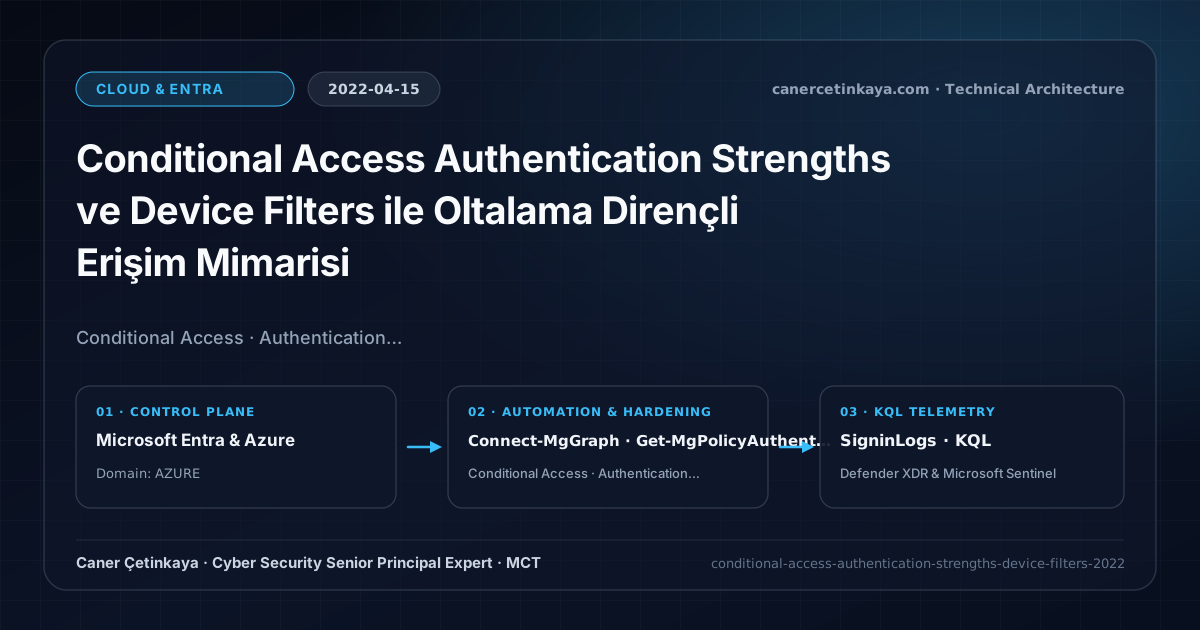
Executive Summary and Authentication Threat Context
Legacy Conditional Access Require multifactor authentication grant controls treated vulnerable SMS and voice callbacks on par with cryptographic tokens—leaving accounts exposed to Adversary-in-the-Middle (AiTM) phishing kits. In 2022, Authentication Strengths paired with inline Filter for devices transformed access control by restricting sensitive workloads exclusively to phishing-resistant credentials on compliant corporate endpoints.
From an architectural evolution standpoint, this foundational design connects directly to modern platform controls. Ending the era of "all MFA methods are equal" in 2022, Authentication Strengths and Device Filters form the structural foundation for Entra ID PIM, Conditional Access & XDR Resilience.
Trust Boundaries, Policy Evaluation, and Design Principles
- The built-in
Phishing-resistant MFAstrength restricts authentication strictly to FIDO2 security keys, Windows Hello for Business, and Entra CBA, blocking SMS/Voice/TOTP downgrade paths. Filter for devicesevaluates device properties directly (device.trustType -eq "AzureAD" -and device.isCompliant -eq true) without managing sprawling dynamic Azure AD device groups.- Maximizes prior investments in Passwordless FIDO2 and Windows Hello for Business across high-privilege control planes.
- Every Conditional Access and authentication-strength policy must stage in
Report-Onlymode while excluding two dedicated cloud-onlyBreak-Glassaccounts to prevent tenant-wide administrative lockouts.
Prerequisites, Licensing Scope, and RBAC Separation
- Licensing: Azure AD Premium P1 (included in M365 E3/E5) for Authentication Strengths and Device Filters.
- RBAC Role: Conditional Access Administrator scoped with initial Report-Only rollout.
- Deployment Dependency: Users lacking registered FIDO2 keys or WHfB profiles encounter hard blocks upon sign-in if Phishing-Resistant MFA is enforced prematurely.
Technical Verification, Session Controls, and Enforcement
PowerShell Policy Audit and Report-Only Validation
Listing Authentication Strength definitions and Device Filter rules via Microsoft Graph PowerShell:
- Execution Environment and Prerequisites: Requires Microsoft.Graph.
- Least Privilege and Operation Separation: Run with scoped Least-privilege Graph `.Read.All` scopes (delegated admin role only for writes) privileges. All statements above are **read-only (
Get-*/Test-*/Search-*)** verification checks making no direct configuration edits; still validate module/network prerequisites in a test cohort first. - Security Control Mapped and Boundary Note: Verifies active policy state and guards against silent drift or mis-scoped rollouts without blind production changes.
# 1. Inspect available built-in and custom Authentication Strength policies
Connect-MgGraph -Scopes "Policy.Read.All"
Get-MgPolicyAuthenticationStrengthPolicy |
  Select-Object Id, DisplayName, PolicyType, AllowedCombinations

# 2. Audit Conditional Access policies utilizing inline Device Filters
Get-MgIdentityConditionalAccessPolicy |
  Where-Object { $_.Conditions.Devices.DeviceFilter.Rule } |
  Select-Object DisplayName, State, @{N="FilterMode";E={$_.Conditions.Devices.DeviceFilter.Mode}}, @{N="Rule";E={$_.Conditions.Devices.DeviceFilter.Rule}}
Sign-In Telemetry and KQL Verification Query
KQL query inspecting Conditional Access report-only results and Authentication Strength evaluations:
// Execution Scope: Read-only hunting/audit query (Log Analytics Reader / Security Reader)
// Data Source: Microsoft Entra ID Diagnostic Settings -> Log Analytics / Microsoft Sentinel (SigninLogs / AuditLogs)
SigninLogs
| where TimeGenerated > ago(14d)
| mv-expand CA = ConditionalAccessPolicies
| extend PolicyName = tostring(CA.displayName), PolicyResult = tostring(CA.result)
| where PolicyName has "PhishingResistant" or PolicyResult == "reportOnlyFailure"
| summarize Events = count() by PolicyName, PolicyResult, AuthenticationRequirement
| order by Events desc
Critical Architectural Assessment, Lockout Risks, and Rollback Strategy
- Inverting Include/Exclude Device Filter Logic Incorrectly: Mixing
-neoperators inside anexcludedevice filter rule commonly permits unmanaged personal endpoints unintentionally; always validate in the What If engine. - Blocking Legacy Native Clients Without a Tiered Path: Enforcing strict FIDO2 globally before upgrading mobile clients breaks legacy workflows; tier policies from Admin Portals -> High-Risk Apps -> All Users.
- Risks Mitigated vs. Residual Limitations: Conditional Access baselines,
Authentication Strengths,CAE, and token protection substantially curtail password spray, MFA fatigue, and stolen-cookie replay; however, they do not stop shadow SaaS apps lacking Entra SSO, legacy clients lacking token-binding support, or post-authentication data abuse inside legitimately accessed applications. - New Dependencies and Production Failure Modes: Enforcement relies on
Entra ID P1/P2licensing accuracy, compliant-device telemetry latency, and low-latency external REST availability when invokingCustom Authentication Extensions. Deploying strict grant controls without exclusions locks out emergency IT operations across the entire tenant. - Rollback and Pilot Validation Procedure: Stage every new Conditional Access control in
Report-Only(enabledForReportingButNotEnforced) mode while excluding two cloud-onlyBreak-Glassaccounts; recover from unintended blocks by signing in with a Break-Glass account and switching the offending policy back toReport-Only.
Verified Primary Sources & Open-Source Repositories
This architectural guide was cross-corroborated against the official advisories, Microsoft Learn docs, and open-source PowerShell / KQL repositories below.
Multi-Channel Distribution Summary (X & LinkedIn Draft)
Toggle X (Twitter) & LinkedIn sharing drafts
Multi-Channel Distribution Summary (X & LinkedIn Draft)
Toggle X (Twitter) & LinkedIn sharing draftsStopping AiTM phishing with Conditional Access Authentication Strengths and inline Device Filters. #ConditionalAccess #EntraID #ZeroTrust
Moving beyond basic MFA: How to enforce Phishing-Resistant FIDO2/WHfB strengths and precise Device Filters in Azure AD Conditional Access.