Microsoft Edge for Business Managed Agent Browser and AI Transparency Initiative (Ignite 2026)
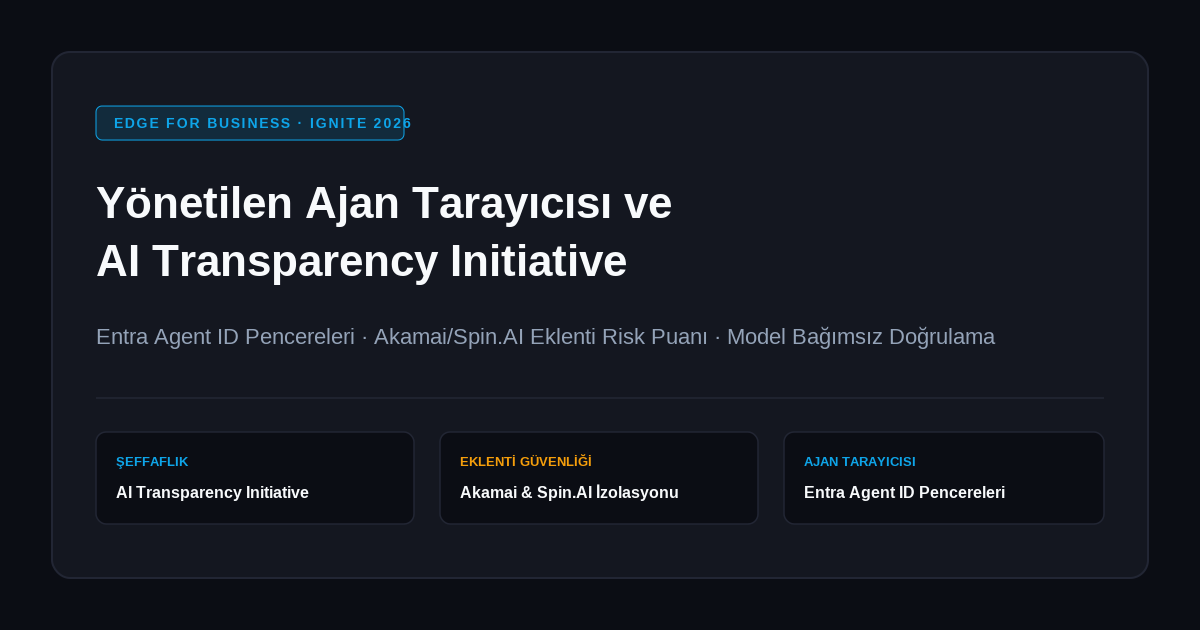
Turning the enterprise browser into a verifiable trust boundary: architectural review of Edge for Business managed agent windows (PuP), Akamai/Spin.AI extension risk scoring and page isolation, and the AI Transparency Initiative.
Most enterprise applications now live inside the browser, and autonomous browser agents executing multi-step SaaS tasks have expanded rapidly. When an AI agent clicks through corporate web apps using an employee's existing session cookies, security teams lose the ability to separate human intent from agent activity.
At Microsoft Ignite 2026, Microsoft introduced the AI Transparency Initiative, Edge for Business Extension Security, and the Managed Agent Browser to establish a verifiable browser trust boundary for both humans and autonomous agents.
AI Transparency Initiative: Model-Agnostic Verification
- Closing the enterprise evidence gap (`Enrollment open`): Announced at Ignite 2026 alongside more than 40 industry partners and aligned with NIST agent standards efforts, the AI Transparency Initiative focuses on independent verification of what models and agents access and execute.
- See, Verify, and Control: Built on the principle that a model's self-report is not independent proof, the initiative promotes open, model-agnostic visibility and governance standards across closed and open-weight AI ecosystems.
Edge for Business Extension Security and Leak Control
- Akamai and Spin.AI risk scoring (`GA / Public Preview`): Malicious or over-privileged browser extensions remain a common vector for session cookie theft and DOM scraping. Edge for Business integrates Akamai and Spin.AI risk signals directly into enterprise extension management.
- Sensitive-page extension isolation: Instead of disrupting productivity with blanket extension bans, administrators can isolate risky extensions so they cannot run on sensitive corporate web applications such as finance, HR, or source-code portals.
Managed Agent Browser in Edge for Business
- Dedicated Entra Agent ID windows (`Public Preview`): Browser agents execute inside dedicated, managed Edge for Business windows backed by their own Microsoft Entra Agent ID rather than sharing the human user's authenticated browser session.
- Integrated security telemetry: Browser agent sessions connect cleanly with Microsoft Purview DLP, Microsoft Defender, and Microsoft Sentinel, providing distinct audit trails and conditional access enforcement.
Limitations, Prerequisites, and Rollback Plan
- What it prevents and what it does not: Managed agent windows and extension isolation curb in-browser identity conflation, extension data scraping, and shadow browser automation. However, they do not prevent users from switching to an unmanaged consumer browser on their own; they are not a substitute for Intune app policies or Global Secure Access Network DLP.
- Prerequisites: Requires managed Edge for Business corporate profiles, Edge Management Service policy configuration, and Entra Agent ID onboarding for browser agents.
- Phased rollout and rollback plan: Export existing Edge for Business extension allow/block lists before enabling page isolation or managed agent windows. Roll out first to a pilot group; if a business-critical extension (such as an enterprise password manager or CRM helper) breaks on an isolated portal, exempt that specific extension or revert to the backed-up Edge policy profile and verify normal SaaS workflows.
Architectural Takeaway
The enterprise browser is no longer just a rendering client—it is the primary execution environment for both human workers and autonomous web agents. Pairing extension page isolation with Entra Agent ID-backed managed agent windows establishes a practical, auditable browser security baseline heading into 2027.
Verified Primary Sources & Open-Source Repositories
This architectural guide was cross-corroborated against the official advisories, Microsoft Learn docs, and open-source PowerShell / KQL repositories below.
Multi-Channel Distribution Summary (X & LinkedIn Draft)
Toggle X (Twitter) & LinkedIn sharing drafts
Multi-Channel Distribution Summary (X & LinkedIn Draft)
Toggle X (Twitter) & LinkedIn sharing draftsThe enterprise browser is now a workspace for both humans and AI agents. Ignite 2026 brings Edge for Business managed agent windows (Entra Agent ID), Akamai/Spin.AI extension isolation, and the AI Transparency Initiative. #EdgeForBusiness #AISecurity #Ignite2026
When browser-based AI agents reuse human session cookies, auditability disappears. Here is an architectural breakdown of Microsoft Ignite 2026 Edge for Business managed agent browser, extension leak controls, and the AI Transparency Initiative.
Related Architecture Articles
All AI Security & Gov →Microsoft Agent 365 FinOps and Observability (Ignite 2026): Cost Management, Agent Map, and Azure Monitor Trace Export
Architectural review of Microsoft Agent 365 Ignite 2026 FinOps and telemetry capabilities: Business Analytics, spend limits, Agent Map duplicate detection, Core Usage Insights, and Azure Monitor trace export.
Microsoft Agent 365 Control Plane (Ignite 2026): Multi-Cloud Discovery, Tools Registry, MCP Governance, and Secretless Federation
Architectural deep dive into Microsoft Agent 365 at Ignite 2026: multi-cloud and local agent discovery, Tools Registry (GA), MCP Server governance via Azure AI Gateway/LiteLLM, multi-tenant management, and Secretless federation.
Microsoft Entra Agent ID and Action-Time Conditional Access (Ignite 2026): 60 Local Agents, Dynamic Controls, and 60-Day Lifecycle
Architectural breakdown of Entra Agent ID for 60 local agent types and Autopilot agents, Conditional Access for assistive agents, action-time Dynamic Controls, and 60-day inactive agent disablement.
Unified Dynamic Agent Risk and Runtime Defense (Ignite 2026): Defender Runtime Protection, Action Center, and Partner Signals
Architectural review of Defender local agent runtime protection (GA Windows), identity-based agent attack disruption, multi-cloud agent posture, Unified Dynamic Agent Risk, and partner signals.