Microsoft Purview AI DLP (Ignite 2026): Unlabeled Data, Local Agents, Network DLP, and Mobile Controls
Architectural analysis of Microsoft Purview Ignite 2026 AI DLP expansion: unlabeled Copilot DLP, prompt attachments, Claude Code and Copilot CLI local agent protection, Global Secure Access Network DLP (GA), and Edge/Intune mobile DLP.
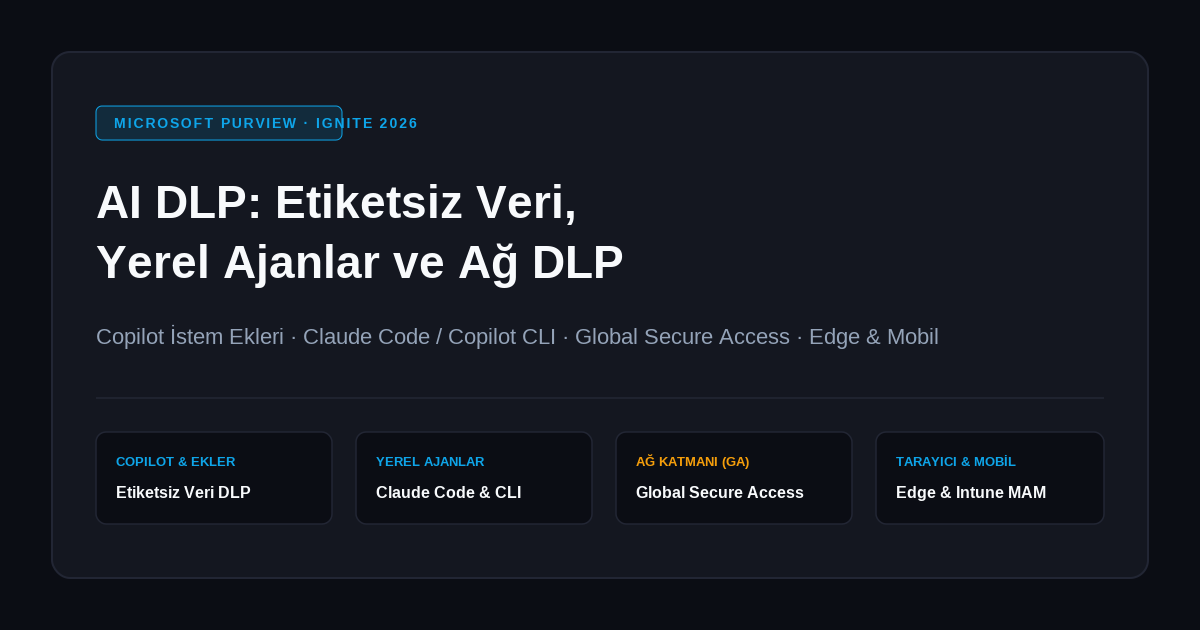
Rapid enterprise adoption of generative AI exposed the most fragile assumption in legacy Data Loss Prevention (DLP): that sensitive data would be labeled first and would only leave through email or a managed browser. In real production tenants, millions of SharePoint files remain unlabeled, developers run command-line AI agents locally on Windows workstations, and employees paste or upload sensitive content across unmanaged web apps and mobile devices.
At Microsoft Ignite 2026, Microsoft Purview expanded its DLP enforcement engine across five connected surfaces, reducing dependence on prior labeling and extending inspection to endpoints, browsers, mobile apps, and outbound network traffic. This enforcement plane builds directly on top of the Microsoft Purview Classification at Scale (500K/Day Auto-Labeling) foundation.
Copilot DLP for Unlabeled Sensitive Data and Prompt Attachments
Earlier Copilot DLP controls relied heavily on sensitivity labels, leaving unlabeled files containing financial records, credentials, or personal data eligible for grounding. According to Microsoft's Ignite 2026 announcement, two capabilities entering Public Preview in January 2027 close this gap:
- DLP for Copilot on unlabeled sensitive data (`Public Preview`, January 2027): Microsoft 365 Copilot can block processing of files that match Sensitive Information Types (SITs) or classifiers even when no sensitivity label has been applied yet. Organizations can protect high-risk data patterns immediately rather than waiting for full tenant labeling completion.
- DLP for Copilot prompt attachments and linked files (`Public Preview`, January 2027): Files uploaded directly into a Copilot prompt or referenced via links inside a prompt are evaluated against Purview DLP rules before response generation. This prevents sensitive local documents from entering Copilot sessions unchecked.
From an architectural perspective, these controls do not fix SharePoint oversharing permissions; they only restrict Copilot from processing matched sensitive content. Permission hygiene and sensitivity labeling remain foundational layers.
Endpoint DLP for Local Windows AI Agents
Engineering and IT operations teams increasingly rely on local command-line agents such as Claude Code and GitHub Copilot CLI that read local source repositories and workspace files directly from the Windows file system. Because these tools operate outside a browser session, web-only DLP policies cannot inspect their activity.
- DLP for local Windows agents (`Public Preview`, January 2027): Microsoft Purview Endpoint DLP extends inspection and enforcement to local Windows agents including Claude Code and GitHub Copilot CLI, governing how sensitive files are read or exfiltrated from developer workstations.
- Layered control alignment: Endpoint DLP for local agents does not replace Microsoft Intune Software Compliance policies or Microsoft Execution Containers (MXC) isolation. Instead, Intune governs whether an agent is allowed and isolated on the device, while Purview inspects the sensitive data flowing through approved local agents.
Network DLP with Global Secure Access (GA)
Browser extensions and managed-app controls alone cannot stop a user from uploading sensitive data to an unmanaged AI SaaS service via an alternative browser, custom script, or desktop client.
- Network DLP (`GA`): Integrated with Microsoft Entra Global Secure Access (GSA), Purview Network DLP inspects outbound HTTP/S traffic using TLS inspection and blocks sensitive uploads to unmanaged AI services regardless of the client application.
- Separation of network and identity controls: Network DLP is not a substitute for protocol-level controls such as Microsoft Entra Global Secure Access MCP Firewall. MCP Firewall governs which agents and tools can connect to specific MCP servers, whereas Network DLP inspects the payload for sensitive information.
Edge for Business and Intune-Managed Mobile Apps
Day-to-day AI usage spans both corporate browsers and mobile productivity apps. Purview extends consistent policy enforcement to both surfaces:
- Microsoft Edge for Business DLP (`Preview`): Evaluates paste actions, clipboard transfers, and file uploads to web-based AI tools directly inside managed Edge for Business profiles.
- Intune-managed mobile app DLP (`Preview`): Aligns copy-paste DLP across iOS and Android apps managed by Intune App Protection Policies (MAM), preventing sensitive corporate text from being pasted into unmanaged personal AI applications.
Limitations, Prerequisites, and Operational Risk
Consolidating five enforcement surfaces under a single Purview DLP engine improves consistency, but production deployments must account for clear technical boundaries:
- What it prevents and what it does not: It blocks and audits sensitive data matching configured SITs, classifiers, or labels across Copilot, local agents, unmanaged web uploads, Edge, and managed mobile apps, emitting telemetry to Activity Explorer and Microsoft Sentinel. However, it does not prevent screen capture, manual paraphrasing, or encrypted archive exfiltration on its own.
- Not a substitute for adjacent controls: Purview AI DLP does not replace SharePoint permission governance, Microsoft Entra Conditional Access, Microsoft Defender for Endpoint threat protection, or Intune device compliance.
- Prerequisites and licensing: Local agent DLP requires Microsoft Purview Endpoint DLP device onboarding; Network DLP requires the Global Secure Access client, traffic forwarding profiles, and TLS inspection certificates; mobile DLP requires Intune MAM policies and eligible Microsoft 365 E5 / Purview licensing. Because several capabilities target Public Preview in January 2027, confirm regional availability and preview scope in official Microsoft Purview release notes prior to broad rollout.
- Misconfiguration impact: Enabling overly broad SIT rules directly in block mode can disrupt developer workflows (Claude Code, Copilot CLI) or legal and finance Copilot usage through false positives. Enabling GSA TLS inspection without bypass lists for certificate-pinned applications can break legitimate client connectivity.
Phased Rollout and Rollback Plan
Deploying AI DLP safely in production requires a measured change-management sequence:
- Baseline snapshot and pilot scope: Before modifying policies, export current Purview DLP policy configurations and Global Secure Access forwarding and TLS bypass profiles. Begin with a pilot group covering IT, security, and volunteer engineering teams.
- Simulation mode and calibration: Run new policies in simulation (audit) mode for at least 14 days. Review Activity Explorer and Sentinel telemetry to tune noisy SIT thresholds and identify certificate-pinned apps requiring GSA bypass rules.
- Gradual enforcement: Transition high-confidence data types first to block with override justification, reserving hard blocks for well-calibrated sensitive classes.
- Success criteria: Stable help desk ticket volume in the pilot group, zero broken developer CLI or SaaS workflows, and verified enforcement logs across test cases (unlabeled files, prompt attachments, local agent reads, and unmanaged SaaS uploads).
- Rollback plan: If an unexpected workflow disruption occurs, switch the impacted Purview DLP rule back to simulation mode without deleting policy telemetry, or exclude the affected user group temporarily. For Network DLP connectivity regressions, restore the prior GSA TLS inspection bypass list and verify normal operation of Copilot, developer CLI tools, and business-critical web applications.
Architectural Takeaway
With Ignite 2026, Microsoft Purview AI DLP evolves into a unified enforcement plane that no longer forces security teams to finish multi-year labeling backlogs before protecting AI workflows. The most practical enterprise sequence is to deploy Global Secure Access Network DLP (GA) and foundational classification improvements immediately, while preparing pilot engineering cohorts and calibrated SIT rules ahead of the January 2027 Public Preview wave for unlabeled Copilot data, prompt attachments, and local Windows agents.
Verified Primary Sources & Open-Source Repositories
This architectural guide was cross-corroborated against the official advisories, Microsoft Learn docs, and open-source PowerShell / KQL repositories below.
Multi-Channel Distribution Summary (X & LinkedIn Draft)
Toggle X (Twitter) & LinkedIn sharing drafts
Multi-Channel Distribution Summary (X & LinkedIn Draft)
Toggle X (Twitter) & LinkedIn sharing draftsMicrosoft Purview AI DLP moves beyond labeled files: Copilot DLP on unlabeled data & prompt attachments, local Windows agent DLP for Claude Code / Copilot CLI (PuP Jan 2027), Global Secure Access Network DLP (GA), and Edge/mobile DLP. #MicrosoftPurview #DLP #Ignite2026
When DLP only covers email and SharePoint sharing, AI tools become the largest exfiltration blind spot. Here is an architectural breakdown of the five Microsoft Purview AI DLP layers announced at Ignite 2026, including prerequisites, limitations, and rollback planning.
Related Architecture Articles
All Microsoft Purview →Microsoft Purview Classification at Scale (Ignite 2026): 500,000 Files/Day Auto-Labeling, Recurring Refresh, and Data at Rest
Architectural review of Microsoft Purview Ignite 2026 classification updates: 500K files/day auto-labeling (GA), 20M simulation, Unified Classification, Enhanced SITs, Recurring Refresh, and SharePoint Data at Rest labeling.
Microsoft Purview Referential Architecture [Part 8/8]: Microsoft 365 Copilot & Cowork Governance — Label Inheritance, 7-Layer Oversharing Shield, Storage & Current DLP
Final installment (Part 8/8) of the Microsoft Purview Architecture Series dissects M365 Copilot & Cowork protection across Diagrams 13–16: sensitivity/encryption inheritance on internal and external files, the 7-layer oversharing stack (Restricted Content Discovery, SAM RAC), all 4 physical storage boundaries, and Copilot DLP rules updated through 11/10/2026.
Enterprise GenAI Data Protection with Microsoft Purview Browser DLP, Intune, and BYOD Controls
Architecting multi-layer browser and AI data protection across managed endpoints (Intune Settings Catalog + Edge for Business) and unmanaged BYOD sessions (Conditional Access Session Control), verified via Compliance PowerShell, DeviceEvents KQL, and critical gap analysis.
Microsoft Purview Referential Architecture [Part 7/8]: Collection Policies Pre-Ingestion Gate, Insider Risk Trigger Boundaries & Adaptive Protection
Part 7 of the Microsoft Purview Architecture Series examines the 6-stage Collection Policies ingestion funnel (Dropped pre-ingestion), why Device Collection Policies supersede IRM indicator toggles, the mandatory Endpoint Always Audit switch, IRM's High-severity EXO/SPO/OneDrive-only trigger limit, and Adaptive Protection.