Microsoft Perception (GA) Architecture: Closed-Loop Agentic SOC with Red, Blue, and Green Team Agents
Architectural deep dive into Microsoft Perception (GA at Ignite 2026): how Red, Blue, and Green Team AI agents collaborate inside Microsoft Defender, plus human approval gates, limitations, and safe SOC rollout.
Traditional Security Operations Centers (SOCs) were built around human-paced queues: an alert arrives, a Tier 1 analyst triages it, enriches indicators, escalates to Tier 2, and opens an IT ticket that waits days for remediation. In 2026, threat telemetry makes that latency untenable—median time from vulnerability disclosure to weaponization has dropped below 24 hours, and the fastest observed intrusions move from initial access to exfiltration in just over an hour.
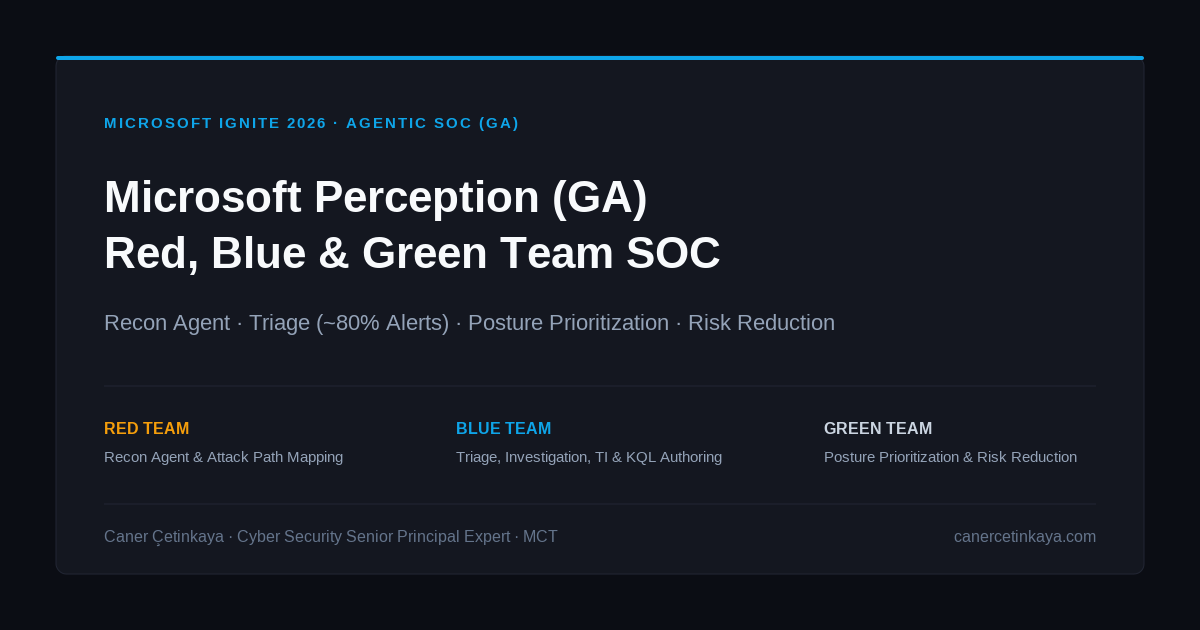
Transitioning to General Availability (GA) on November 17, 2026 at Microsoft Ignite, Microsoft Perception (formerly Project Perception) moves security AI beyond a single chat sidebar into a closed-loop multi-agent SOC organized around specialized Red, Blue, and Green Team agents inside the Microsoft Defender portal.
Why Three Specialized Agent Teams Instead of One Assistant?
Offensive scouting, high-volume alert triage, and production-safe remediation require fundamentally different reasoning models and guardrails. Rather than forcing one monolithic prompt to handle every discipline, Microsoft Perception coordinates three specialized agent groups natively inside Defender without requiring a separate standalone console.
Red Team: Continuous Attacker-Perspective Validation
- Recon Agent (`GA`): Performs read-only attacker-perspective analysis across Azure and Microsoft Entra ID—mapping permissions, resource relationships, and choke points to expose realistic attack paths before a breach occurs, backed by verifiable evidence.
- Web App Pen Test Agent (`Public Preview`): Executes controlled runtime penetration tests against authorized web applications (logic, APIs, injection, and authentication paths) and proposes code-level fixes directly into GitHub.
Blue Team: Machine-Speed Triage and Detection Engineering
- Triage Agent (`GA`): Autonomously classifies roughly 80% of alerts in a typical Defender queue, separating true positives from benign noise with transparent reasoning.
- Attack Investigation Agent (`GA`): Connects dispersed endpoint, identity, email, and cloud signals into a unified incident narrative.
- Threat Intelligence & Detection Authoring Agents (`GA`): The Extract threat intel playbook pulls actionable artifacts from external threat reports, while Detect emerging threats authors tenant-specific KQL detections, backtests them against historical telemetry, and recommends tuning.
Green Team: Turning Exposure Into Actionable Remediation
- Posture Prioritization Agent (`GA`): Evaluates findings beyond raw severity scores—factoring in exploitability, exposure paths, and asset criticality to highlight single fixes that protect multiple assets simultaneously.
- Risk Reduction Agent (`Public Preview`): Works through the Plan for posture remediation (
GA) and Reduce exposure risk (Public Preview) playbooks to translate priority findings into concrete Intune patching plans or Defender vulnerability shielding controls.
How the Closed Loop Operates
Unlike brittle linear SOAR scripts, Perception agents share live context. When a high-impact flaw emerges, Blue Team agents extract indicators and draft backtested KQL rules while Red Team's Recon Agent verifies whether an exploitable path actually exists in your tenant. Green Team then ranks the exposure and hands a concrete patch plan to IT via the Intune Vulnerability Remediation Agent. Once remediated, Red Team re-validates that the attack path is closed.
Architectural Assessment: What an Agentic SOC Does Not Solve
Enterprise security architects should keep three boundaries front and center:
- Garbage in, garbage out: Missing telemetry connectors, untagged crown-jewel assets, or broken Defender-to-Intune bridges directly degrade agent prioritization and investigation quality.
- Not a replacement for human accountability: Agents accelerate scoping and reasoning, but production changes—patch waves, account containment, or firewall rules—must remain behind explicit
human-in-the-loopapproval gates. - Tuning discipline still matters: Even backtested KQL detections generated by
Detection Authoringcan collide with legitimate administrative scripts in production; validate new rules in audit or low-noise monitoring before automating response.
Enterprise Adoption Roadmap and Rollback Guardrails
A disciplined rollout minimizes operational friction while proving measurable SOC value:
- Phase 1 — Read-only validation (`Recon` + `Posture Prioritization`): Run read-only scouting and posture ranking for 2–4 weeks and benchmark outputs against senior architect reviews.
- Phase 2 — Supervised triage (`Blue Team`): Review
Triage Agentverdicts with senior analysts to confirm near-zero false negatives before expanding queue automation. - Phase 3 — Gated remediation (`Green Team`): Approve
Reduce exposure riskplaybooks strictly in pilot device rings before broad deployment. - Rollback plan: If a playbook misclassifies alerts or scopes an unintended asset group, immediately pause the playbook in the Microsoft Defender portal, switch automated triggers back to manual approval, audit affected alert/device changes via activity logs, and revert to standard analyst queue handling.
Microsoft Perception (GA) does not replace skilled defenders; it shifts the exhausting correlation, triage, and prioritization burden to machine speed so human analysts can focus on judgment, governance, and high-stakes decisions.
Primary Sources
- Microsoft Tech Community — Microsoft Perception for Azure Platform Teams: How Multi-Agent Security Works (November 2026)
- Microsoft Tech Community — Ignite 2026: What's new in Microsoft Defender & Sentinel (November 2026)
- Intune Customer Success — Microsoft Perception helps IT drive outcomes and scale (November 2026)
Verified Primary Sources & Open-Source Repositories
This architectural guide was cross-corroborated against the official advisories, Microsoft Learn docs, and open-source PowerShell / KQL repositories below.
Multi-Channel Distribution Summary (X & LinkedIn Draft)
Toggle X (Twitter) & LinkedIn sharing drafts
Multi-Channel Distribution Summary (X & LinkedIn Draft)
Toggle X (Twitter) & LinkedIn sharing draftsMicrosoft Perception is now GA (Ignite 2026): a closed-loop Agentic SOC uniting Red (Recon), Blue (Triage ~80% alerts, Investigation, KQL Authoring), and Green Team agents inside Defender. Full architecture guide live. #MicrosoftPerception #AgenticSOC #Ignite2026
With attacker breakout times shrinking to minutes, linear human-only alert queues cannot keep up. Here is an architectural breakdown of Microsoft Perception (GA at Ignite 2026) — covering Red, Blue, and Green Team agents, playbook chaining, limitations, and safe enterprise adoption.
Related Architecture Articles
All Microsoft Defender →Microsoft Perception Ecosystem: API/MCP Integration, Third-Party Signals, CTEM, and Security FinOps
Architectural review of Microsoft Perception's open ecosystem (APIs, MCP Server, AWS/Okta/Salesforce signals), native Defender workflow triggers, AI Readiness Initiatives CTEM, and Cost Management.
Microsoft Defender ISOC and Sentinel Unified SOC (Ignite 2026): 90-Day Retention, Ingest-Time Normalization, and Multi-Cloud UEBA
Architectural breakdown of Microsoft Defender ISOC (Ignite 2026): Sentinel opt-in, 90-day Defender retention, built-in data lake, ingest-time normalization, Detections as Code, and multi-cloud UEBA.
Frontline Defenses Against 2027 Attack Vectors: ClickFix Clipboard Monitor, Vulnerability Shielding, and Teams Deepfake Detection
Architectural review of four Microsoft Ignite 2026 Defender frontline defenses: DefenderSessionHelper.exe ClickFix clipboard protection, pre-patch Vulnerability Shielding, Teams malicious QR blurring, and certified meeting deepfake detection.
Microsoft Baseline Security Mode 2026 and On-Premises Security Initiative (Ignite 2026): Hybrid Hardening Architecture
Architectural review of Microsoft Baseline Security Mode 2026 (+24 settings across Intune, Purview, Dynamics 365 with simulation mode), On-Prem BSM for Exchange and SharePoint Server, On-Premises Security Initiative, and Secure Now.